
Geometric CV template
Sharp angular shapes cut across the top and bottom corners, framing a tidy two-column CV.
- With a photo
- Two columns
- 5 colours
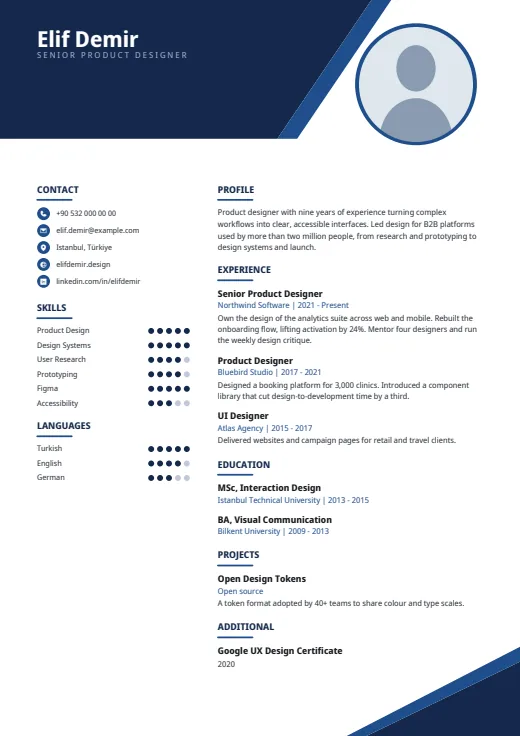
5 colours to choose from
The layout stays; only the colours change.
-
Navy
-
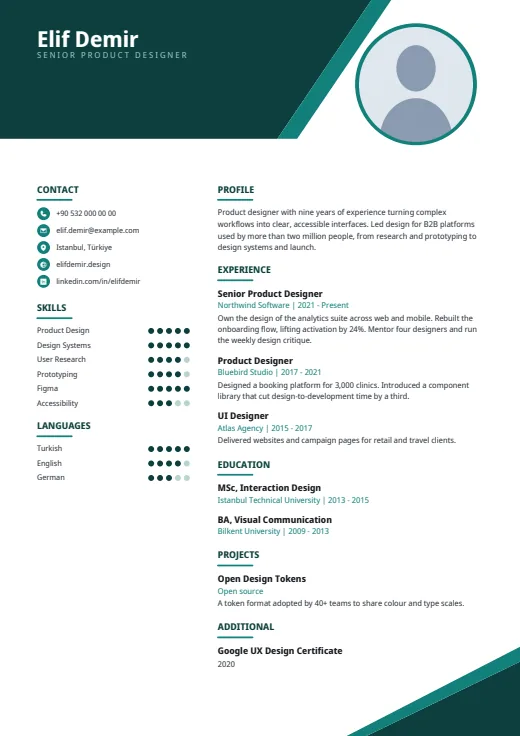 Teal
-
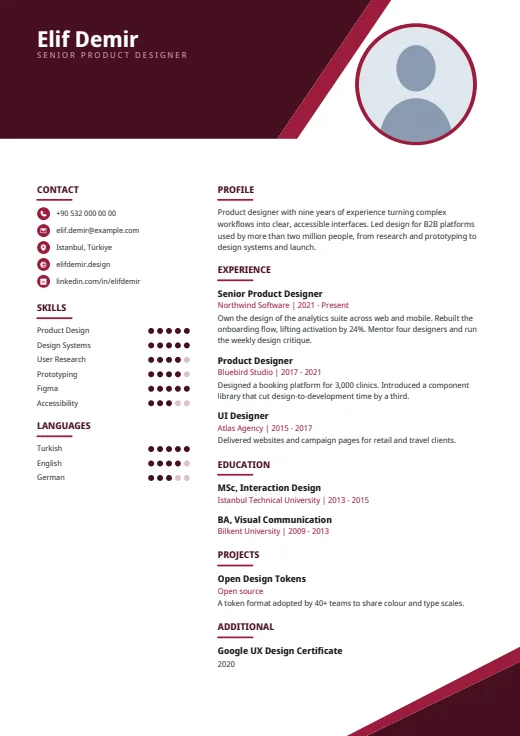 Burgundy
-
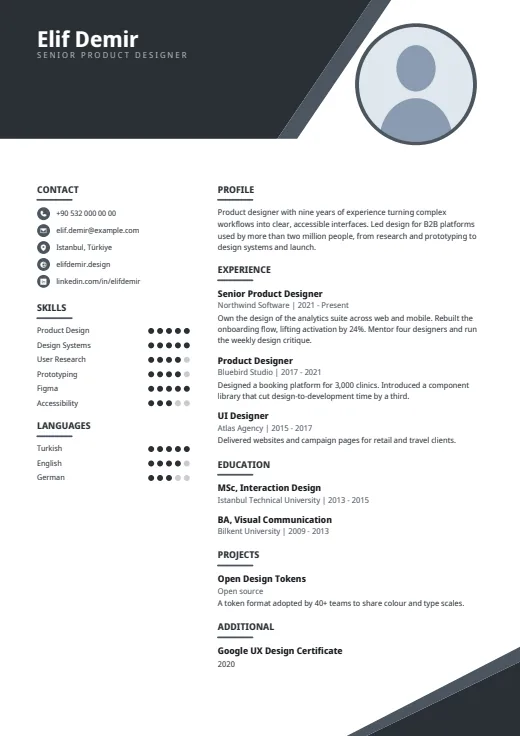 Graphite
-
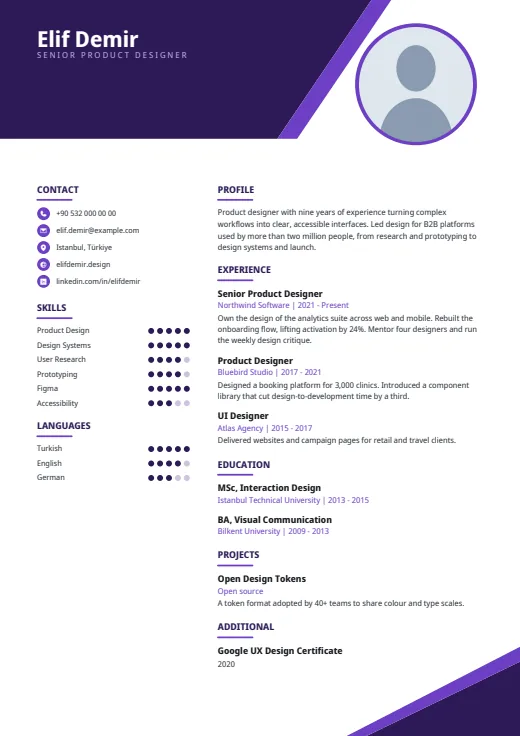 Plum
What sets it apart
-
Shapes in two corners
A dark angular block with a slanted accent stripe fills the top left of page 1 and holds your name and spaced-out job title. A matching triangle marks the bottom-right corner of every page.
-
Five-dot ratings
Each skill and language gets five dots in the left column, under contacts on small accent discs. Nine skills fit; add a tenth and the whole list is repeated in the main column, levels in words.
-
Profile leads the main column
Your summary opens the right-hand column under Profile and flows at full size. Company and years sit in the accent colour under each job title; from page 2 on, text uses the full width.
Who it suits
- Analysts and consultants who want levels visible at a glance
- Marketing and sales roles where a bolder, graphic look suits
- Early-career candidates whose one-page CV needs some visual weight
How an ATS reads it
Geometric's angles are vector decoration; the words are real text a parser can read. Built for human readers first, it has three details to note. The left column is a separate frame that a few systems mix into the main text. The job title under your name is letter-spaced, so some parsers see single letters. Dots are shapes: the name is read, the level is not. Facing a strict portal? Plain ATS is the safer pick.
Use this design
Build your CV, then choose Geometric in the design gallery.
Start in Quick CVQuick CV needs no account; the design gallery opens once you sign up. Every plan can preview every design, and the PDF download comes with Standard and Premium.
Questions about Geometric

Do the Geometric shapes appear on every page?
Partly. The large angular header is on page 1 only; the bottom-right triangle repeats on every page. From page 2 the text spans the full width and stops above the triangle, so there the shape never covers a line.
How does Geometric turn B2 or Advanced into dots?
It reads what you entered: Native, C2 or Expert fill all five dots, B2 and Advanced fill four, and 4/5 or 80% work too. A blank or unreadable level gets a default part-filled row, so fill levels in or hide them in Options.
Can I use Geometric without a photo?
Yes. The ringed circle at the top right stays, filled with a soft tint of the design's colour, and nothing moves. Applying where photos are usually left off? A design with no photo frame, such as Chrono, may suit better.
More designs
-
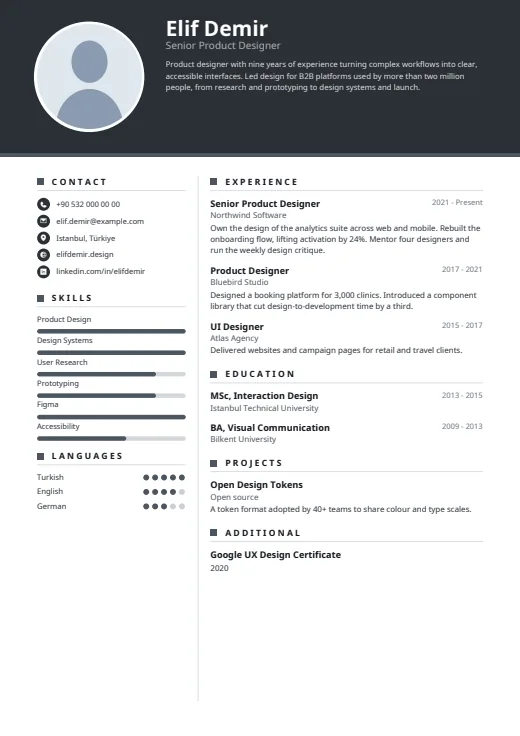 Graphite
A dark header band carries your photo, name and summary above a calm, light page.
Photo · Two columns · 5 colours
-
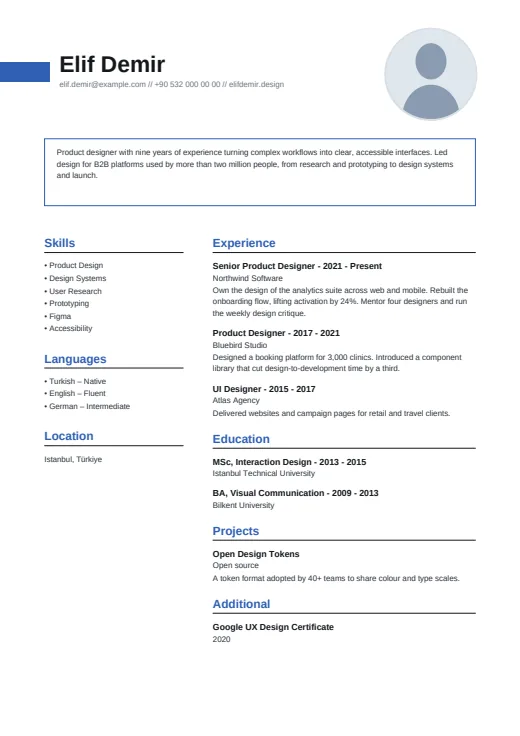 Boxed
Your summary gets its own thin outlined box, under a bold name and a small round photo.
Photo · Two columns · 5 colours
-
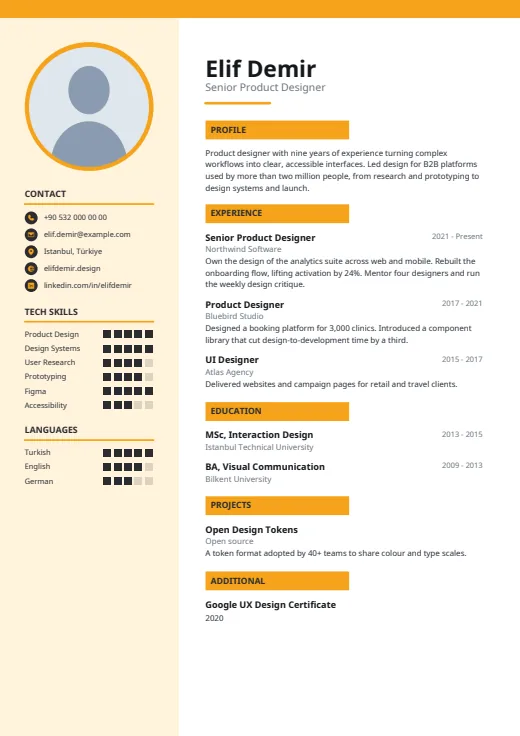 Meter
Square-segment meters rate your tools in a tinted side column, beside a clean white main page.
Photo · Two columns · 5 colours