
Graphite CV template
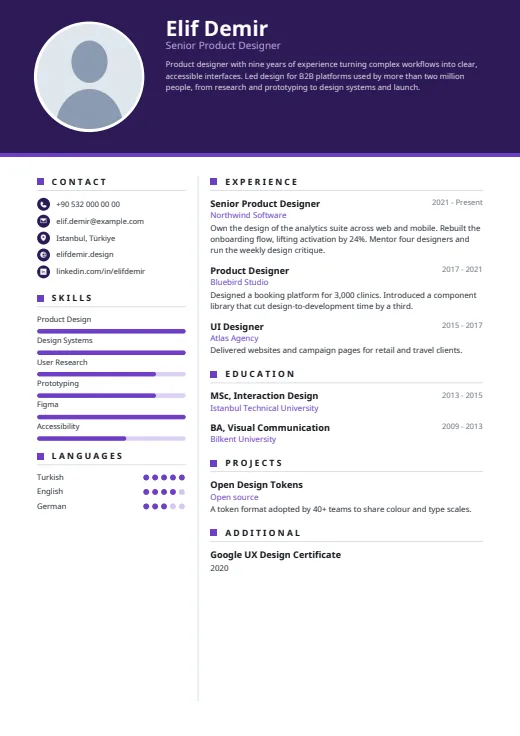
A dark header band carries your photo, name and summary above a calm, light page.
- With a photo
- Two columns
- 5 colours
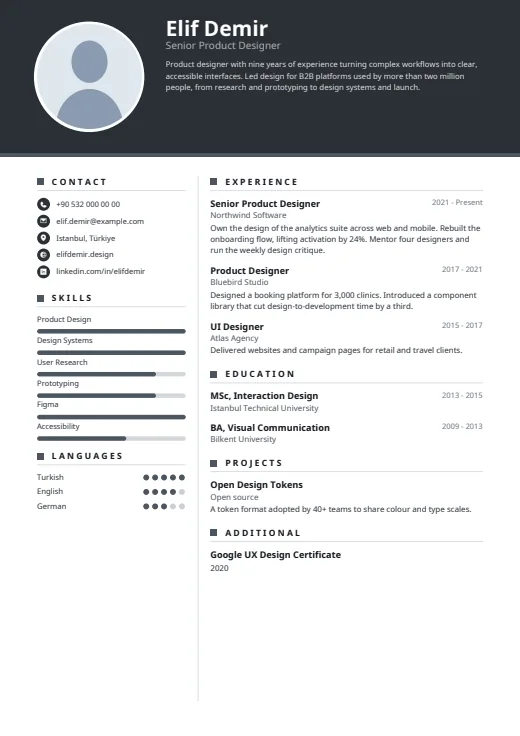
5 colours to choose from
The layout stays; only the colours change.
-
Graphite
-
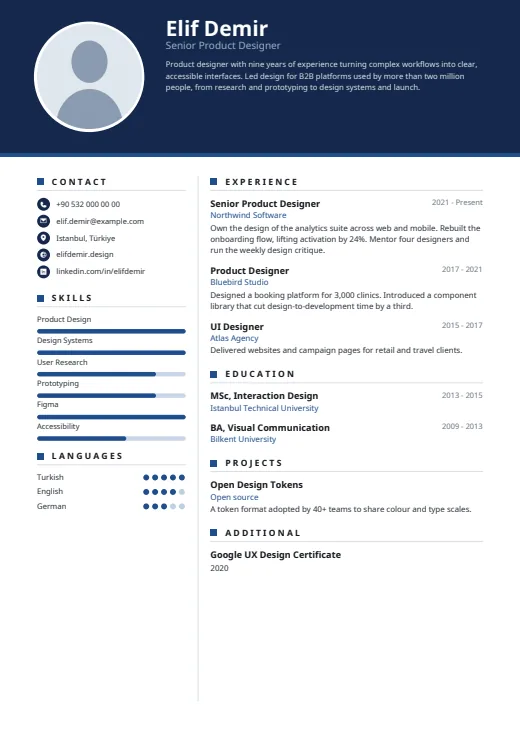 Navy
-
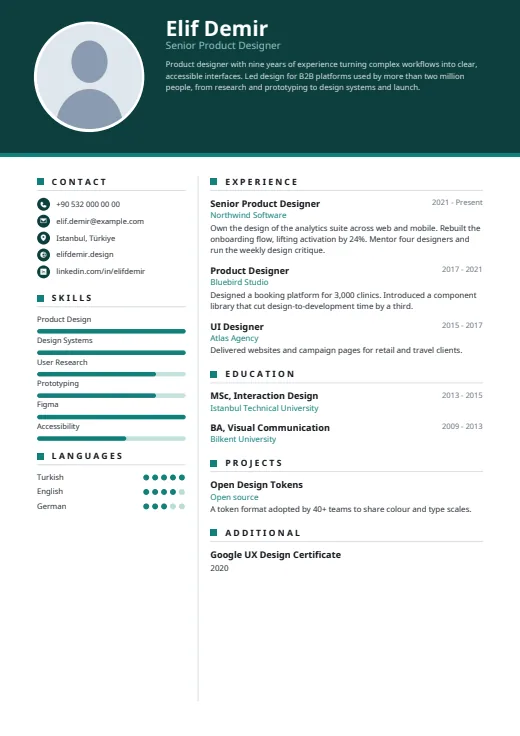 Teal
-
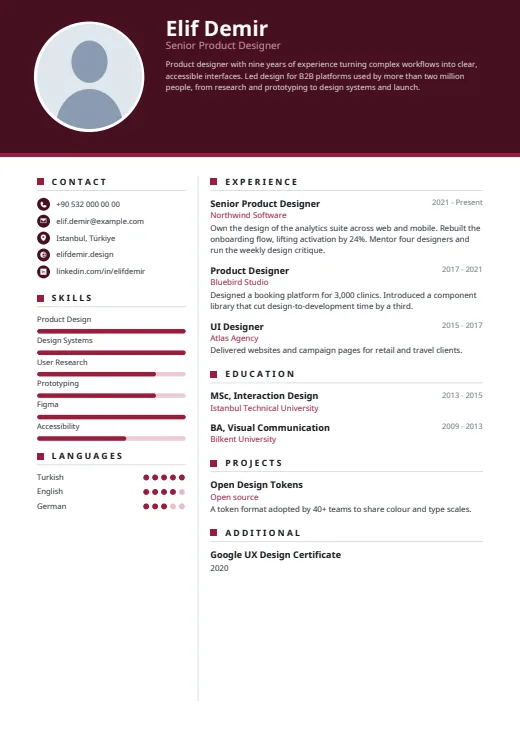 Burgundy
-
 Plum
What sets it apart
-
Summary in the header
Your name, job title and summary share the dark band beside a round, white-ringed photo. The box has a fixed size, so a long summary shrinks all of its text, your name included.
-
Bars and dots for levels
Skills get rounded bars and languages five dots, in the left column under contacts with small icons. Nine skills fit there; any beyond that are not lost, as the full list also appears in the main column.
-
Dates on the title line
Years sit at the right end of each job-title line, with the employer below in the accent colour. Headings pair a small square with spaced capitals, and a thin divider runs between the columns on every page.
Who it suits
- Mid-career and senior candidates with a short, strong summary
- Product, design and tech roles that suit a restrained, modern look
- Applications where a photo on the CV is usual
How an ATS reads it
Every word in Graphite is real, selectable text; the photo is the only image. Three details matter. The two columns are separate areas, and some parsers read them out of order. Section headings are letter-spaced, so a few parsers may see single letters. Bars and dots are shapes: the skill name is read, its level is not, and you can hide levels in Options. For strict online portals, use Plain ATS.
Use this design
Build your CV, then choose Graphite in the design gallery.
Start in Quick CVQuick CV needs no account; the design gallery opens once you sign up. Every plan can preview every design, and the PDF download comes with Standard and Premium.
Questions about Graphite

How long should my summary be in Graphite?
A few sentences. The summary shares a fixed-size box in the header band with your name and job title. Long text is never cut off; the whole box is set smaller instead, so a short summary keeps your name at full size.
Can I hide Graphite's skill bars and language dots?
Yes. In the design gallery, open Options and switch off Show skill levels or Show language levels. The names stay as a plain list. Levels you keep follow what you entered, such as Expert, B2 or 80%.
Does Graphite's dark header print well?
Yes. The band is a solid vector shape carrying real text, sharp on screen and in print, and it appears on page 1 only. Home printers often leave a thin unprinted margin, so on paper it may stop just short of the edge.
More designs
-
 Harbor
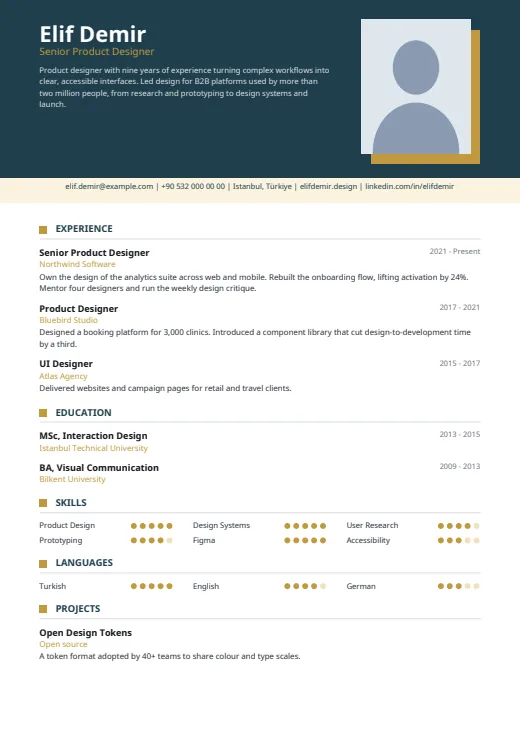
A dark header with your photo and summary, then one clean column that reads top to bottom.
Photo · One column · 5 colours
-
 Geometric
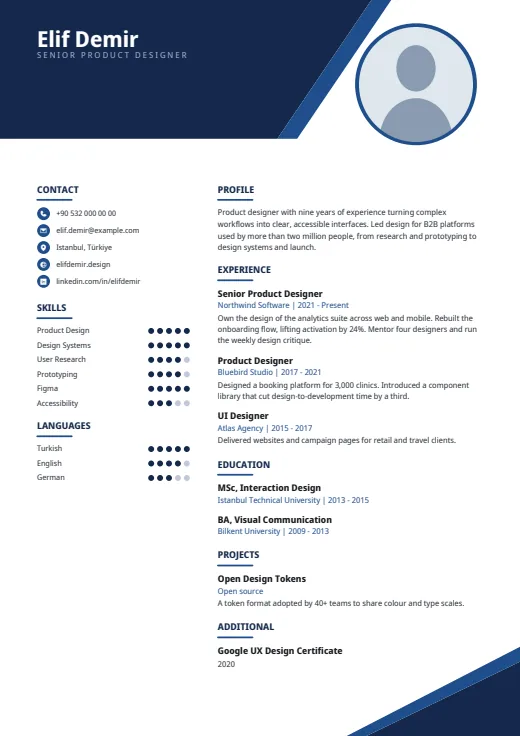
Sharp angular shapes cut across the top and bottom corners, framing a tidy two-column CV.
Photo · Two columns · 5 colours
-
 Crossbar
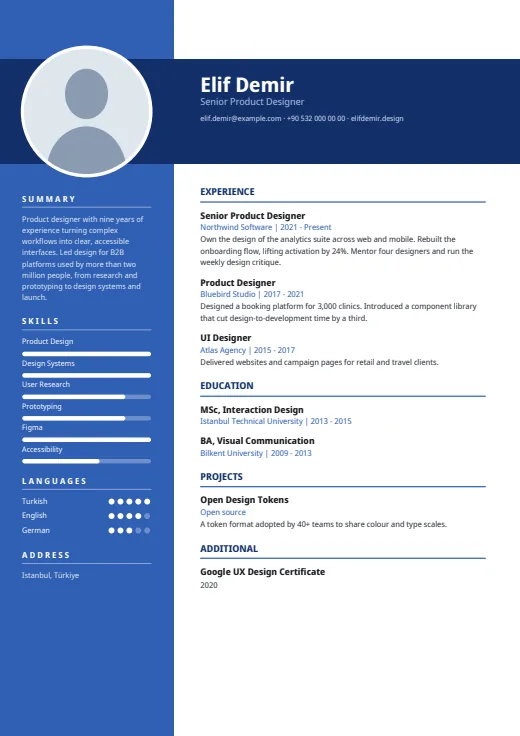
A full-colour side column, crossed near the top by a dark bar that carries your name and photo.
Photo · Two columns · 5 colours