
Meter CV template
Square-segment meters rate your tools in a tinted side column, beside a clean white main page.
- With a photo
- Two columns
- 5 colours
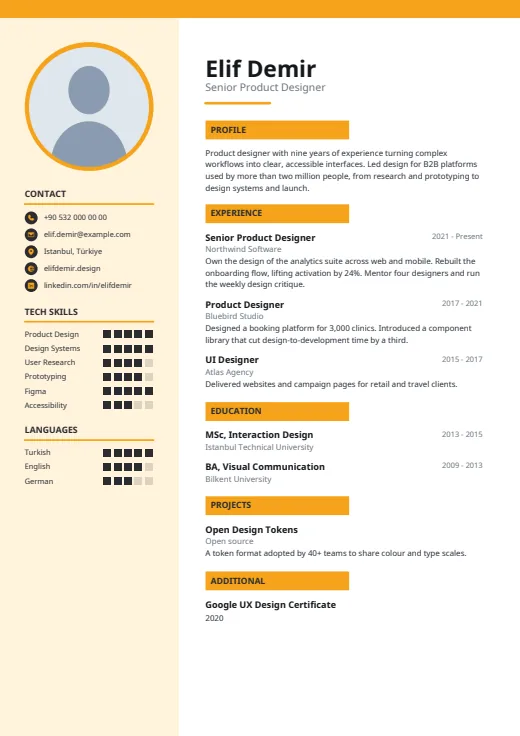
5 colours to choose from
The layout stays; only the colours change.
-
Amber
-
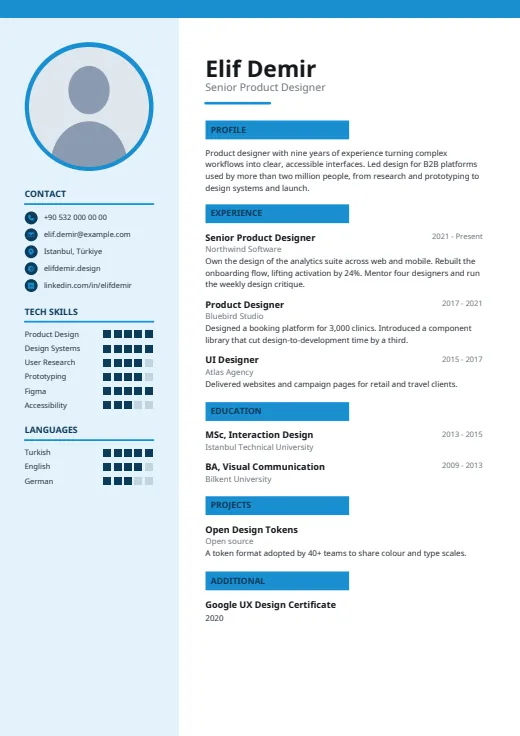 Sky
-
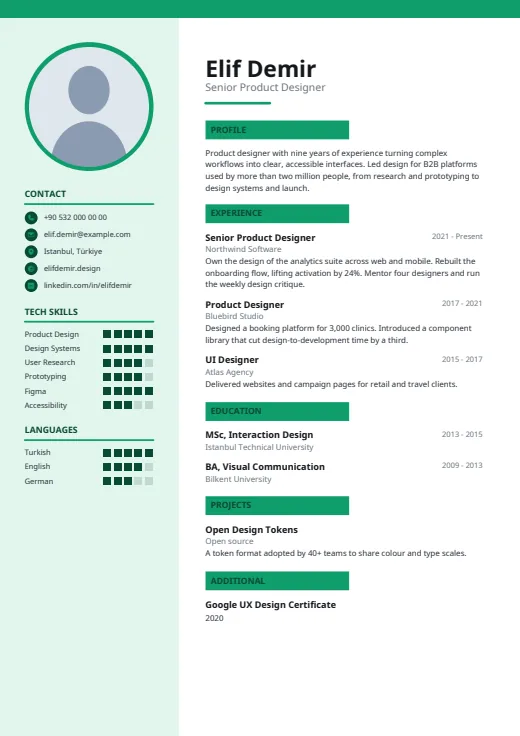 Emerald
-
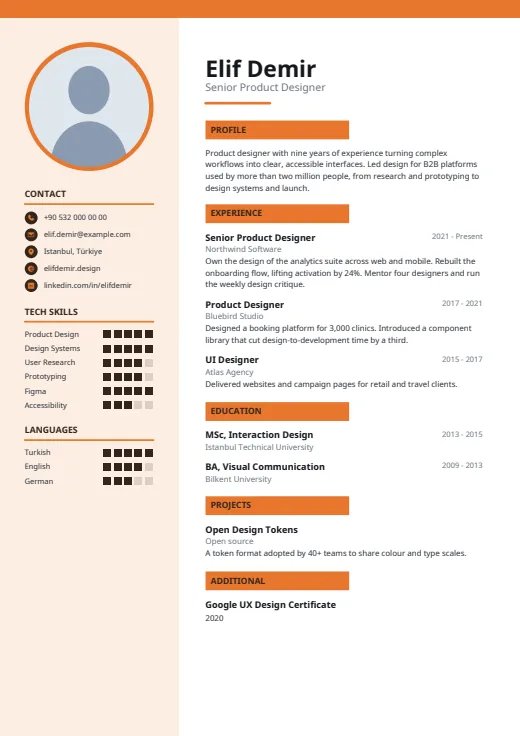 Tangerine
-
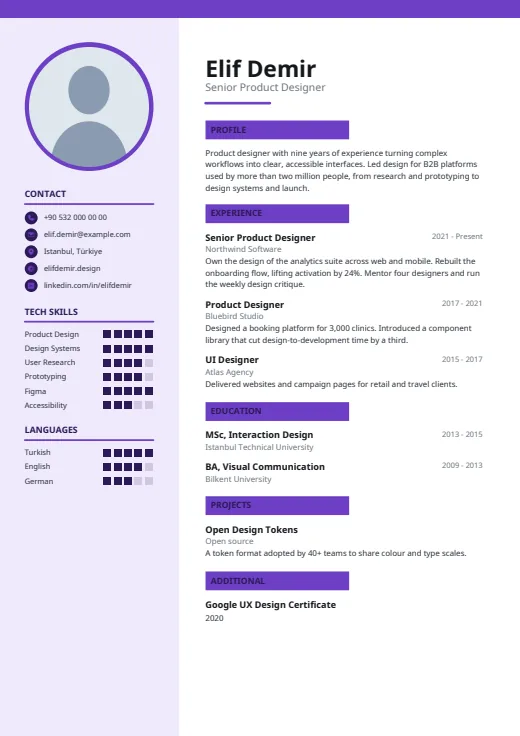 Plum
What sets it apart
-
Segments, not bars
Every tech skill and language gets five square segments, filled in a dark tone on the tinted column. They fill in whole steps, so the gap between two levels is easy to see.
-
Name on the white side
Photo and contacts live in the side column, so the main page opens with your name in large black type, the job title in grey and a short, thick accent rule, then your profile at full size.
-
Headings on colour plates
Section headings sit on solid accent plates in dark capitals, and a thin accent bar crosses the top of every page. Years align right on each job-title line, with the employer in grey.
Who it suits
- Software developers and data people with many tools to rate
- IT, QA and DevOps candidates whose CV is mostly tools and certificates
- Engineering graduates who want their stack up front
How an ATS reads it
Meter avoids letter-spacing: your name, job titles and headings are ordinary text a parser reads word by word. Two things still matter. Segment meters are shapes, so a parser takes the skill or language name and not the level; hide levels in Options to leave just names. And the tinted column is a separate frame that some systems read out of order. For a strict portal, switch to Plain ATS.
Use this design
Build your CV, then choose Meter in the design gallery.
Start in Quick CVQuick CV needs no account; the design gallery opens once you sign up. Every plan can preview every design, and the PDF download comes with Standard and Premium.
Questions about Meter

How does Meter fill its segments?
From the level you entered: Expert or Native fills the whole meter, Advanced or B2 fills four squares, and 4/5 or 80% are read as written. A blank or unrecognised level gets a default part-filled meter that may not match you, so enter every level or switch the meters off in Options.
Does Meter suit a long list of tools?
Yes, it was drawn with technical CVs in mind. The side column holds ten tech skills; add more and the full list also appears in the main column as a grid of segment meters. Languages beyond five are added there as text.
What if I have no photo in Meter?
The circle stays at the top of the tinted column with its accent ring, filled in white, and nothing else moves. You can add or change the photo in your profile at any time.
More designs
-
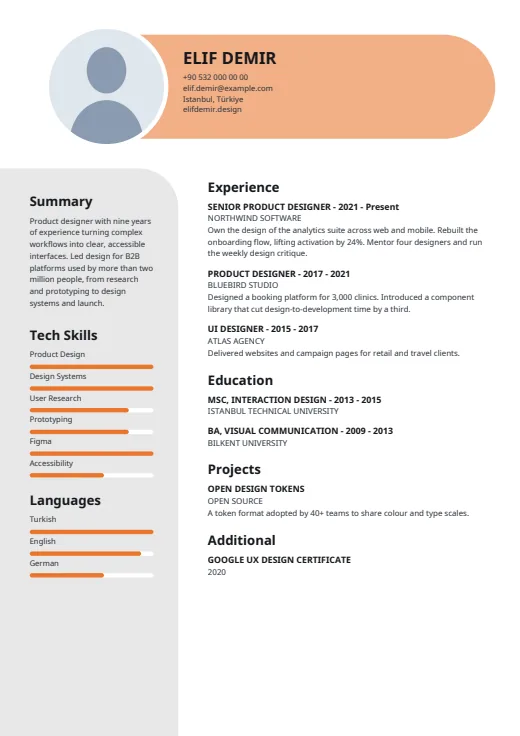 Capsule
Your name and contacts sit in a rounded colour capsule, with skill bars on a soft grey panel.
Photo · Two columns · 5 colours
-
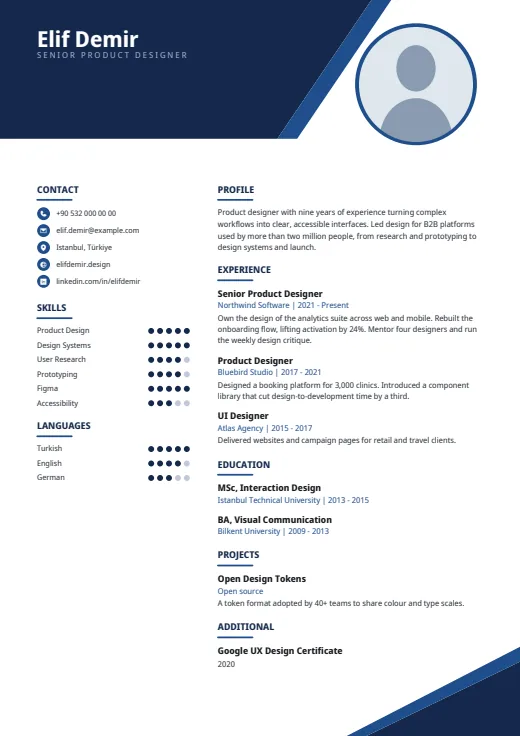 Geometric
Sharp angular shapes cut across the top and bottom corners, framing a tidy two-column CV.
Photo · Two columns · 5 colours
-
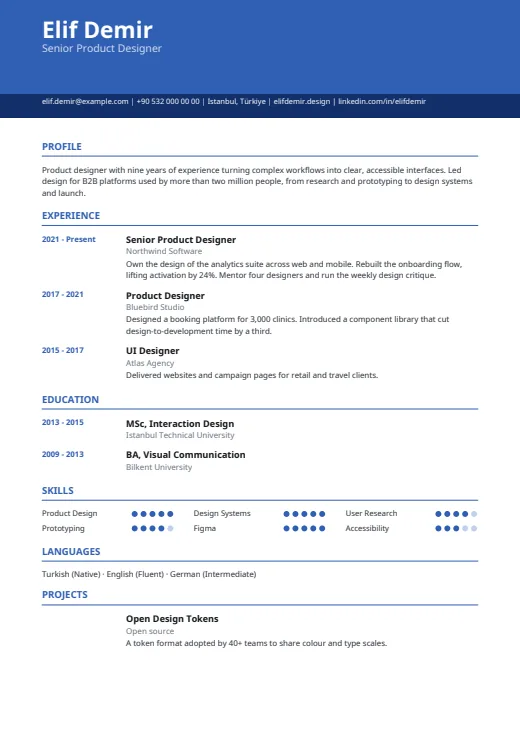 Chrono
One column under a colour header, with every date lined up in its own margin on the left.
No photo · One column · 5 colours