
Boxed CV template
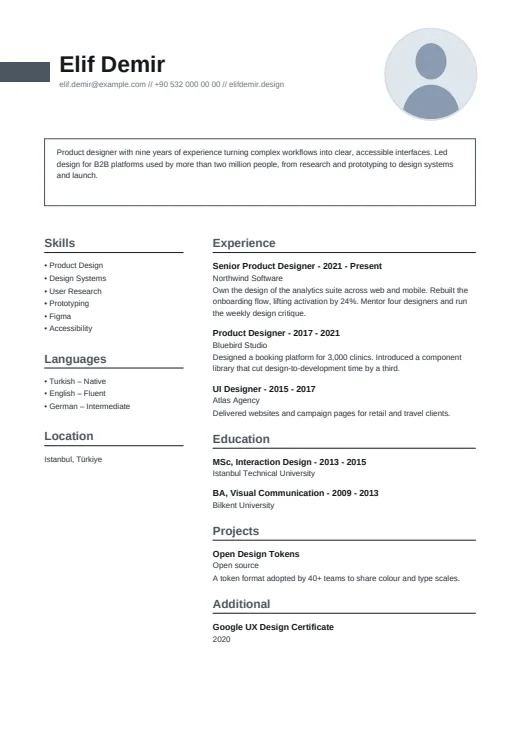
Your summary gets its own thin outlined box, under a bold name and a small round photo.
- With a photo
- Two columns
- 5 colours
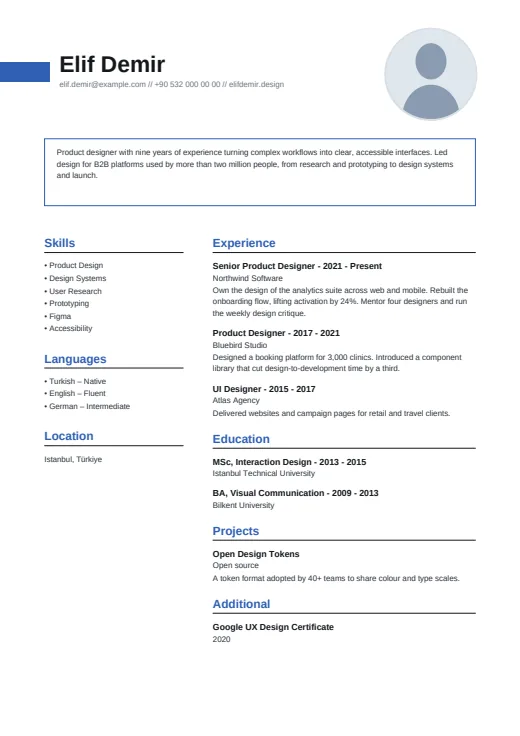
5 colours to choose from
The layout stays; only the colours change.
-
Royal Blue
-
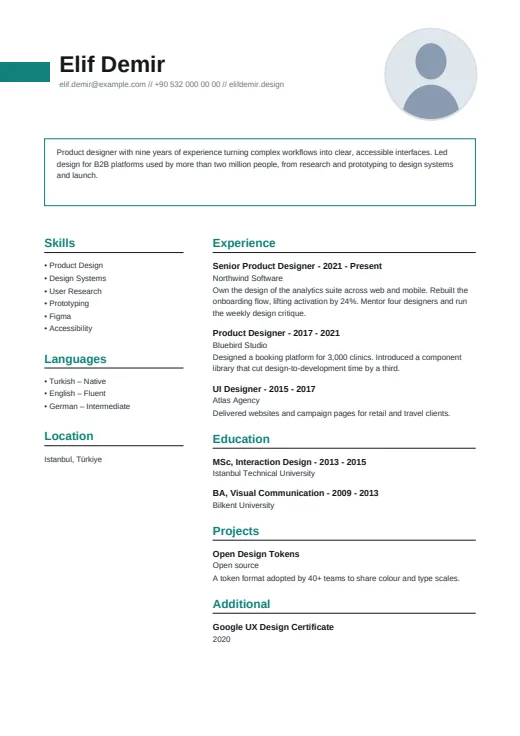 Teal
-
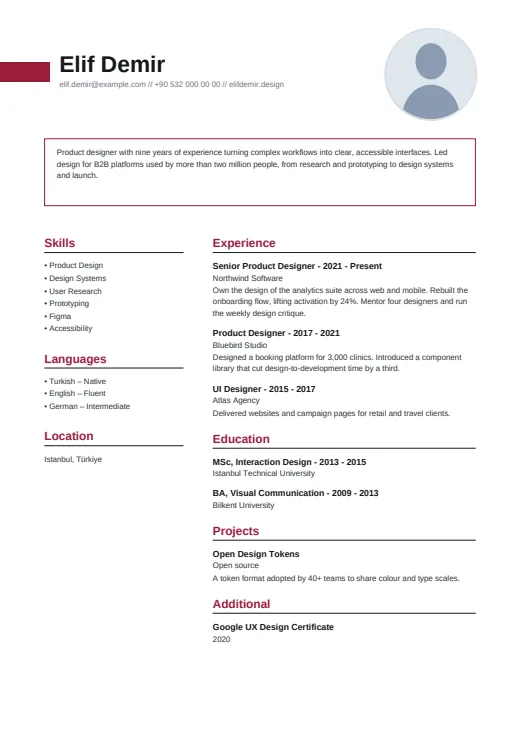 Burgundy
-
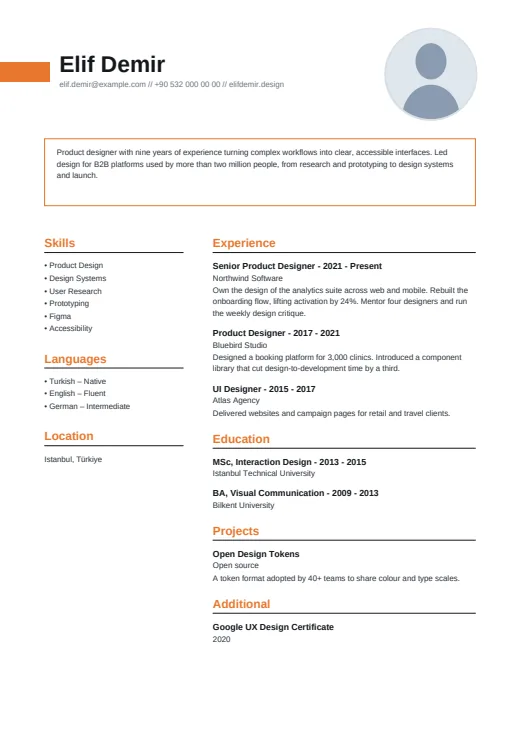 Tangerine
-
 Graphite
What sets it apart
-
Bar and heavy name
A short accent bar runs in from the left edge of the page and stops just before your name, set large in bold black. Your contacts follow on one line, split by double slashes.
-
The summary box
Between the header and the columns, your summary sits in a full-width box with a thin outline in your colour. The box has a fixed height, so a long summary gets smaller type instead of spilling over.
-
Location in the side
The narrow left column lists Skills, Languages and then Location, where your address goes. Headings in both columns are bold, in the accent colour, over a black rule.
Who it suits
- Accountants, engineers and project managers who prefer order to decoration
- Candidates who want a photo that doesn't take over the page
- Job seekers after a designed look that stays close to plain text
How an ATS reads it
Boxed gives a parser little to trip over. Apart from the small photo, the page is real, selectable text, with no letter-spacing and no icon in the contact line. Skills are a bulleted list of names; language levels are words, as in “English – Fluent”. The one layout point is the left column: a separate frame that some parsers may read out of order or mix into your experience.
Use this design
Build your CV, then choose Boxed in the design gallery.
Start in Quick CVQuick CV needs no account; the design gallery opens once you sign up. Every plan can preview every design, and the PDF download comes with Standard and Premium.
Questions about Boxed

What if I leave the summary empty in Boxed?
Boxed leaves the box out. Both columns then start right under your name and contact line, which gives your experience more room on page 1. The photo and the colour bar stay as they are.
Which contact details appear under the name in Boxed?
Up to three, on one line: the first you've filled in from email, phone, AI twin link (when it's on), website, LinkedIn and GitHub. Your address never goes on that line; it appears in the left column under Location.
More designs
-
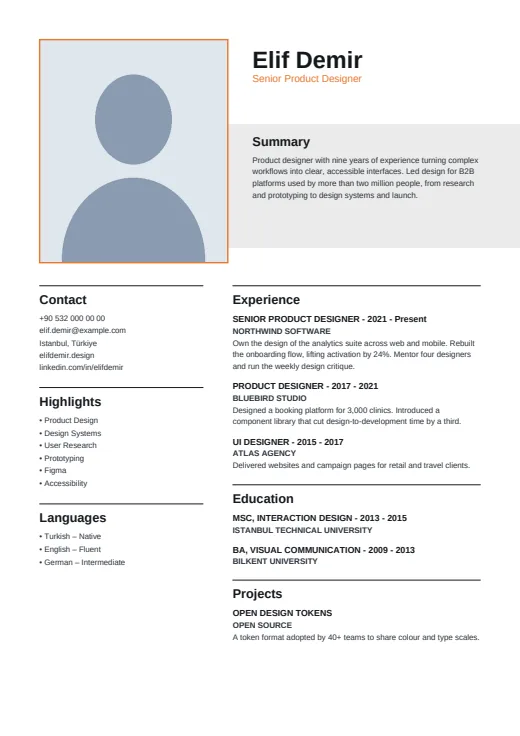 Editorial
A quiet, print-style CV with an upright framed photo, a large name and a grey band for your summary.
Photo · Two columns · 5 colours
-
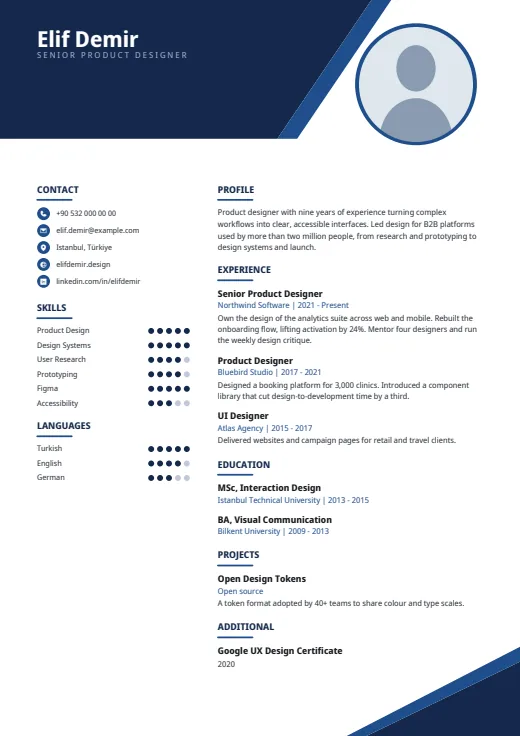 Geometric
Sharp angular shapes cut across the top and bottom corners, framing a tidy two-column CV.
Photo · Two columns · 5 colours
-
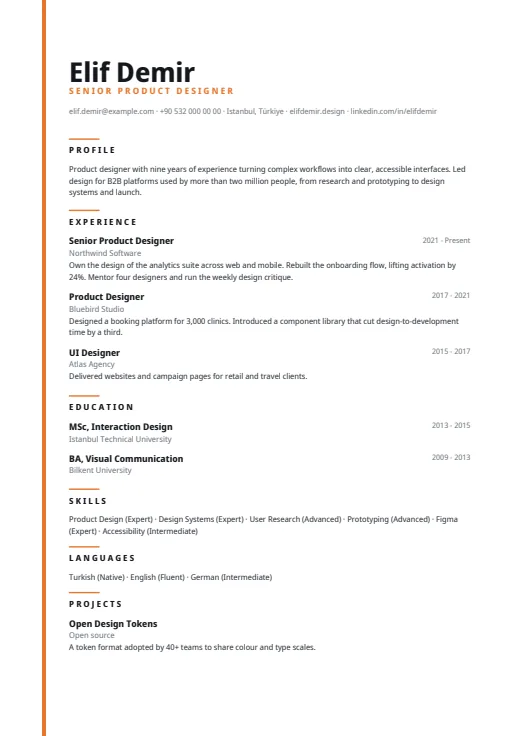 Lineage
A quiet one-column CV led by a very large name, with a thin colour line down the left edge.
No photo · One column · 5 colours