
Chrono CV template
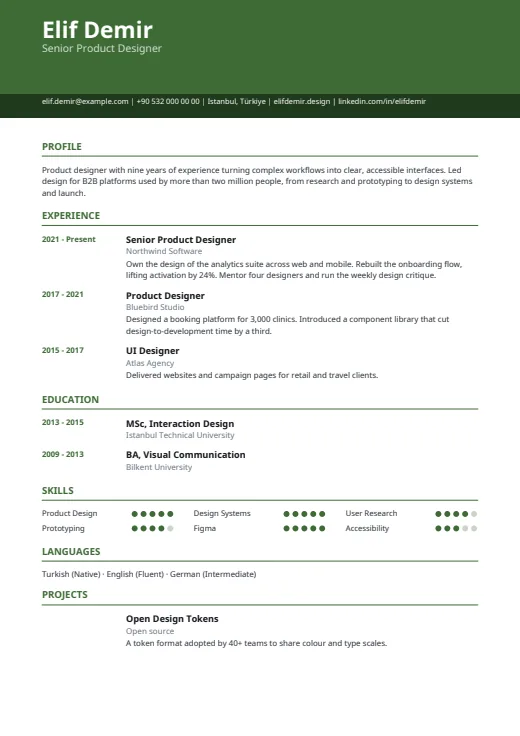
One column under a colour header, with every date lined up in its own margin on the left.
- Without a photo
- One column
- 5 colours
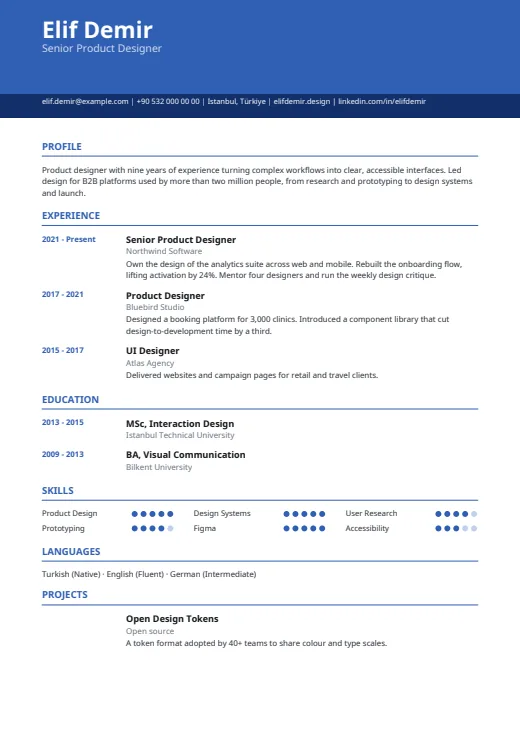
5 colours to choose from
The layout stays; only the colours change.
-
Royal Blue
-
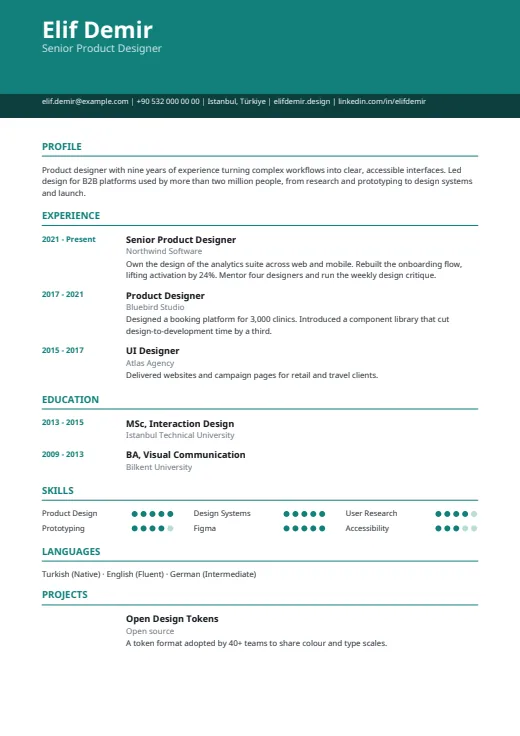 Teal
-
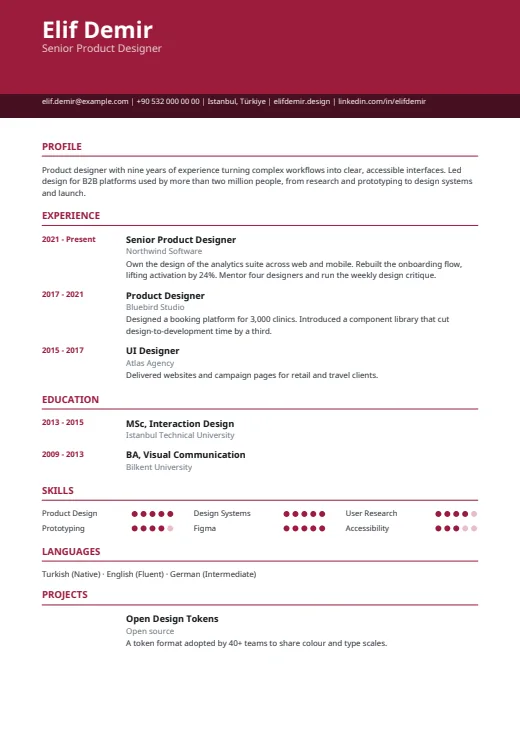 Burgundy
-
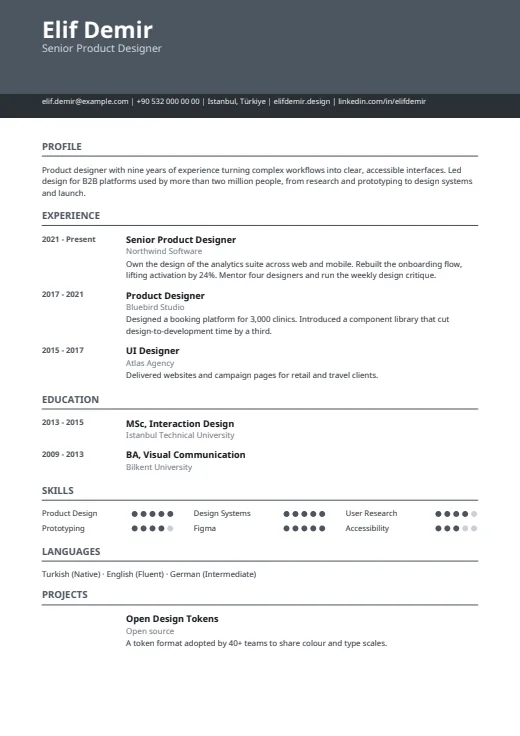 Graphite
-
 Forest
What sets it apart
-
Dates in their own margin
Every start and end year sits in a 34 mm column on the left, bold and in the accent colour. Titles and employers line up to its right, so the years form one clean column down the page.
-
A two-tier header
Your name and job title stand in white on a solid colour band; the title comes from your latest position. A darker strip below holds one contact line of up to five items, address included.
-
Skills in a dot grid
Skills sit three to a row, each followed by a short run of dots for its level. Languages stay plain text, with the level written beside each one, on a single line.
Who it suits
- People with several roles whose career reads best year by year
- Applicants who want colour but one straight reading line
- Anyone applying where a photo is usually left out, as in the UK or US
How an ATS reads it
Chrono is a single column, so a parser reads it top to bottom, as a person does. All text is real, selectable text, and there is no photo. One catch: skill levels are drawn as dots, so a parser gets the skill names but not the level; language levels are words and come through. For a strict portal, turn skill levels off in Options or use Plain ATS, which has no shapes at all.
Use this design
Build your CV, then choose Chrono in the design gallery.
Start in Quick CVQuick CV needs no account; the design gallery opens once you sign up. Every plan can preview every design, and the PDF download comes with Standard and Premium.
Questions about Chrono

Why does Chrono put the dates in the margin?
So your timeline reads on its own. With the years stacked in one column, a reader follows the order of your roles and how long each lasted without hunting through the text. It suits careers where the sequence of jobs tells the story.
Can I add a photo to the Chrono CV template?
No. Chrono has no photo space, so a photo in your profile is not used here. For a photo with a single column, try Harbor, which places it in the header. Every two-column design has a photo too.
Can I hide the skill dots in Chrono?
Yes. In this CV's Options, turn off Show skill levels and only the skill names remain. Language levels have their own switch; in Chrono they are already words, such as German (Intermediate).
More designs
-
 Lineage
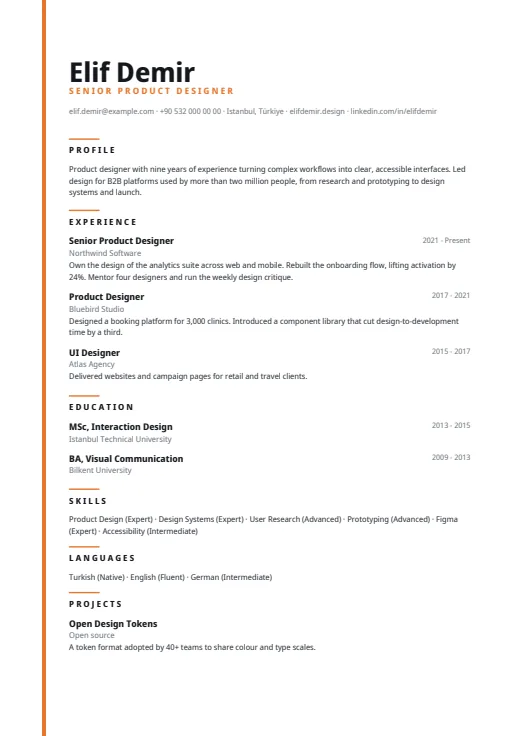
A quiet one-column CV led by a very large name, with a thin colour line down the left edge.
No photo · One column · 5 colours
-
 Harbor
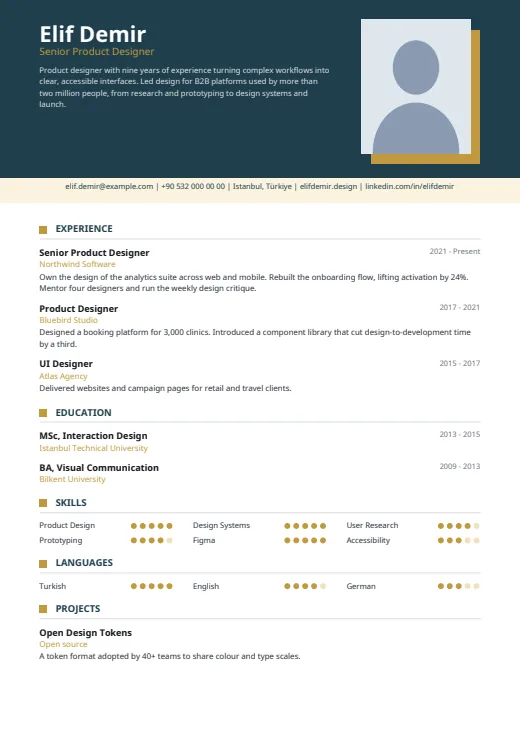
A dark header with your photo and summary, then one clean column that reads top to bottom.
Photo · One column · 5 colours
-
 Plain ATS
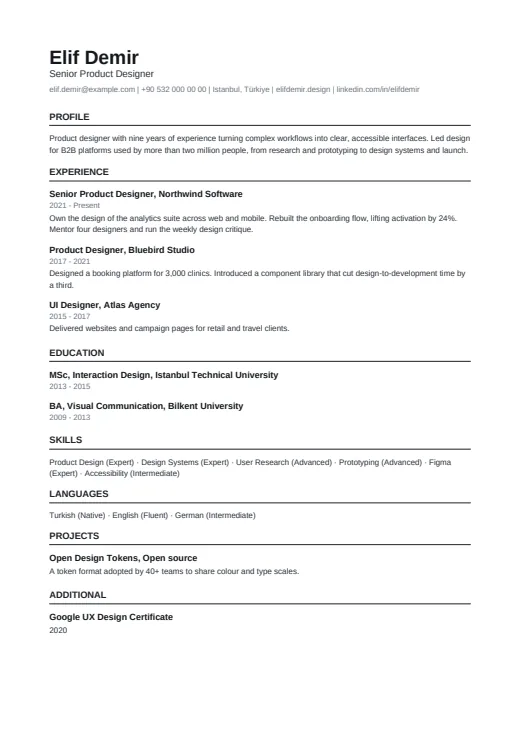
The plainest design in the set: one column of clean text, built for online application portals.
No photo · One column · 4 colours