
Spotlight CV template
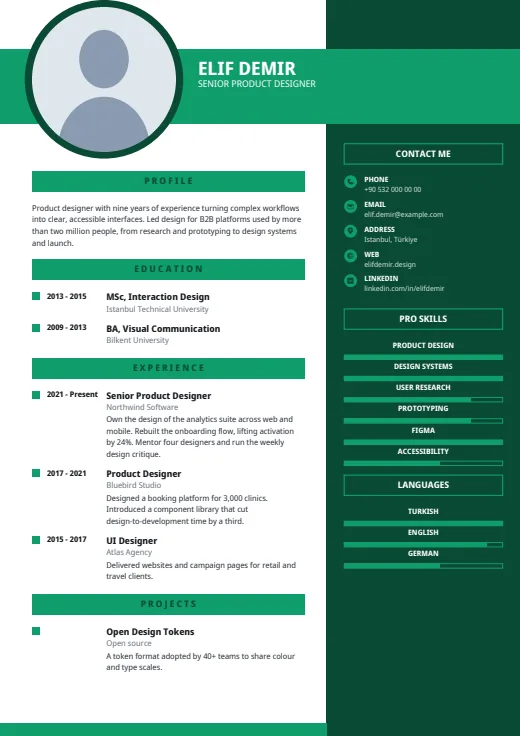
A bold colour band carries your name, beside a large round photo and a dark right column.
- With a photo
- Two columns
- 5 colours
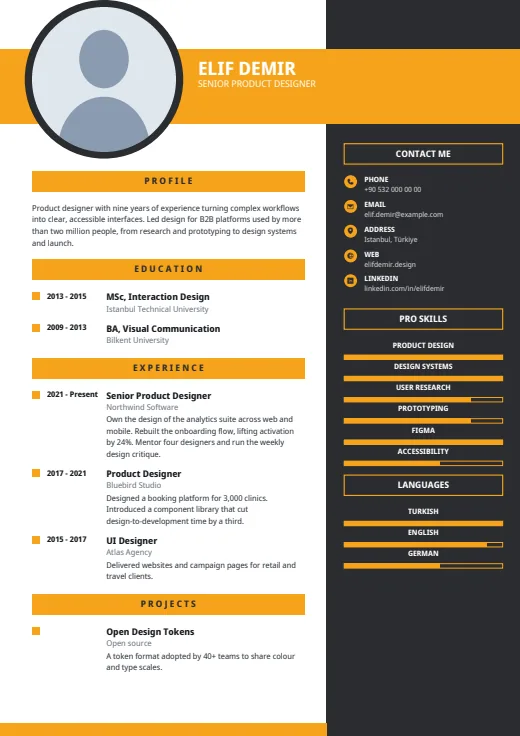
5 colours to choose from
The layout stays; only the colours change.
-
Amber
-
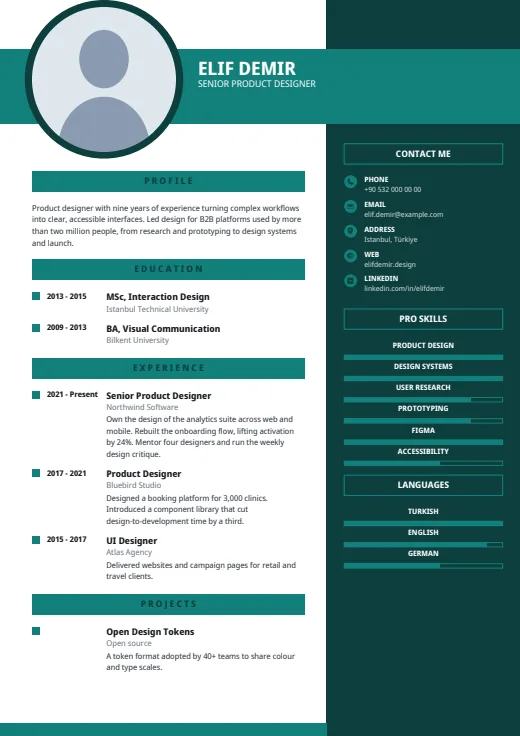 Teal
-
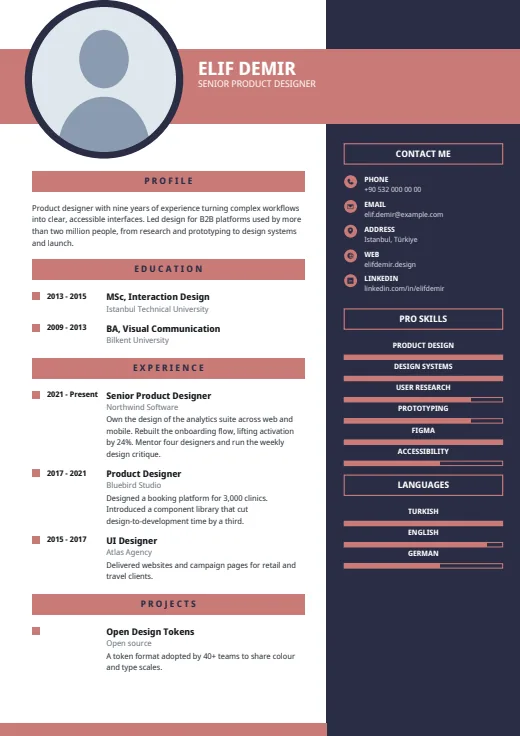 Rose
-
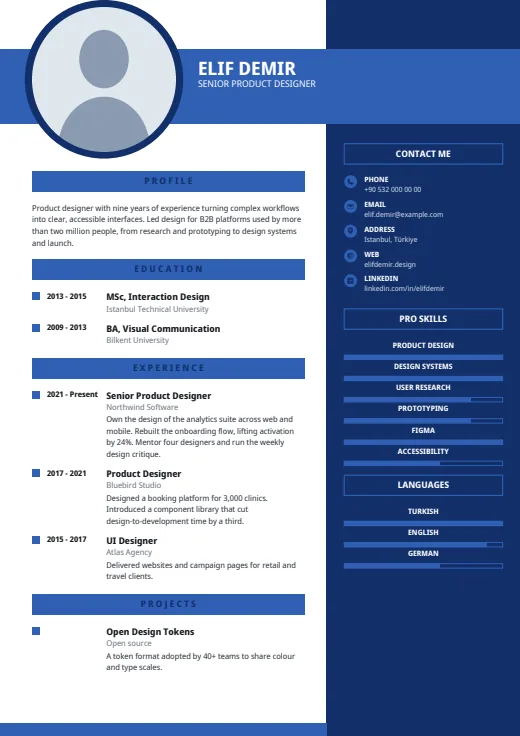 Royal Blue
-
 Emerald
What sets it apart
-
A band across the top
Your name and job title, taken from your latest position, run in white capitals on a full-width colour band. A large round photo with a dark ring breaks out of it on the left.
-
Dark column on the right
The side column sits on the right, about a third of the page wide. Under Contact me, each item has an icon on a colour disc and a label; Pro skills and languages follow with outlined level bars.
-
Years in a left gutter
Main headings sit on full-width colour bars. Each entry's years stand in a left gutter beside a small colour square, so the timeline reads at a glance. A colour strip closes every page.
Who it suits
- Sales, hospitality and events roles, where a confident first look suits the job
- Graduates whose degree is their strongest point, as Education comes first
- Applications where a photo on the CV is usual
How an ATS reads it
Spotlight is real, selectable text, with no picture except your photo. Three details matter when software reads it first. The dark column is laid out as its own frame, and some parsers read it out of order or mix it into the main text. The main headings are letter-spaced, so a parser may see “P R O F I L E” rather than a word. And the level bars are shapes: skill names are read, levels are not. You can hide levels in Options.
Use this design
Build your CV, then choose Spotlight in the design gallery.
Start in Quick CVQuick CV needs no account; the design gallery opens once you sign up. Every plan can preview every design, and the PDF download comes with Standard and Premium.
Questions about Spotlight

Can I use Spotlight without a photo?
Yes. Leave the photo out of your profile and the round frame with its dark ring stays in place, filled with a soft tint. The band, columns and spacing stay as they are, so nothing shifts.
How do I put Experience above Education in Spotlight?
Open Options in the gallery and move Experience up under Section order. It reorders the main column only; contact, skills and languages stay in the dark column. Reset brings back the design's own order.
Is Spotlight right for strict application portals?
Spotlight is made for people to read. Where a portal parses your CV first, its letter-spaced headings and two columns are a needless risk. Send Plain ATS there instead; switching design leaves your content untouched.
More designs
-
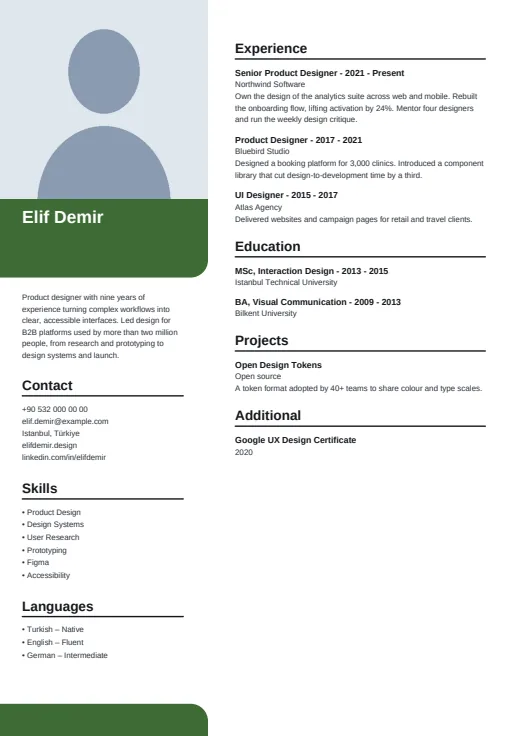 Portrait
A large corner photo leads the page, with your name on a colour block and calm, plain lists below.
Photo · Two columns · 5 colours
-
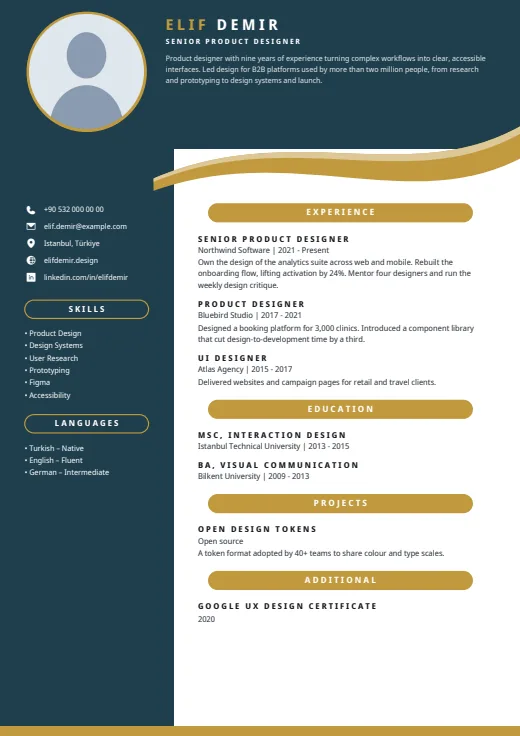 Ribbon
A dark header and side column frame this CV, with your summary up top and a curved ribbon under the header.
Photo · Two columns · 5 colours
-
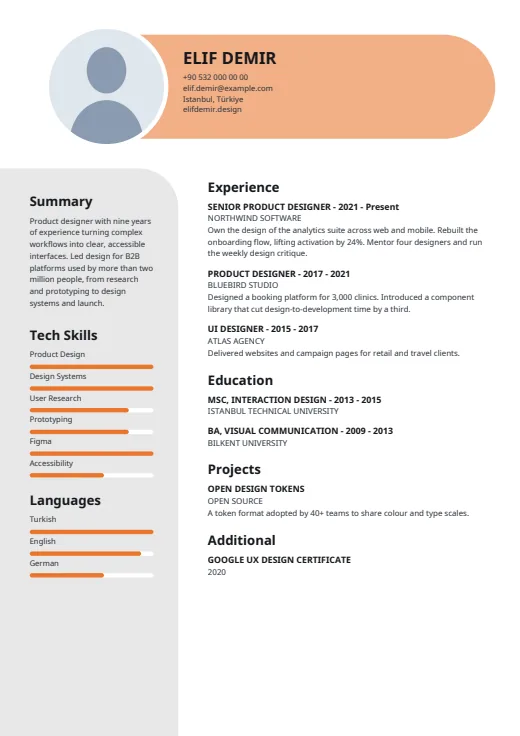 Capsule
Your name and contacts sit in a rounded colour capsule, with skill bars on a soft grey panel.
Photo · Two columns · 5 colours