
Portrait CV template
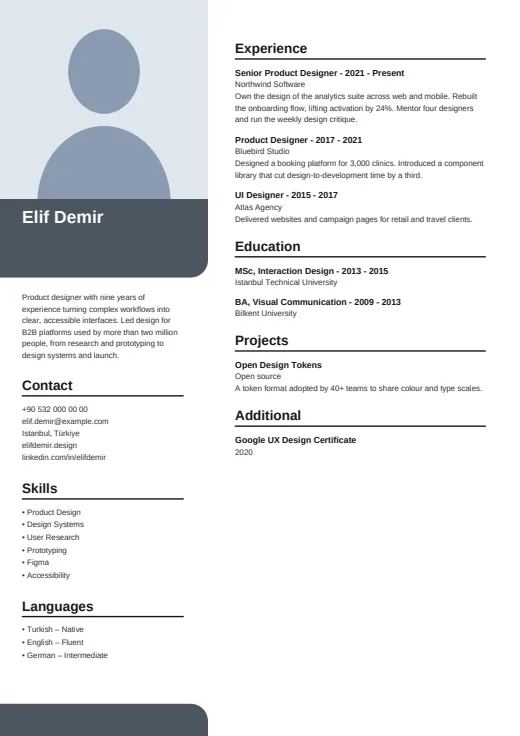
A large corner photo leads the page, with your name on a colour block and calm, plain lists below.
- With a photo
- Two columns
- 5 colours
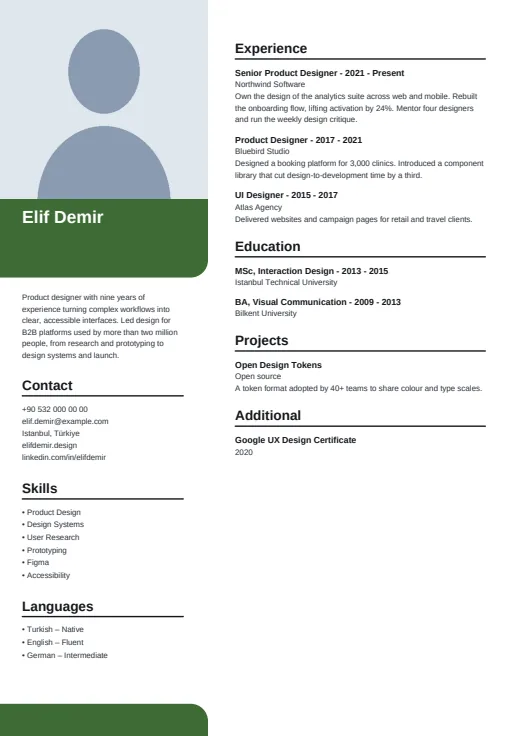
5 colours to choose from
The layout stays; only the colours change.
-
Forest
-
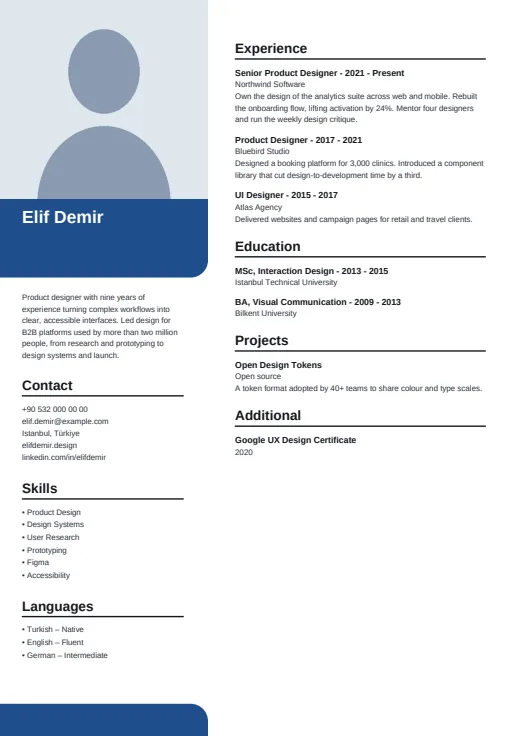 Navy
-
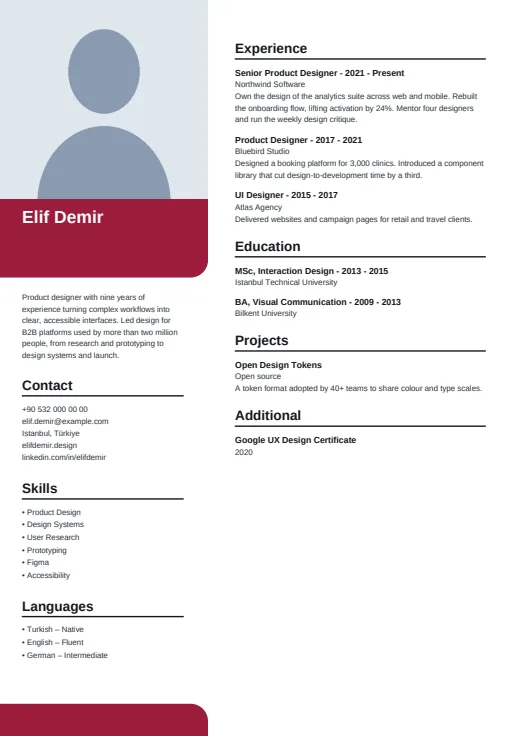 Burgundy
-
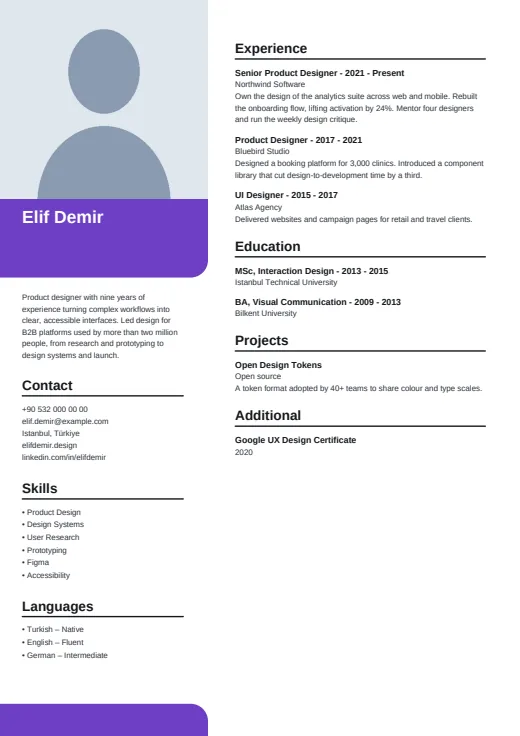 Plum
-
 Graphite
What sets it apart
-
Photo filling the corner
A big, almost square photo runs off the top-left corner of the page, as wide as the left column. It is the first thing a reader sees and gives the CV a personal feel.
-
Name without a title line
Your name sits in bold white on a rounded colour block under the photo, with no job title line. The summary follows without a heading, then Contact, Skills and Languages.
-
Black rules, simple entries
On the right, each section opens with a bold heading over a black rule. Every entry reads “Title - years” on one line with the employer below, and a rounded colour foot repeats on every page.
Who it suits
- Hospitality, retail and customer-facing jobs where a friendly photo is welcome
- Candidates who would rather list their skills than rate them
- People with one or two pages of experience they want easy to scan
How an ATS reads it
Portrait's text is kept simple, which suits parsers: contact details are ordinary text, nothing is letter-spaced, and language levels are written out as words. All of it is selectable; your photo is the one picture, and parsers pass over it. The one thing to watch is the two columns: the left column is a frame of its own, and some parsers read it out of order or blend it into your experience. For strict portals, use Plain ATS.
Use this design
Build your CV, then choose Portrait in the design gallery.
Start in Quick CVQuick CV needs no account; the design gallery opens once you sign up. Every plan can preview every design, and the PDF download comes with Standard and Premium.
Questions about Portrait

Can I use Portrait without a photo?
You can. The corner frame keeps its size and is filled with a soft tint, so the name block, summary and columns stay where they are, with no gap at the top left.
Why does Portrait show no skill levels?
Portrait lists skills as plain bullets and does not draw levels. Languages still carry their level in words, such as “English – Fluent”. If you want levels on the page, Spotlight draws them as bars from the same CV.
What happens on page 2 of a long Portrait CV?
Your right-hand sections flow on and page numbers start. The left side stays blank apart from the rounded foot, since contact, skills and languages print only on page 1. An overfull left column shrinks its type rather than spilling over.
More designs
-
 Spotlight
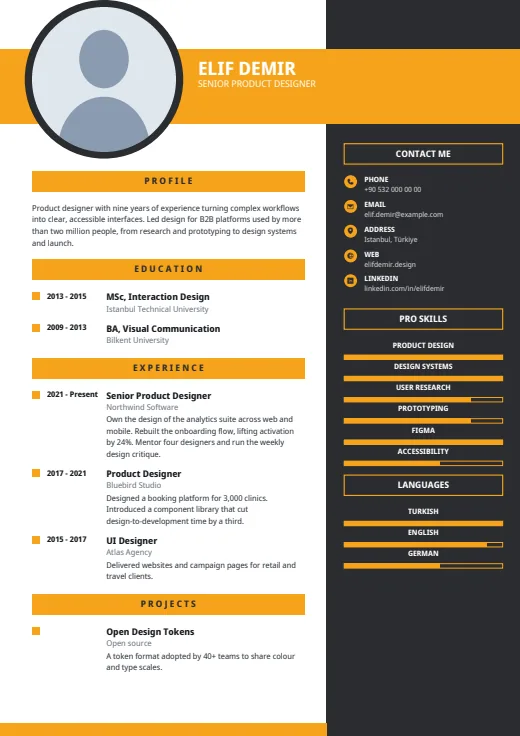
A bold colour band carries your name, beside a large round photo and a dark right column.
Photo · Two columns · 5 colours
-
 Editorial
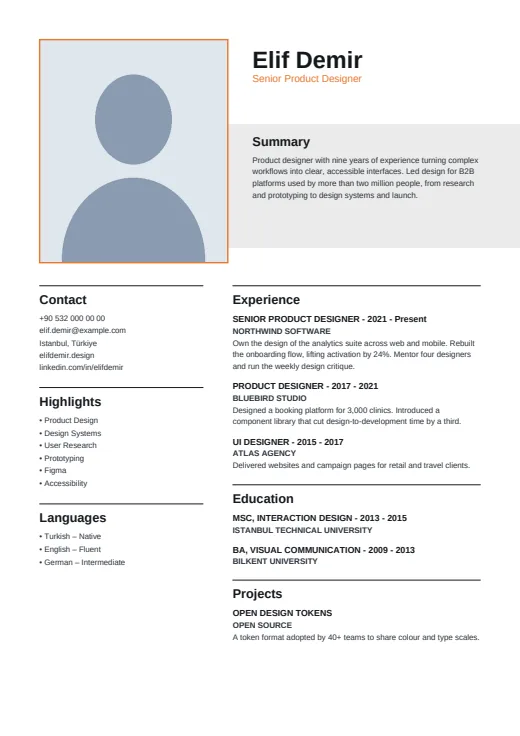
A quiet, print-style CV with an upright framed photo, a large name and a grey band for your summary.
Photo · Two columns · 5 colours
-
 Pillar
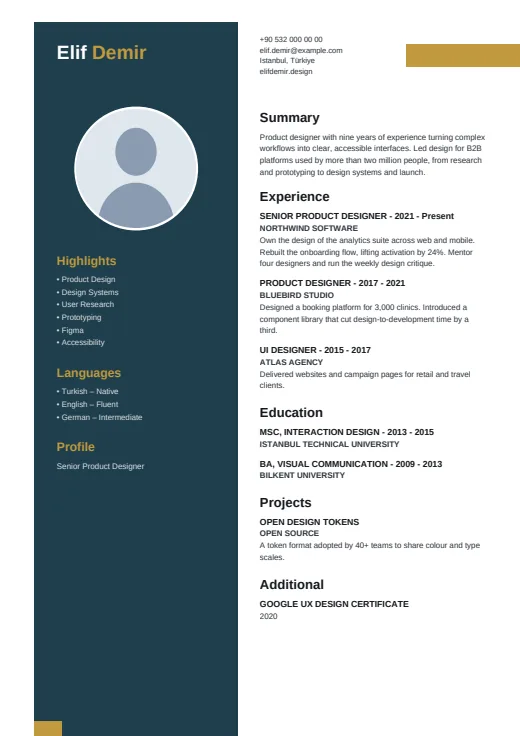
A dark pillar, set in from the page edge, carries your name, photo and skills.
Photo · Two columns · 5 colours