
Capsule CV template
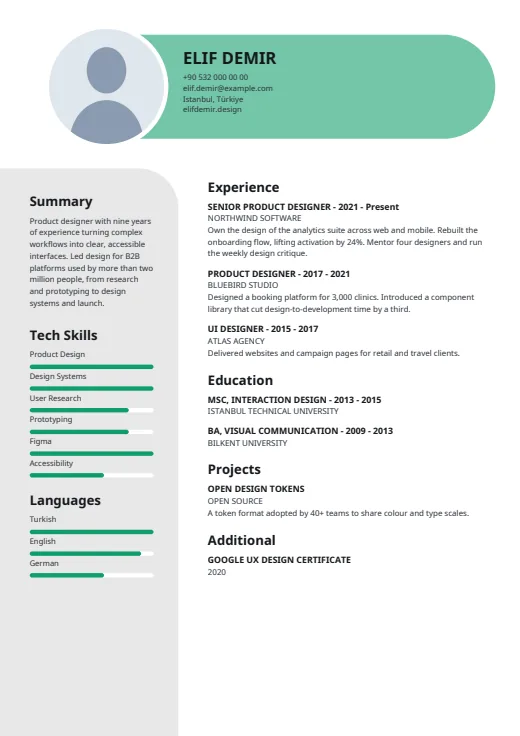
Your name and contacts sit in a rounded colour capsule, with skill bars on a soft grey panel.
- With a photo
- Two columns
- 5 colours
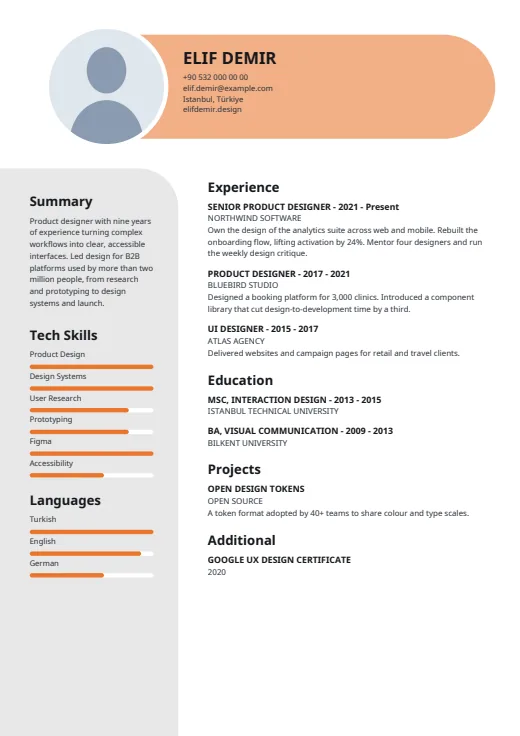
5 colours to choose from
The layout stays; only the colours change.
-
Tangerine
-
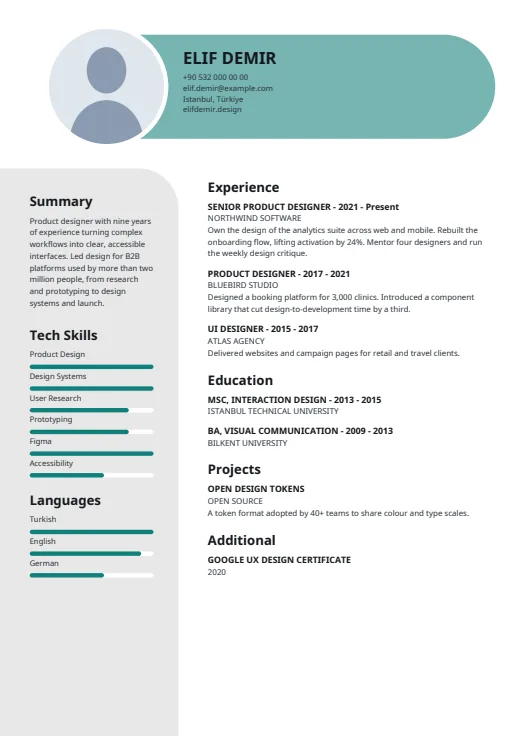 Teal
-
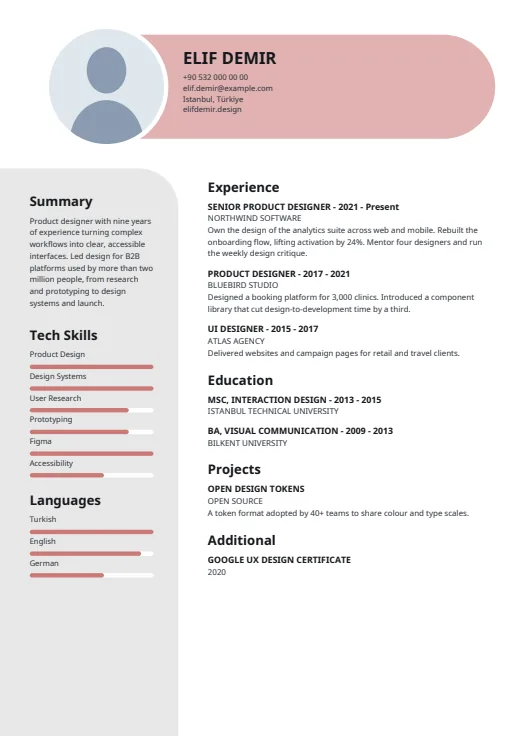 Rose
-
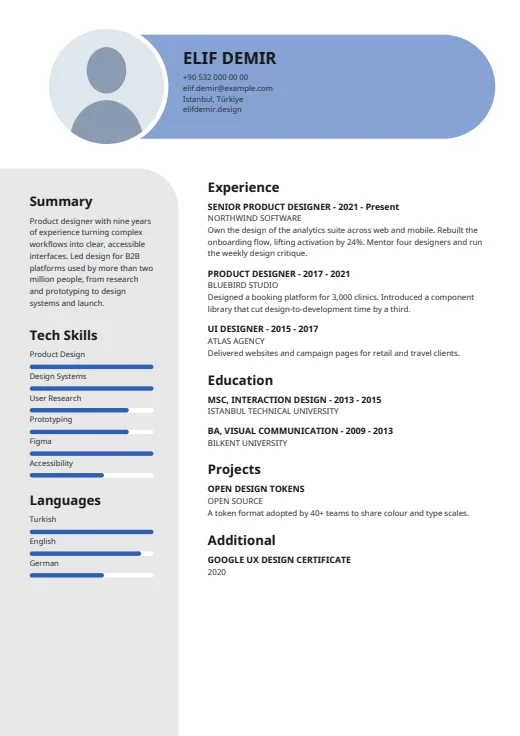 Royal Blue
-
 Emerald
What sets it apart
-
The name capsule
A long, round-ended band in a light tint of your colour holds your name in capitals and up to four contact lines. Your photo, a circle ringed in thick white, closes its left end.
-
Grey panel, one big curve
The left column is a light grey panel whose top corner turns in one wide curve. It holds your Summary first, then Tech Skills and Languages; on later pages it runs the full height, empty.
-
Bars for every level
Skills and languages both get a rounded bar in the accent colour, with no level words beside them. In the main column, job titles and company names are set in capitals.
Who it suits
- Developers, analysts and IT staff who want their tools readable at a glance
- Candidates who like to show levels as bars rather than words
- People with a short summary and a focused list of core skills
How an ATS reads it
Everything in Capsule except the photo is real, selectable text. Two things matter for parsers. The levels are drawn bars, so software reads the skill or language name but not the level; you can hide the bars in Options. And the grey panel is a separate frame, which some parsers read out of order. When an employer's portal is strict, Plain ATS reads more reliably.
Use this design
Build your CV, then choose Capsule in the design gallery.
Start in Quick CVQuick CV needs no account; the design gallery opens once you sign up. Every plan can preview every design, and the PDF download comes with Standard and Premium.
Questions about Capsule

Can I hide the level bars in Capsule?
Yes. In your CV's Options, switch off “Show skill levels”, “Show language levels” or both. The bars go and the names stay as a clean list. Nothing else in the layout changes.
How many contact details fit in the Capsule header?
Four lines fit beside your name. They are picked in a set order (phone, email, AI twin link if it's on, address, website, LinkedIn, GitHub), and the first four you've filled in show. To bring LinkedIn in, leave an earlier one empty.
How long can my summary be in Capsule?
The summary shares the grey panel with skills and languages, and the panel has a fixed height. If the three together run long, the whole panel sets in smaller type rather than cutting anything. For a longer summary, Meter lets it flow in the main column.
More designs
-
 Meter
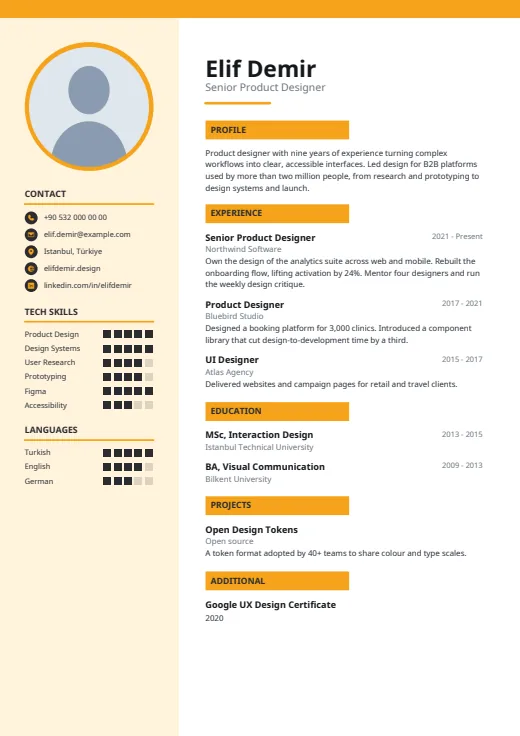
Square-segment meters rate your tools in a tinted side column, beside a clean white main page.
Photo · Two columns · 5 colours
-
 Spotlight
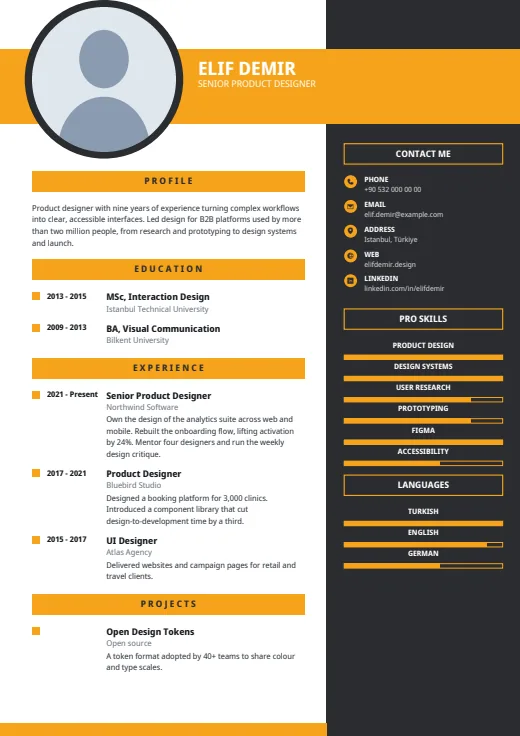
A bold colour band carries your name, beside a large round photo and a dark right column.
Photo · Two columns · 5 colours
-
 Wave
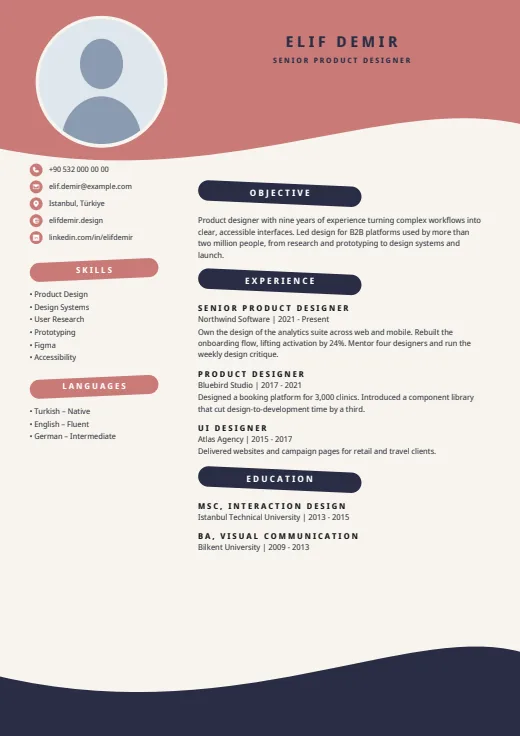
Waves and brush-stroke headings frame your CV on a warm cream page.
Photo · Two columns · 5 colours