
Ribbon CV template
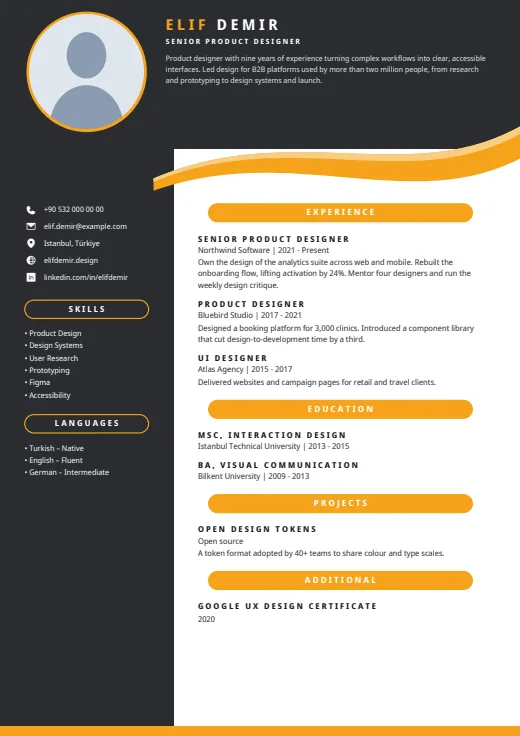
A dark header and side column frame this CV, with your summary up top and a curved ribbon under the header.
- With a photo
- Two columns
- 5 colours
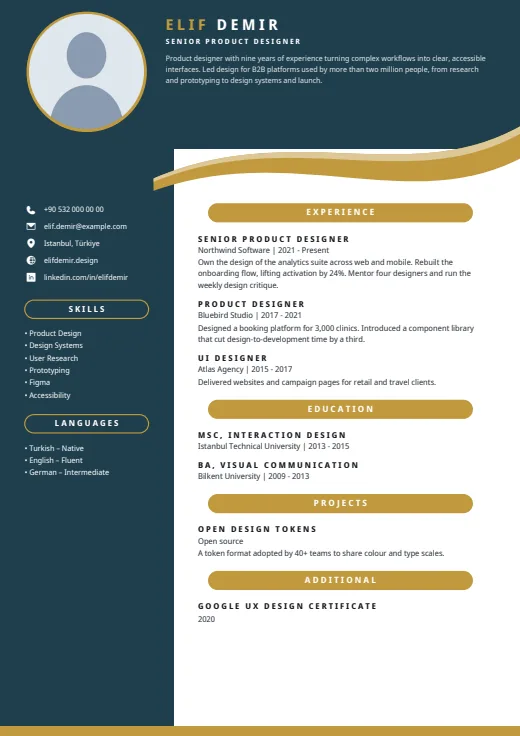
5 colours to choose from
The layout stays; only the colours change.
-
Gold
-
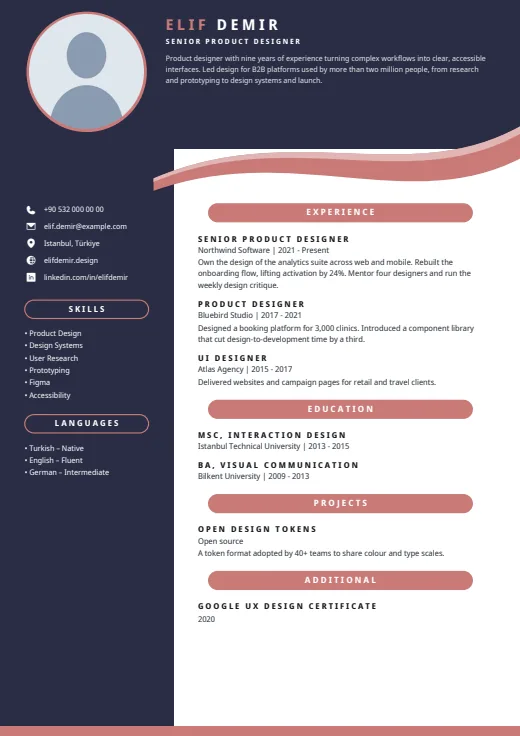 Rose
-
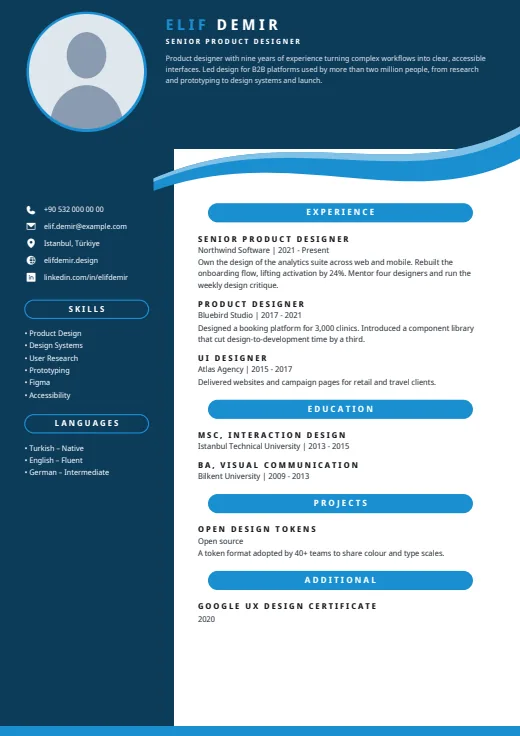 Sky
-
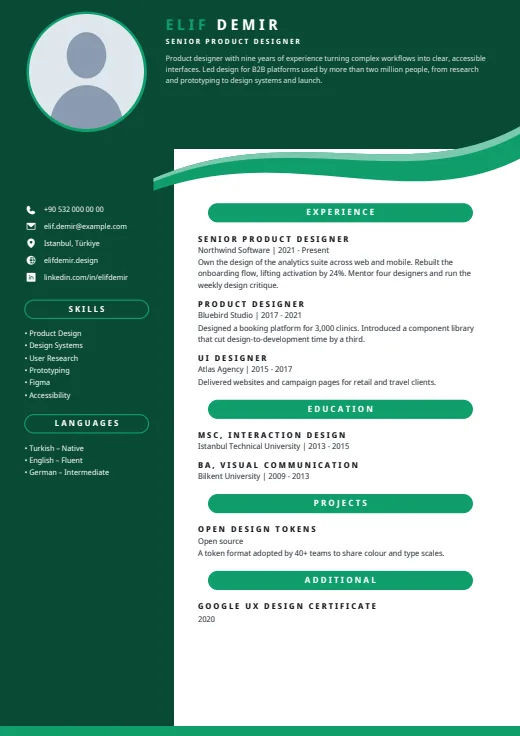 Emerald
-
 Amber
What sets it apart
-
Dark header, two-tone name
In a dark header band, the first word of your name is in the accent colour and the rest in white, beside a round photo with an accent ring. A two-layer ribbon curves beneath it.
-
Pill-shaped headings
Main section headings sit centred in solid accent pills, while the side column uses outlined pills. Job titles in your entries are set in spaced-out capitals, with “Company | years” on the line below.
-
Dark column on the left
The dark column, about a third of the page, holds contacts with bare white icons, skills as bullets and languages with their level in words. An accent strip runs along the foot of every page.
Who it suits
- Managers and senior specialists who want a strong, polished frame
- Candidates with a short, sharp summary
- People with a focused list of up to eight skills
How an ATS reads it
Every line of Ribbon is real, selectable text, and nothing but your photo is a picture. Several parts are letter-spaced: your name, job title, section headings and the job titles in your entries, which some parsers read as loose letters. Your summary sits in the header without a heading of its own. Contact, skills and languages are in a separate side frame that some parsers read out of order. Strict portals are better served by Plain ATS.
Use this design
Build your CV, then choose Ribbon in the design gallery.
Start in Quick CVQuick CV needs no account; the design gallery opens once you sign up. Every plan can preview every design, and the PDF download comes with Standard and Premium.
Questions about Ribbon

Where does the summary go in Ribbon?
Right under your name and job title, in light text inside the dark header. That space is fixed and shared with your name, so a long summary is set smaller to fit. A few lines keep it easy to read.
Why is the dark column empty on page 2 of Ribbon?
The column runs down every page as part of the frame, but contact, skills and languages print once, on page 1. From page 2, your experience and other sections continue in the right-hand column, and page numbers appear.
Can I change the font in Ribbon?
Yes. Ribbon uses Noto Sans Display by default, and like every design it can take another font. Pick one under Font in the design gallery; The design's own font brings the original back. Colours, ribbon and columns stay as they are.
More designs
-
 Wave
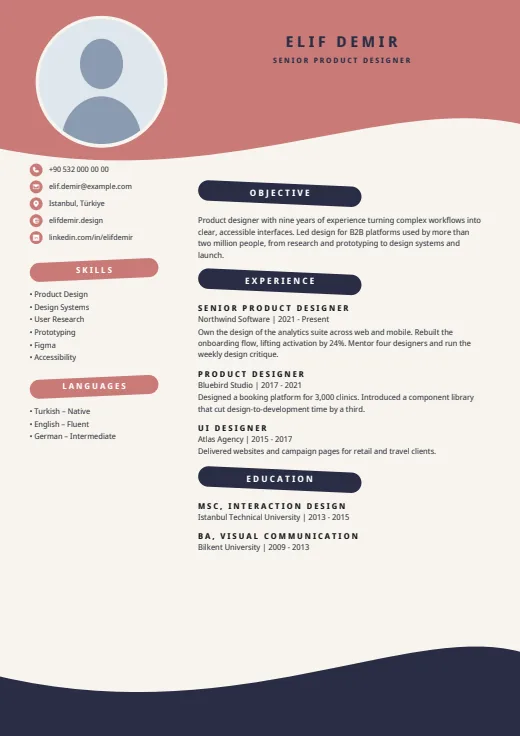
Waves and brush-stroke headings frame your CV on a warm cream page.
Photo · Two columns · 5 colours
-
 Notch
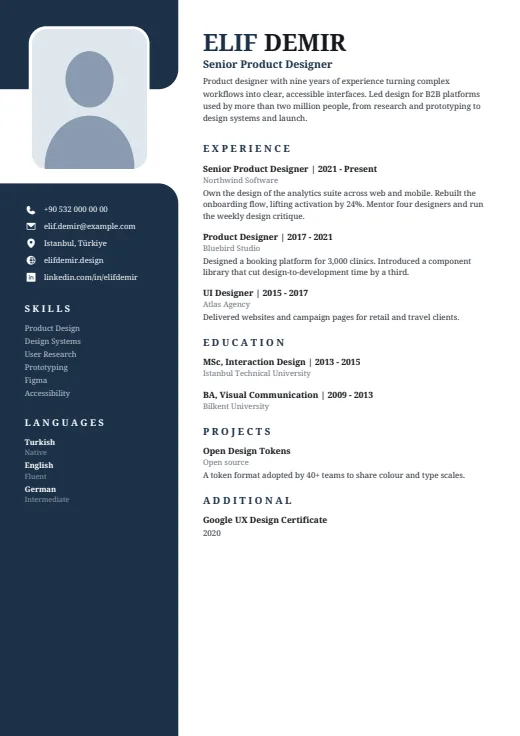
A serif CV whose dark left column opens around your photo, set in a notch near the top.
Photo · Two columns · 5 colours
-
 Spotlight
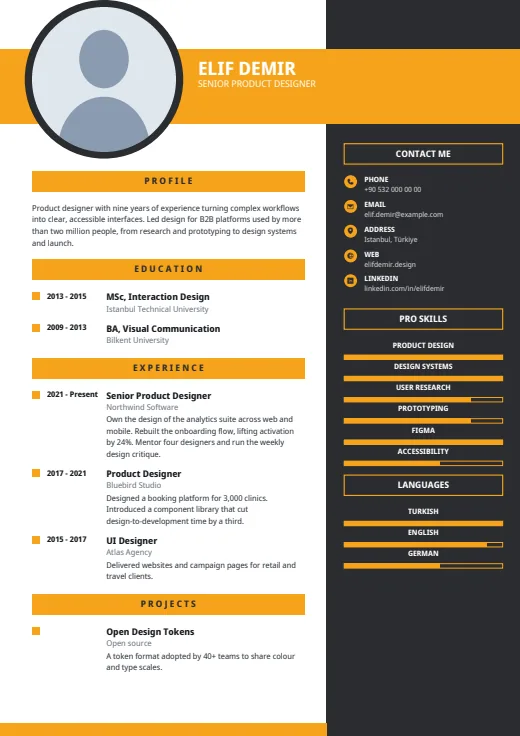
A bold colour band carries your name, beside a large round photo and a dark right column.
Photo · Two columns · 5 colours