
Notch CV template
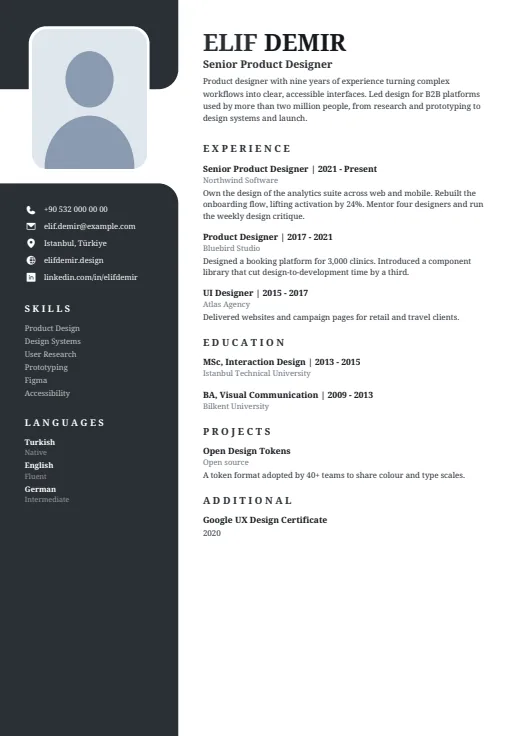
A serif CV whose dark left column opens around your photo, set in a notch near the top.
- With a photo
- Two columns
- 5 colours
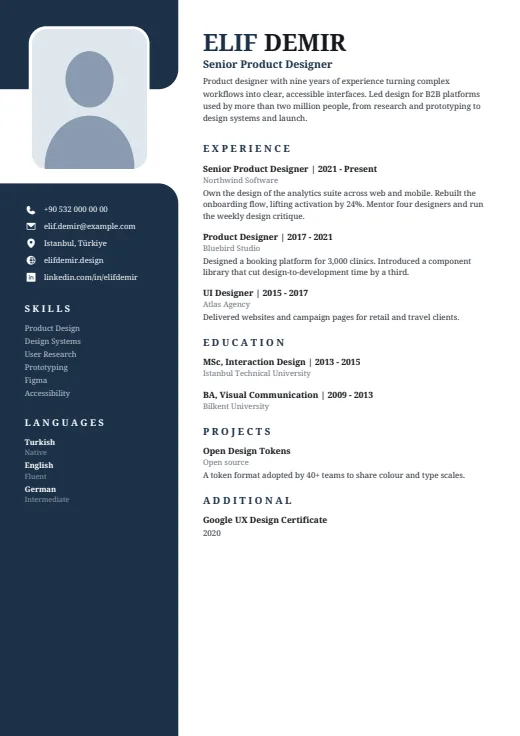
5 colours to choose from
The layout stays; only the colours change.
-
Midnight
-
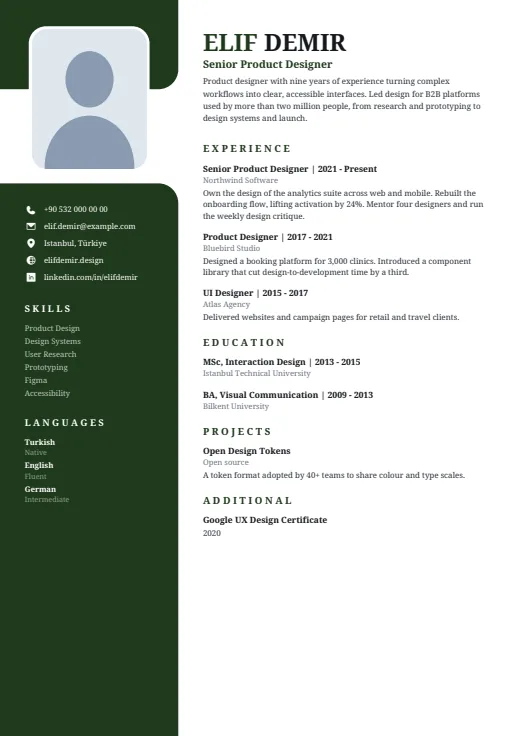 Forest
-
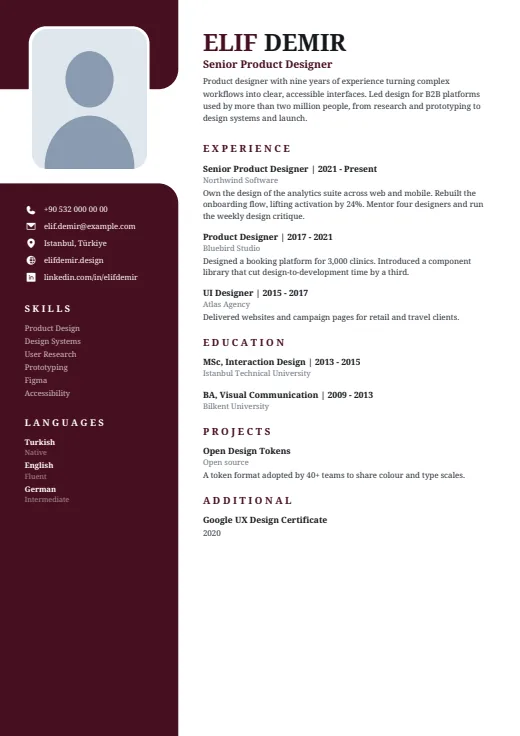 Burgundy
-
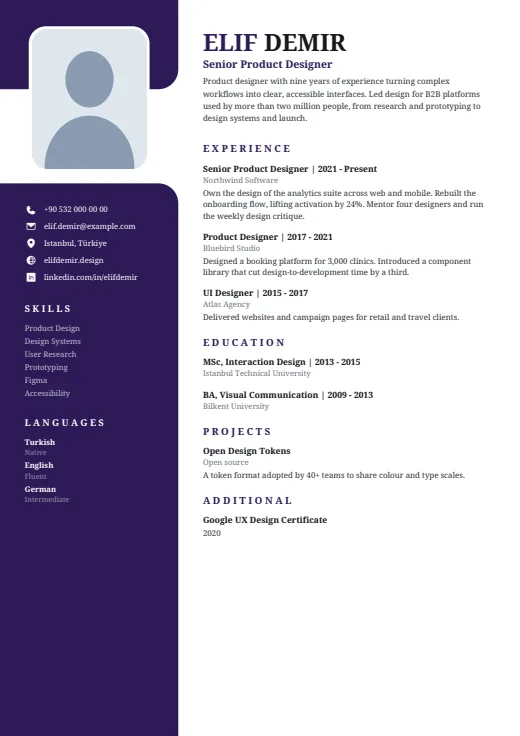 Plum
-
 Graphite
What sets it apart
-
Photo in a notch
The dark column breaks open near the top, and your photo sits in the gap: a rounded rectangle on a white mat. Contacts, skills and languages follow below it in white.
-
Serif from top to bottom
Name, headings, entries and side column are all set in Noto Serif. Your name runs in large capitals, and section headings are spaced-out capitals in the dark tone, with no rules under them.
-
A summary that flows
There is no header box to squeeze into. Your summary sits under your name and job title in the main column and simply runs on, so a long one moves Experience down instead of shrinking.
Who it suits
- Lawyers, academics and editors who like a printed, bookish typeface
- Experienced candidates whose summary runs past a few lines
- People in finance or consulting after a formal, quiet look
How an ATS reads it
Every word in Notch is real, selectable text; the photo is the only image, and no level is drawn as a shape. Two points need care. The dark column is a separate frame: most parsers read it, but some take columns out of order or mix side text into the main text. And the section headings are letter-spaced, which some parsers read as single letters. For strict online portals, Plain ATS is the safer choice.
Use this design
Build your CV, then choose Notch in the design gallery.
Start in Quick CVQuick CV needs no account; the design gallery opens once you sign up. Every plan can preview every design, and the PDF download comes with Standard and Premium.
Questions about Notch

Can I write a long summary in Notch?
Yes. The summary is part of the main column, not a fixed box, so it keeps its normal type size and pushes Experience down as it grows. It always comes first, under your name and job title; section order moves only what follows.
Which fields suit the serif type in Notch?
Serif type has the feel of a printed page, which sits well in law, academia, publishing, finance and consulting. Prefer another typeface? Pick a different font for Notch in the design gallery; the dark column and the notch stay as they are.
How does Notch look without a photo?
The notch and its white mat stay where they are, and the rounded rectangle is filled with a soft tint instead of a picture. The dark column keeps its shape, so nothing else on the page moves.
More designs
-
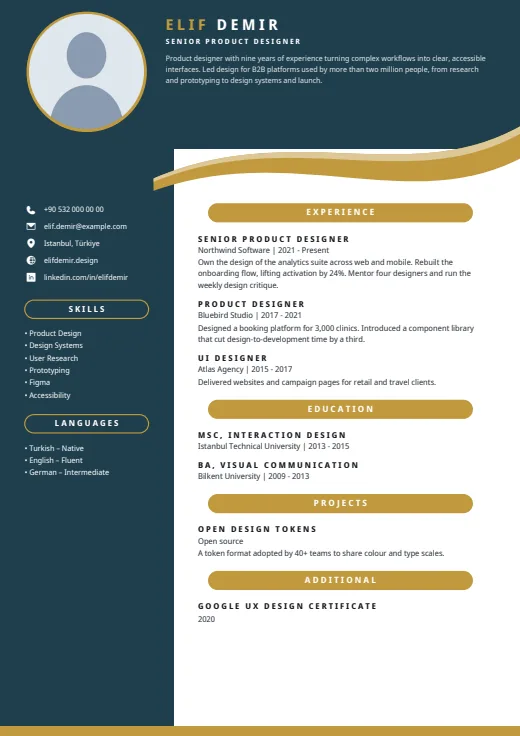 Ribbon
A dark header and side column frame this CV, with your summary up top and a curved ribbon under the header.
Photo · Two columns · 5 colours
-
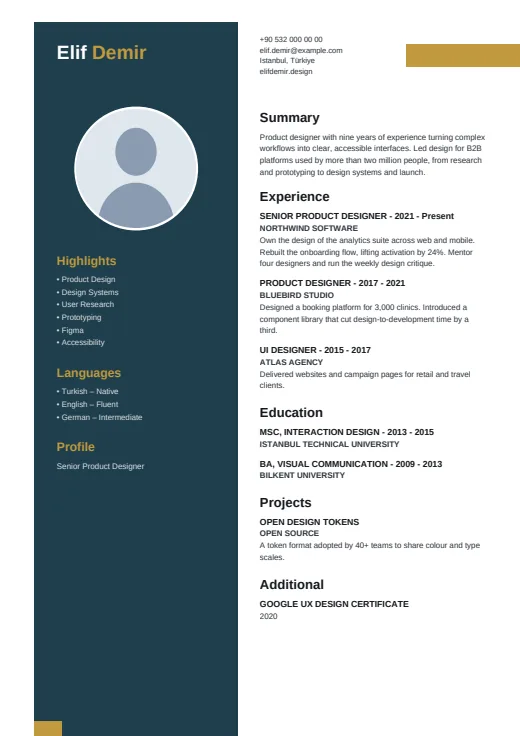 Pillar
A dark pillar, set in from the page edge, carries your name, photo and skills.
Photo · Two columns · 5 colours
-
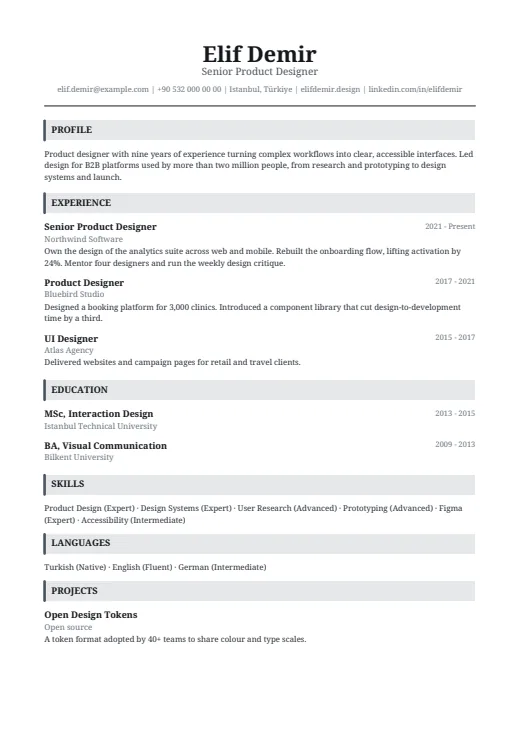 Headline
A classic serif CV in one column, with a centred name and grey bars that open each section.
No photo · One column · 5 colours