
Harbor CV template
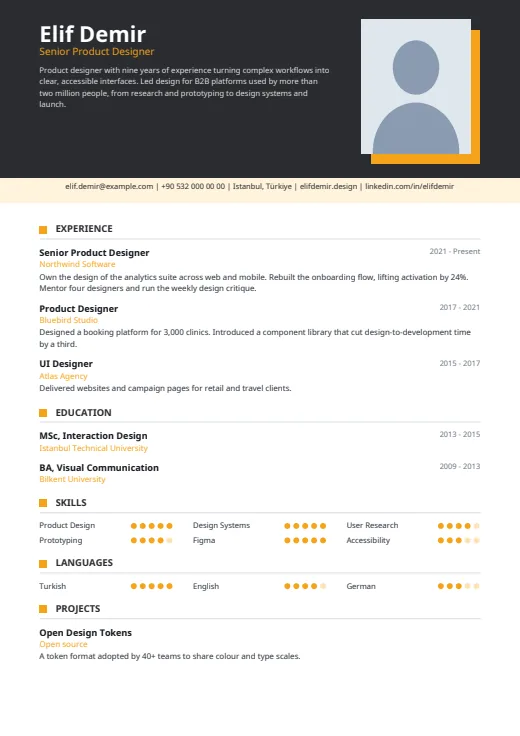
A dark header with your photo and summary, then one clean column that reads top to bottom.
- With a photo
- One column
- 5 colours
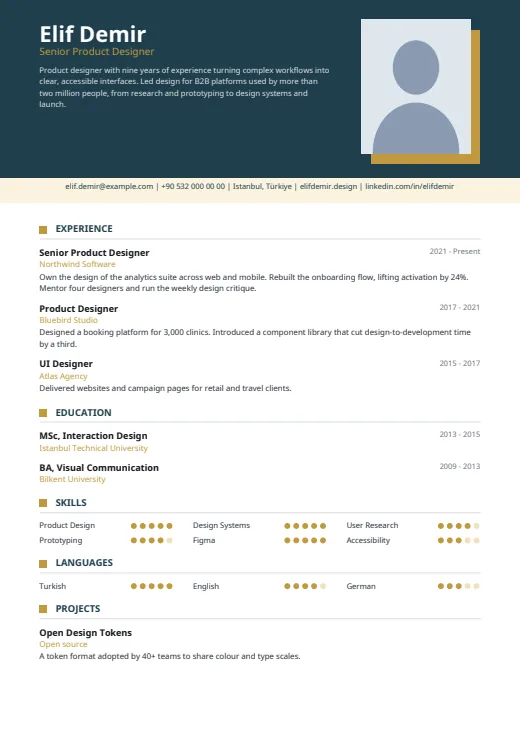
5 colours to choose from
The layout stays; only the colours change.
-
Gold
-
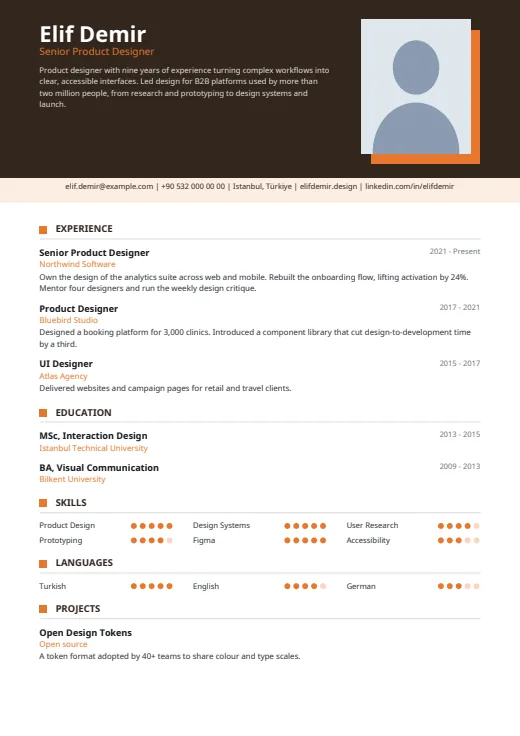 Tangerine
-
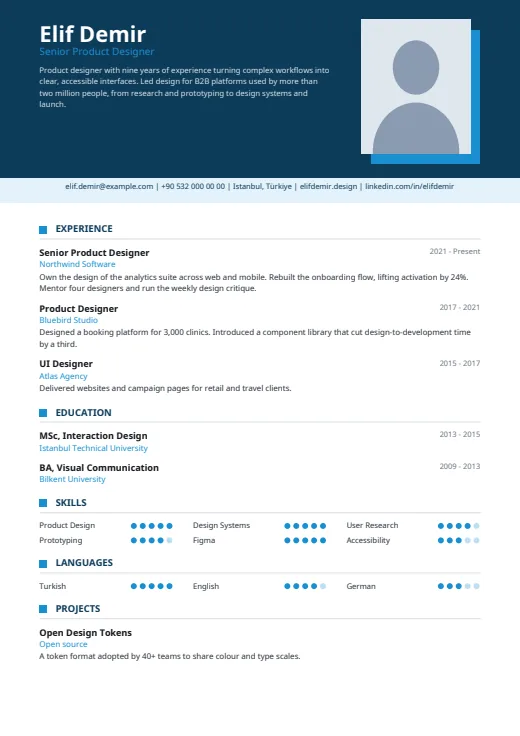 Sky
-
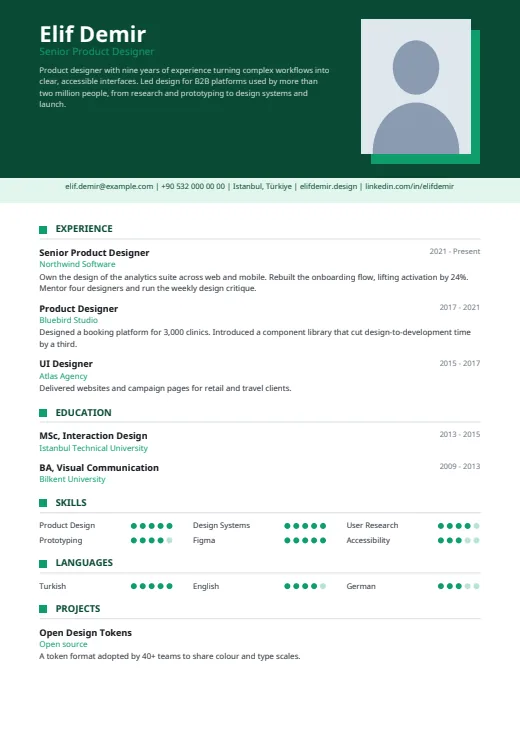 Emerald
-
 Amber
What sets it apart
-
Photo on an offset square
Your photo sits in an upright rectangle at the right of the dark header, on an accent square shifted down and to the right. Name, job title and summary fill the space to its left.
-
Contacts in one strip
A pale strip under the header holds your contact details on one centred line. Email, phone, website and profile links are clickable in the PDF; the address is plain text.
-
Dot grids, no sidebar
Skills and languages sit in the main column, three to a row, each with five dots. With no sidebar to fill, Harbor shows every skill you add; the years line up on the right.
Who it suits
- Candidates who want a photo and a single, easy-to-scan column
- People with a long skills list: no side column caps it
- Anyone who wants to choose the order of every section
How an ATS reads it
Harbor is the only Twin CV design that pairs a photo with a single column. For parsers, the column matters more than the photo: the page reads top to bottom in one flow, with no sidebar to untangle, and every word is selectable text, the summary in the header included. Dot levels are shapes, so only names are read. To check the wording itself, the ATS score (Premium) reviews your content.
Use this design
Build your CV, then choose Harbor in the design gallery.
Start in Quick CVQuick CV needs no account; the design gallery opens once you sign up. Every plan can preview every design, and the PDF download comes with Standard and Premium.
Questions about Harbor

Is Harbor ATS-friendly even with a photo?
Largely, yes. Parsers skip the photo and read the column in order; only the dot levels are lost, and Options can hide them. Some employers, often in the UK and US, prefer no photo; for those and for strict portals, use Plain ATS.
Can I move skills and languages around in Harbor?
Yes. Two-column designs keep skills and languages in the side column, but Harbor has none. Section order in Options moves Experience, Education, Skills, Languages, Projects and Additional freely, so skills can sit right under the header. The summary stays in the header.
Which contact details show in Harbor's strip?
Up to five, taken in this order: email, phone, AI twin link (when switched on), address, website, LinkedIn, GitHub. So LinkedIn and GitHub are the first to drop. To make room for LinkedIn, leave the address or website empty.
More designs
-
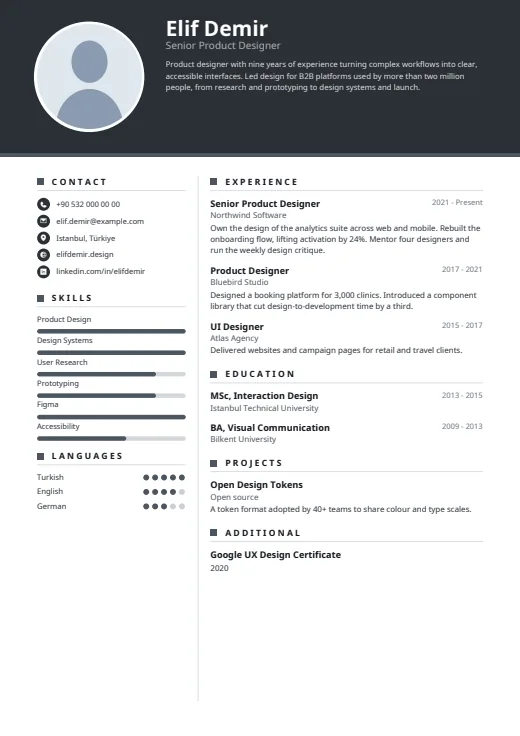 Graphite
A dark header band carries your photo, name and summary above a calm, light page.
Photo · Two columns · 5 colours
-
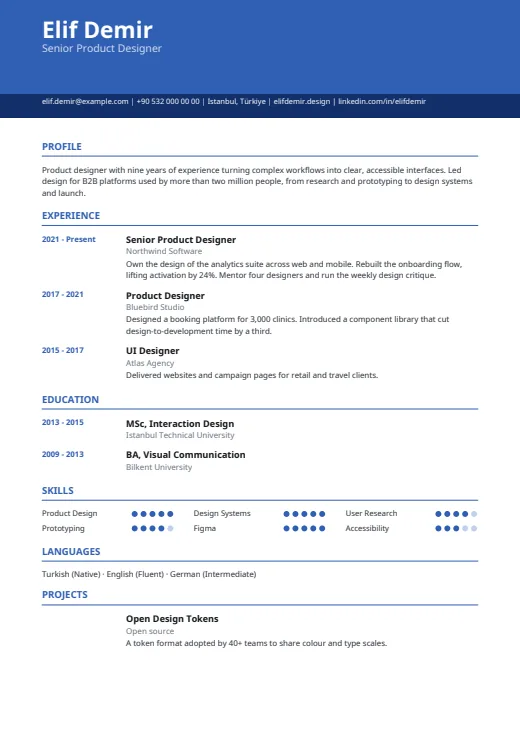 Chrono
One column under a colour header, with every date lined up in its own margin on the left.
No photo · One column · 5 colours
-
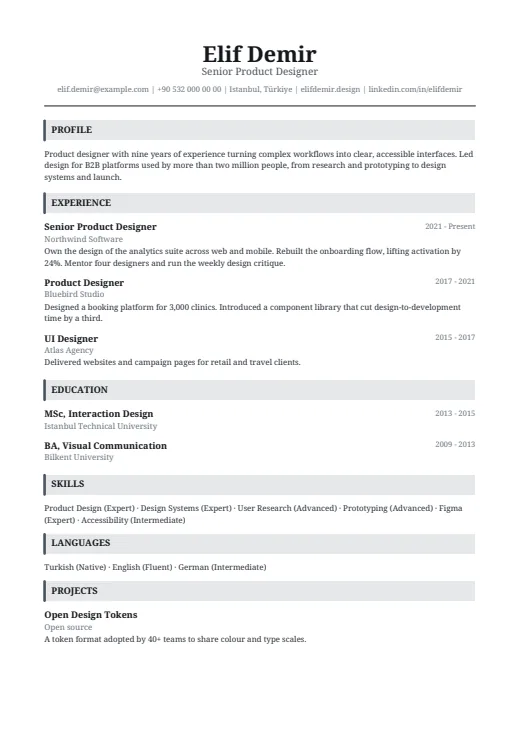 Headline
A classic serif CV in one column, with a centred name and grey bars that open each section.
No photo · One column · 5 colours