
Crossbar CV template
A full-colour side column, crossed near the top by a dark bar that carries your name and photo.
- With a photo
- Two columns
- 5 colours
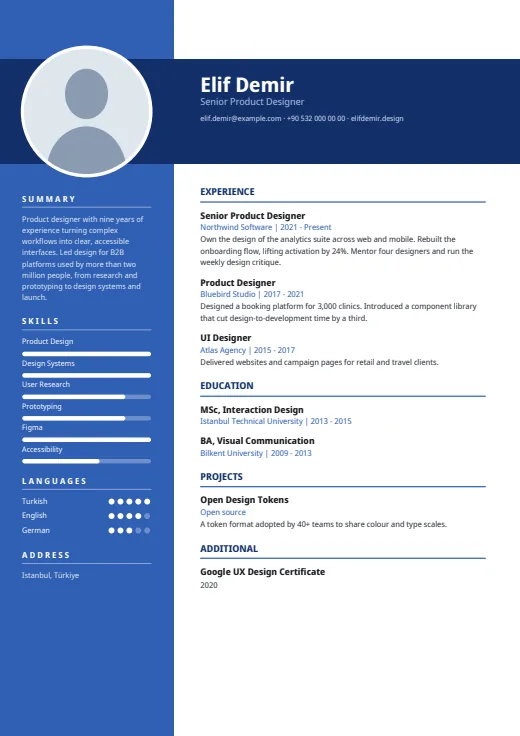
5 colours to choose from
The layout stays; only the colours change.
-
Royal Blue
-
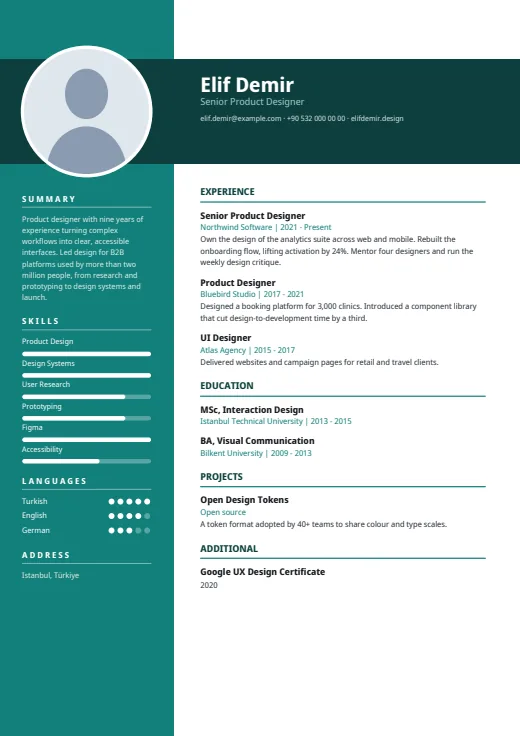 Teal
-
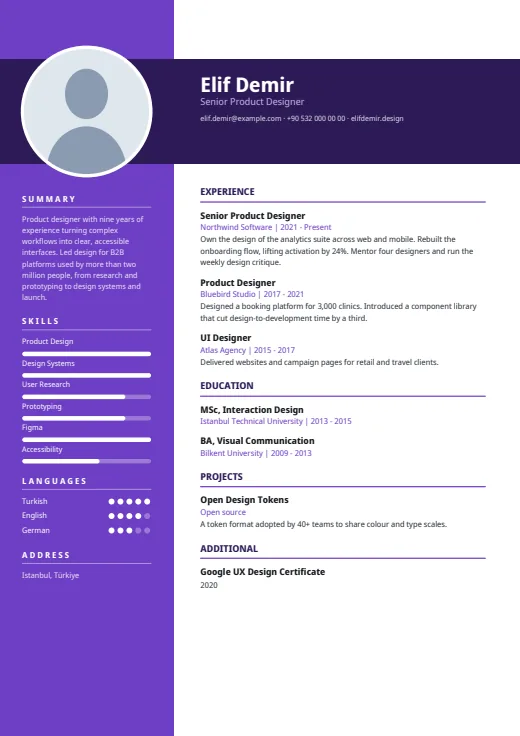 Plum
-
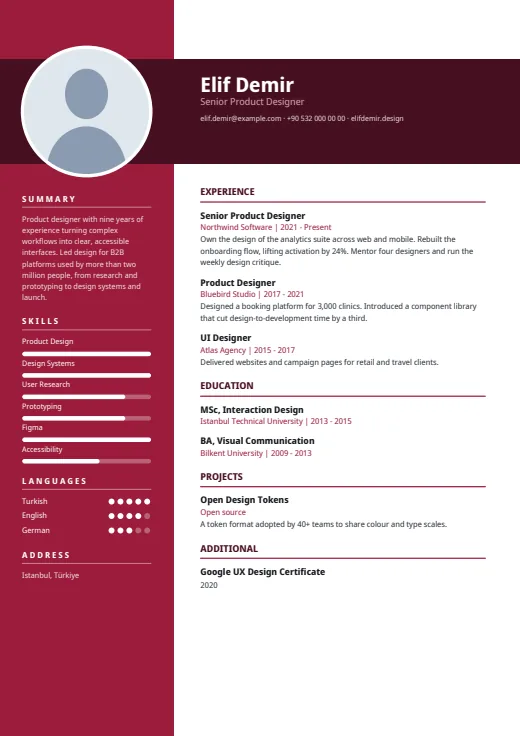 Burgundy
-
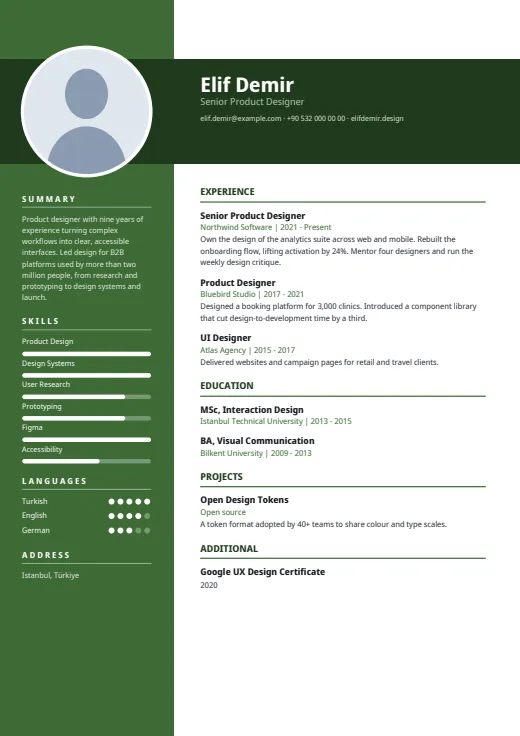 Forest
What sets it apart
-
A bar across the column
Near the top of page 1, a dark bar crosses the whole page, coloured column included. Your white-ringed photo sits where they meet, beside your name, job title and up to three contacts.
-
White on full colour
The left column is solid colour from top to bottom, with summary, skills, languages and address in white. Skills get white bars and languages white dots, under small letter-spaced headings.
-
One column, shared space
Those four blocks share one fixed column, so a long summary shrinks all their type instead of spilling onto page 2. With over nine skills, the main column also carries the full list.
Who it suits
- Creatives, marketers and teachers happy with a strong block of colour
- Candidates with a short summary and a focused skills list
- CVs sent by email or handed over in person
How an ATS reads it
Crossbar is a design for people first, yet all of its text is real and selectable. Four details matter to a parser. The coloured column is a separate frame that some systems read out of order. Its small headings are letter-spaced. Bars and dots are shapes, so only names are read; levels can be hidden in Options. And the summary sits in that column, not in the main text. For strict portals, choose Plain ATS.
Use this design
Build your CV, then choose Crossbar in the design gallery.
Start in Quick CVQuick CV needs no account; the design gallery opens once you sign up. Every plan can preview every design, and the PDF download comes with Standard and Premium.
Questions about Crossbar

Which Crossbar colour is the calmest?
Forest and Teal are the most muted of the five; Royal Blue, Plum and Burgundy are brighter and give the column more presence. Every tone keeps white column text and a white main page, so preview them on your own CV and pick by eye.
Which contact details fit in Crossbar's dark bar?
Up to three, on one line under your job title: the first three of email, phone, AI twin link (if switched on), website, LinkedIn and GitHub. The address goes to the foot of the coloured column instead, under its own heading.
What does page 2 look like in Crossbar?
The coloured column runs down every page but is empty from page 2: its contents and the dark bar are on page 1 only. Your experience and other main sections continue in the white column, with a page number at the foot.
More designs
-
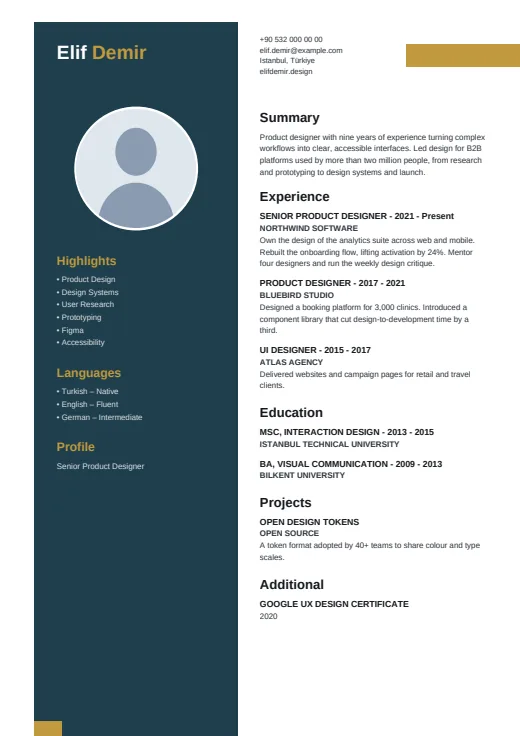 Pillar
A dark pillar, set in from the page edge, carries your name, photo and skills.
Photo · Two columns · 5 colours
-
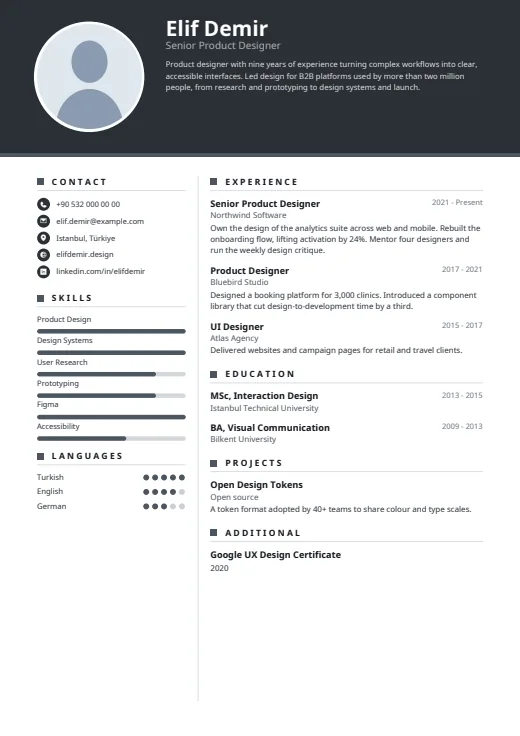 Graphite
A dark header band carries your photo, name and summary above a calm, light page.
Photo · Two columns · 5 colours
-
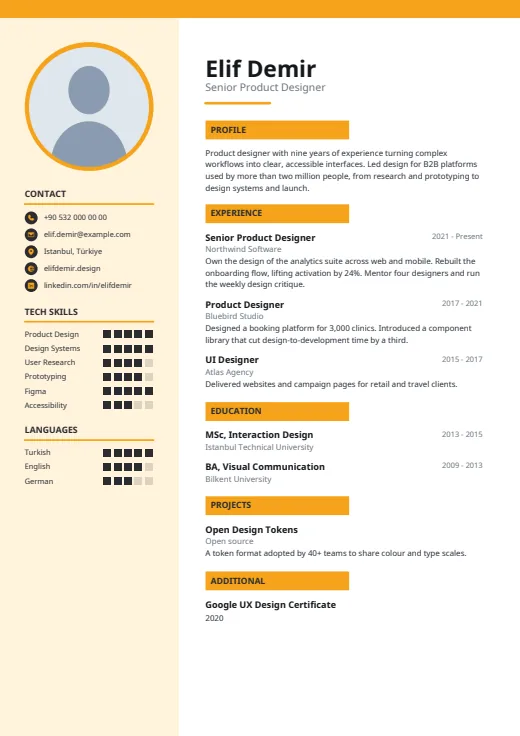 Meter
Square-segment meters rate your tools in a tinted side column, beside a clean white main page.
Photo · Two columns · 5 colours