
Lineage CV template
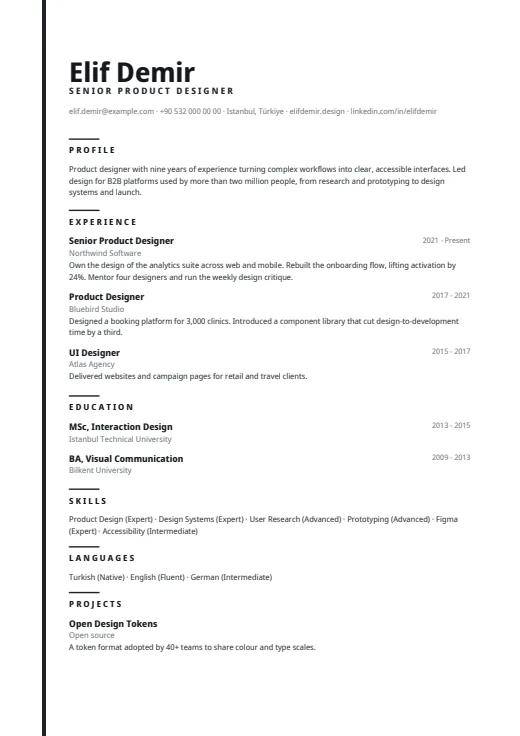
A quiet one-column CV led by a very large name, with a thin colour line down the left edge.
- Without a photo
- One column
- 5 colours
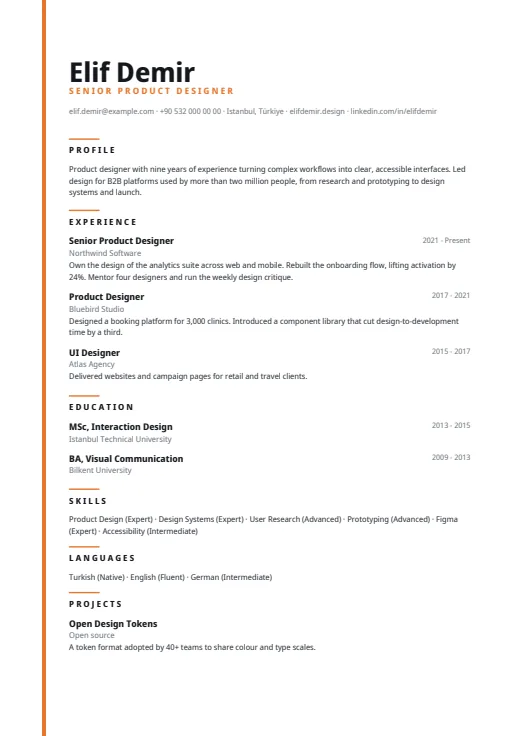
5 colours to choose from
The layout stays; only the colours change.
-
Tangerine
-
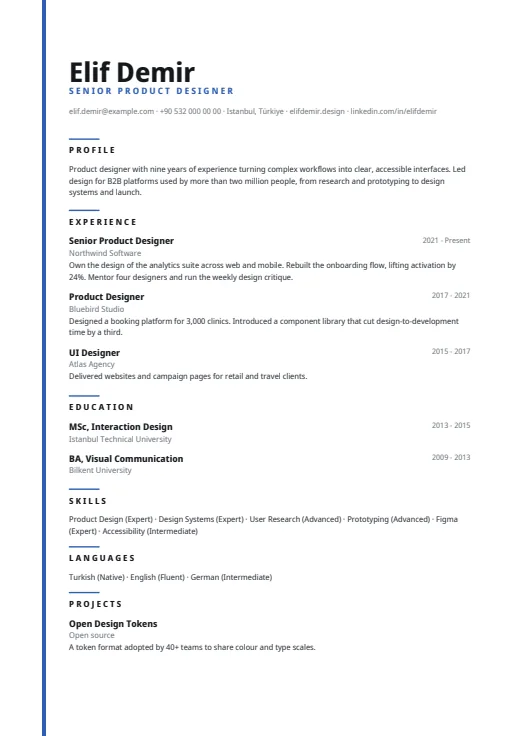 Royal Blue
-
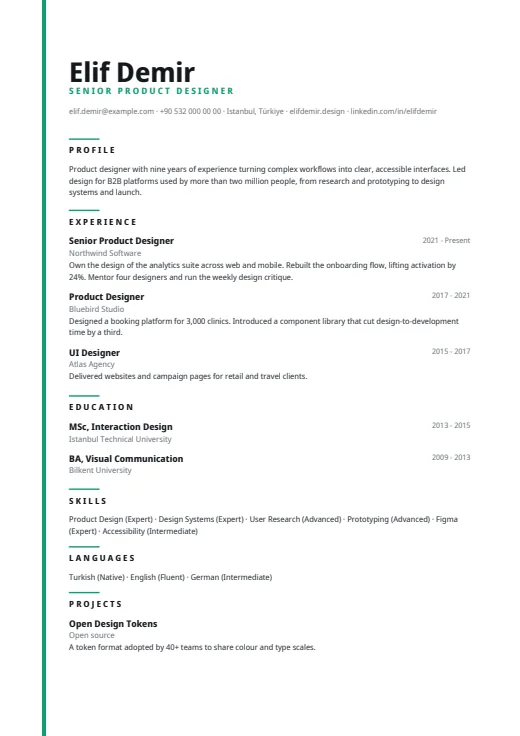 Emerald
-
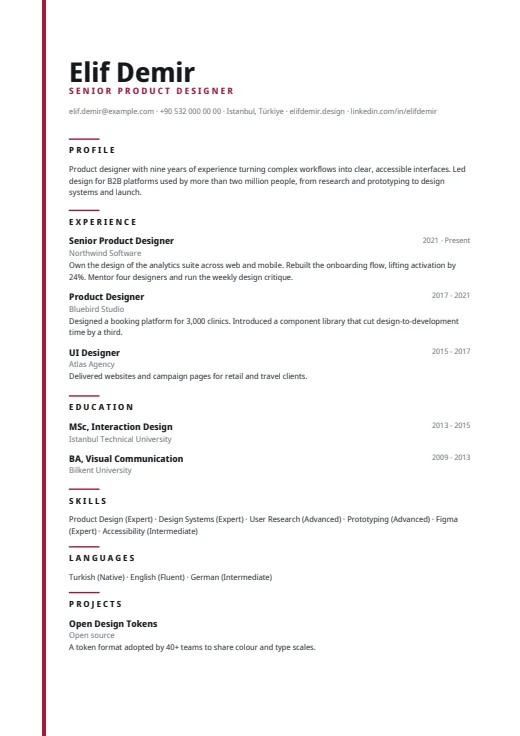 Burgundy
-
 Black & White
What sets it apart
-
Largest name in the set
Your name is set at 31 pt bold, larger than in any other Twin CV design. Under it run the job title from your latest role, in spaced-out accent capitals, and a quiet grey contact line.
-
One line, lots of air
A thin accent line runs down the left edge of every page, the only decoration. Headings sit under a short accent dash, in spaced-out capitals, with generous room around them.
-
Dates kept to the right
Each entry opens with the job title in bold, the years flush right on the same line and the employer in grey below. The role leads, and the dates stay out of its way.
Who it suits
- Graduates and early-career candidates with a one-page CV
- Writers, designers and others who like a calm, type-led page
- Anyone who wants their name to be seen first
How an ATS reads it
Lineage reads in one column and has no photo. Skill and language levels are words, so a parser picks up the level along with the name, and all text is real text. The catch is letter-spacing: the section headings and the job title under your name are spaced out letter by letter, which some parsers misread. For a strict online portal, Plain ATS carries the same content without it.
Use this design
Build your CV, then choose Lineage in the design gallery.
Start in Quick CVQuick CV needs no account; the design gallery opens once you sign up. Every plan can preview every design, and the PDF download comes with Standard and Premium.
Questions about Lineage

Is Lineage a good choice for a short CV?
Yes, it suits one well. The big name, open margins and the space around each heading make a page with two or three roles look intentional rather than thin. Longer careers work too: sections flow on to page 2, where page numbers begin.
Do Lineage's letter-spaced headings cause ATS problems?
They can with some parsers. The headings and the job title under your name are stored with a space between the letters, so a parser may see single letters, not a word. Your latest job title also appears normally under experience. Headline is one column without letter-spacing.
How does Lineage show skill levels?
As words. Each skill is followed by its level in brackets, for example Figma (Expert), on one line separated by small dots; languages work the same way. Because the level is text, a parser reads it too. You can still hide either in Options.
More designs
-
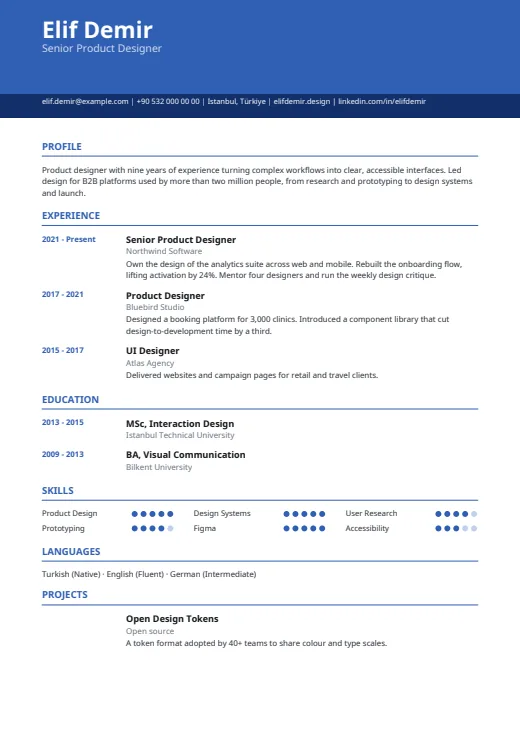 Chrono
One column under a colour header, with every date lined up in its own margin on the left.
No photo · One column · 5 colours
-
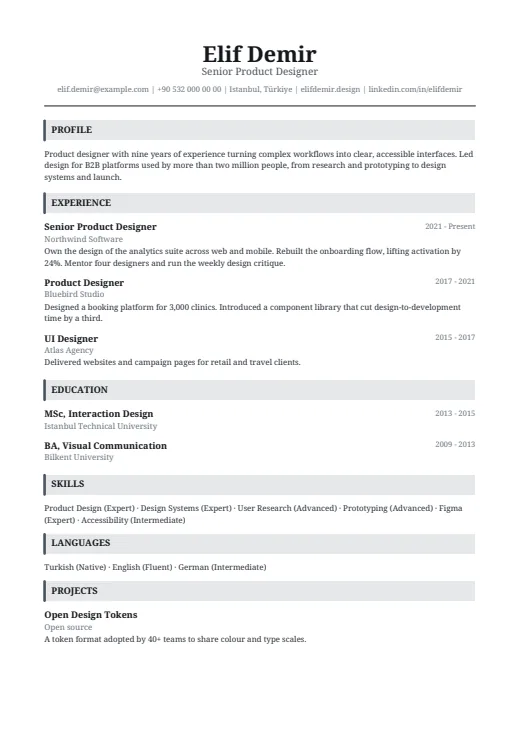 Headline
A classic serif CV in one column, with a centred name and grey bars that open each section.
No photo · One column · 5 colours
-
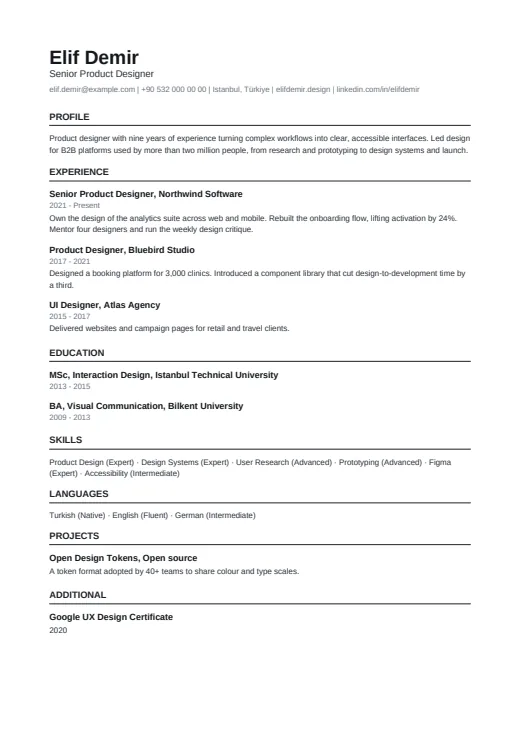 Plain ATS
The plainest design in the set: one column of clean text, built for online application portals.
No photo · One column · 4 colours