
Leaf CV template
A warm two-column CV with soft rounded panels and a photo on a slightly tilted colour tile.
- With a photo
- Two columns
- 5 colours
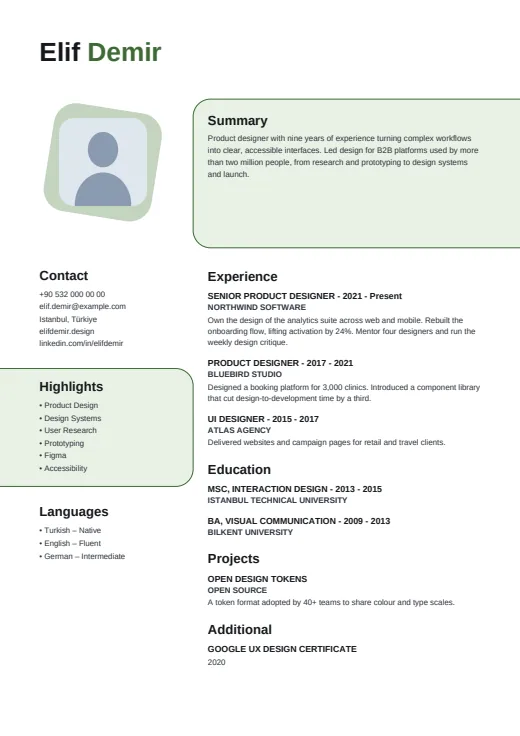
5 colours to choose from
The layout stays; only the colours change.
-
Forest
-
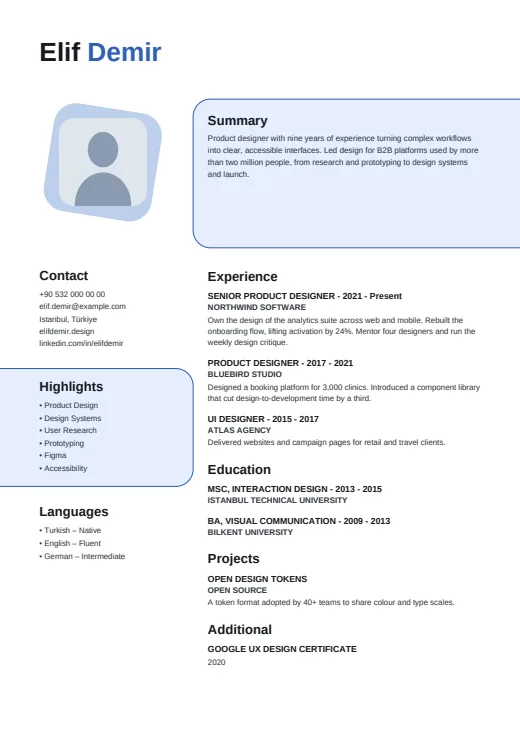 Royal Blue
-
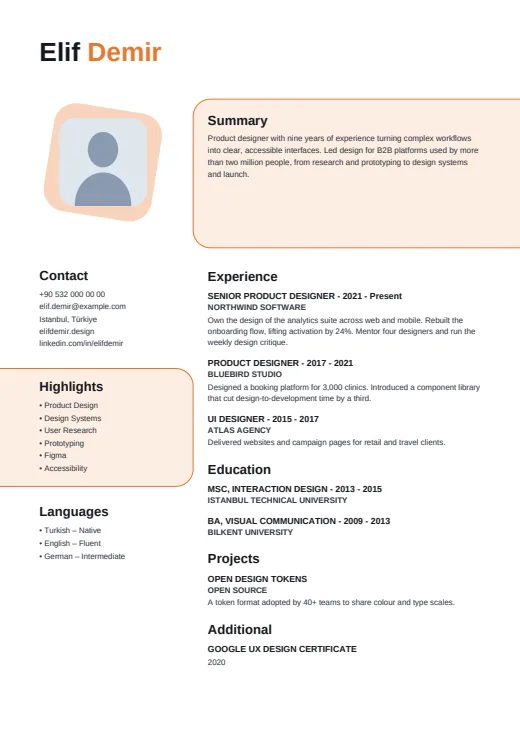 Tangerine
-
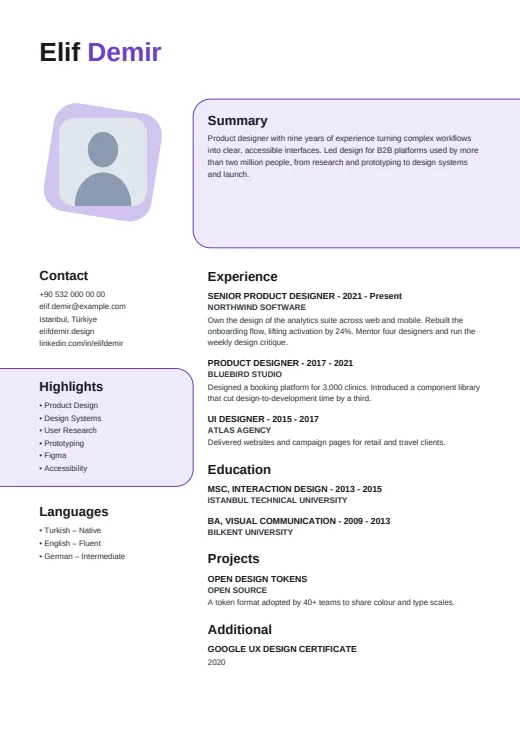 Plum
-
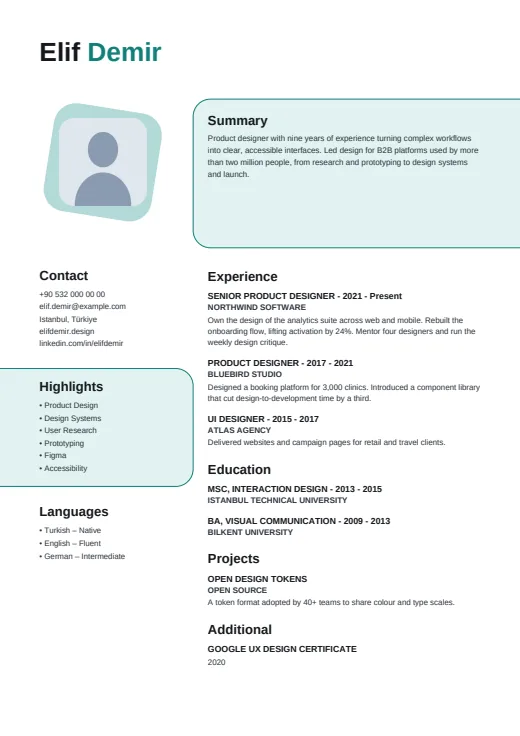 Teal
What sets it apart
-
Panels off the edge
Your summary sits in a rounded panel with a thin accent outline that runs off the page's right edge. On the left, a matching soft panel holds your Highlights and runs off the other edge.
-
A tilted photo tile
Your photo is a rounded square laid on a colour tile turned a few degrees. The tile leans, the photo stays straight, and the top of the page gets a relaxed, hand-placed feel.
-
Name first, no title line
Your name is large and bold in normal case: the first word in black, the rest in the accent colour. Nothing sits under it; job titles appear in capitals inside each Experience entry.
Who it suits
- Teachers, nurses and care workers who want a warm look
- Designers and marketers who like colour used softly
- Career changers who would rather not lead with one job title
How an ATS reads it
Leaf keeps its text plain: no letter-spacing, no icons in the contact list, skills as a bulleted list and language levels written out in words. All of it is real, selectable text, and the photo is the only image. It is still a two-column page: the left column is its own frame, and while most parsers cope, some read the columns in the wrong order. When a portal is strict, switch to Plain ATS.
Use this design
Build your CV, then choose Leaf in the design gallery.
Start in Quick CVQuick CV needs no account; the design gallery opens once you sign up. Every plan can preview every design, and the PDF download comes with Standard and Premium.
Questions about Leaf

What happens to Leaf if I leave the summary empty?
The summary panel is skipped. The main column moves up to start just under your name, so Experience begins higher on the page and no empty outlined box is left behind. The photo and the left column stay where they are.
Where does my job title appear in Leaf?
Leaf has no title line under your name. Twin CV takes your job title from your most recent position, and here it shows in that Experience entry, in capitals, beside the years. Editorial prints it next to your photo instead.
Does Leaf work without a photo?
Yes. The tilted tile and the rounded square on it stay in place, so the header keeps its shape; the square shows a light ground instead of a picture. Everything else sits where it would with a photo.
More designs
-
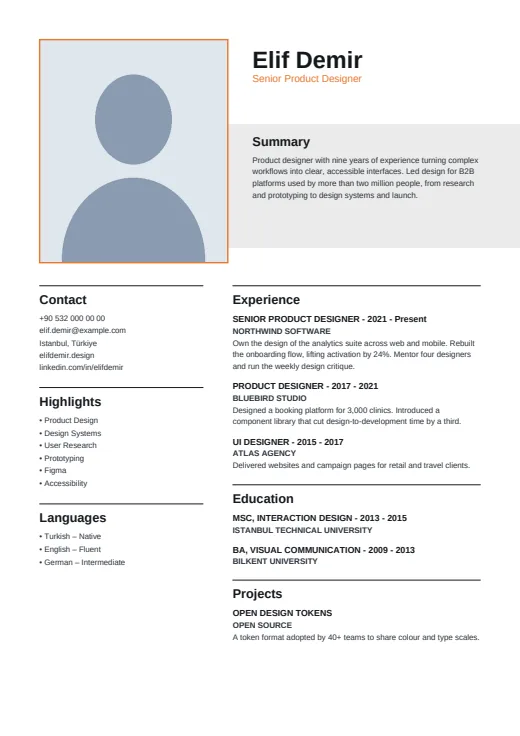 Editorial
A quiet, print-style CV with an upright framed photo, a large name and a grey band for your summary.
Photo · Two columns · 5 colours
-
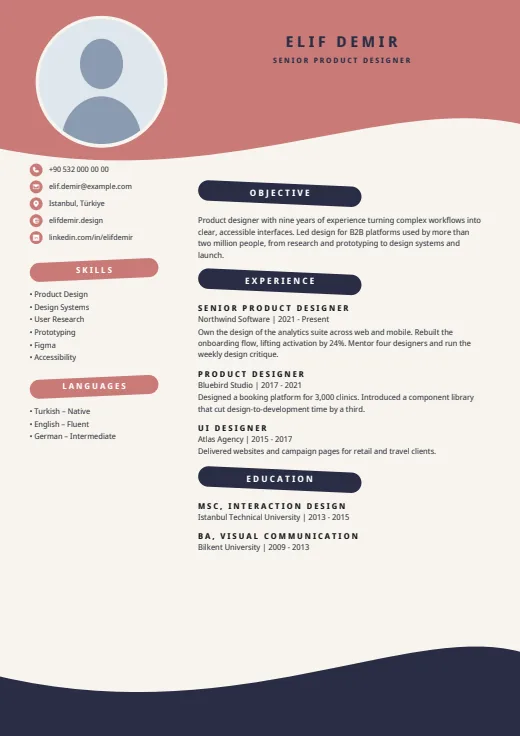 Wave
Waves and brush-stroke headings frame your CV on a warm cream page.
Photo · Two columns · 5 colours
-
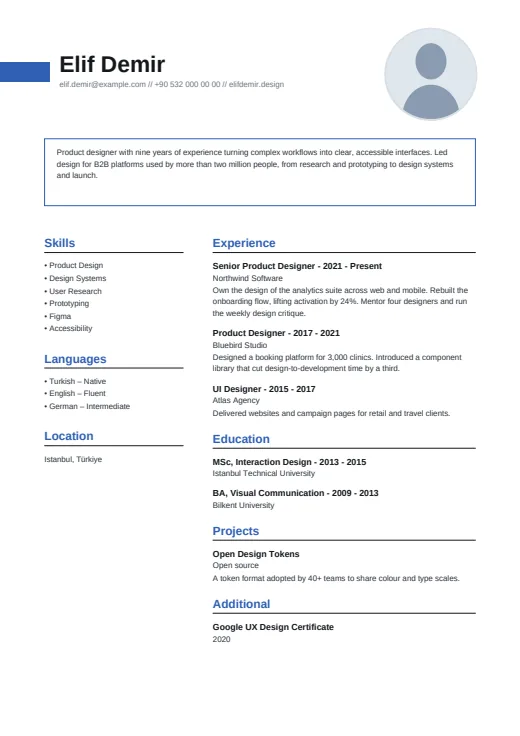 Boxed
Your summary gets its own thin outlined box, under a bold name and a small round photo.
Photo · Two columns · 5 colours