Twin CV
Career Tips

What Is an Interactive Resume?

A resume your reader can explore or question — the main formats, how recruiters use them and how to build one that helps.

What Is an Interactive Resume?

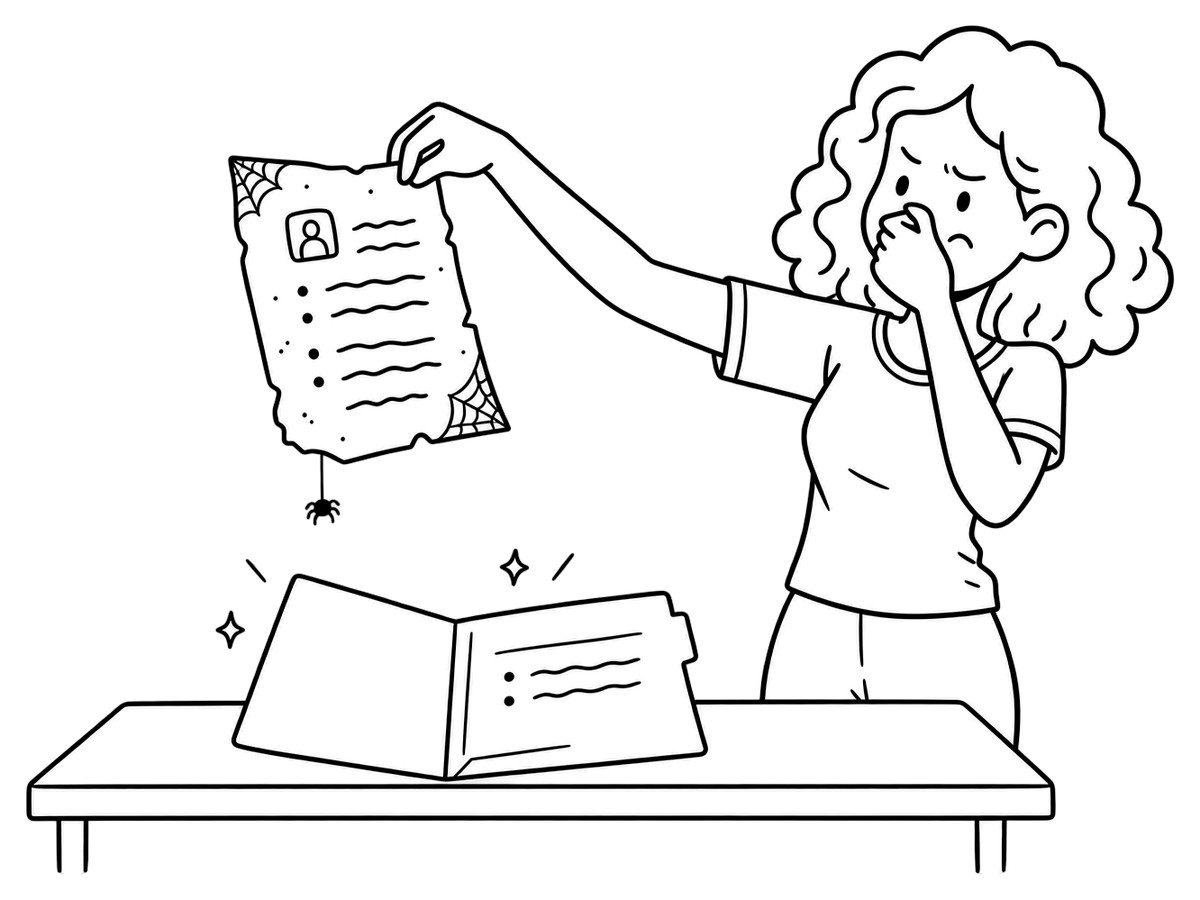
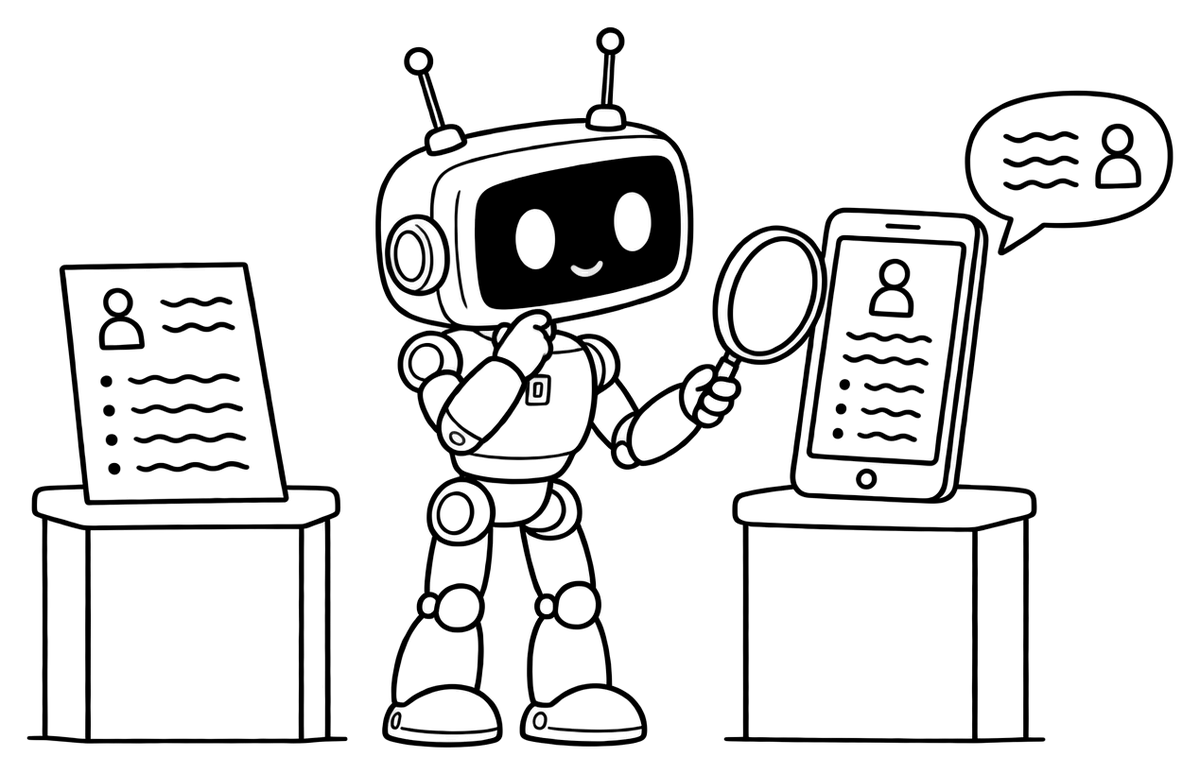
A classic resume is a finished object. The reader gets exactly what you wrote, in the order you wrote it, and nothing more. If they want to know which tools you used on a project or why you left a role after a year, the page has no way to tell them.

An interactive resume adds a way to go further: a link into the work itself, a short demo, or a chat that answers questions from your CV. This guide explains what counts as one, the formats people actually use, where recruiters fit them into a screening day — and how to build one without weakening the document you still have to send.
A resume you can explore
The basics

A resume you can explore

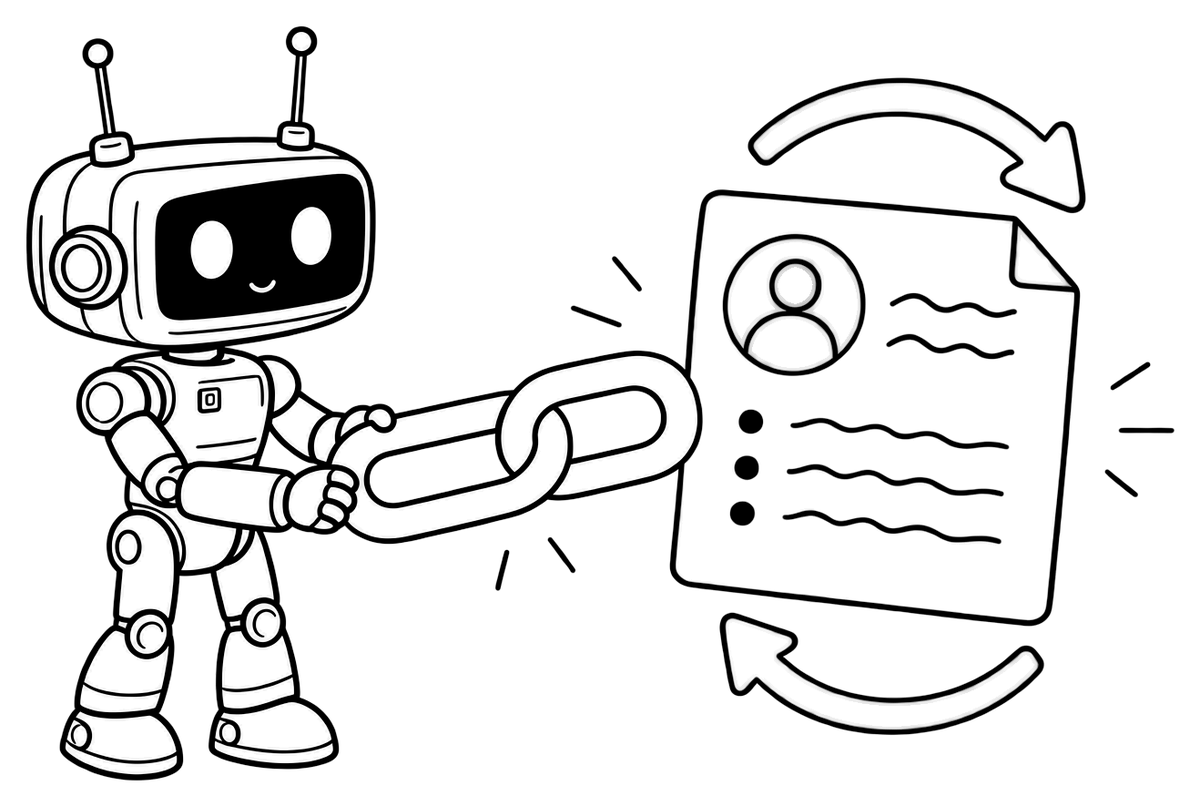
An interactive resume is any version of your CV that lets the reader do something besides read: open a project, play a clip, expand a detail or ask a question and get an answer. The story is the same as your CV's. What changes is who decides how deep to go — the reader, not the page limit.

Three things it is not:

  • Not a fancy layout. Animations and skill bars make a page busier, not more useful. Interactivity means access to more substance.
  • Not a replacement for your CV. Application portals still want a file, and most first screens still happen on that file.
  • Not a place for new claims. Everything a reader finds behind a click should match what your CV says — just in more detail.

Think of it as a second layer: the CV makes the case in two pages, and the interactive layer is there for the reader who wants proof.

Four common formats
Options

Four common formats

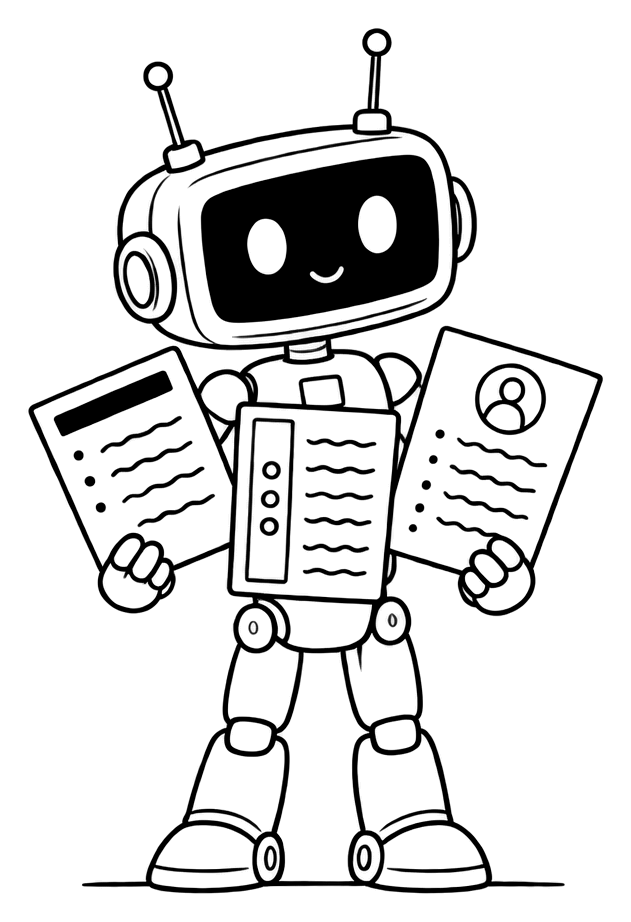
Most interactive resumes take one of four shapes. They differ less in technology than in how much upkeep they need.

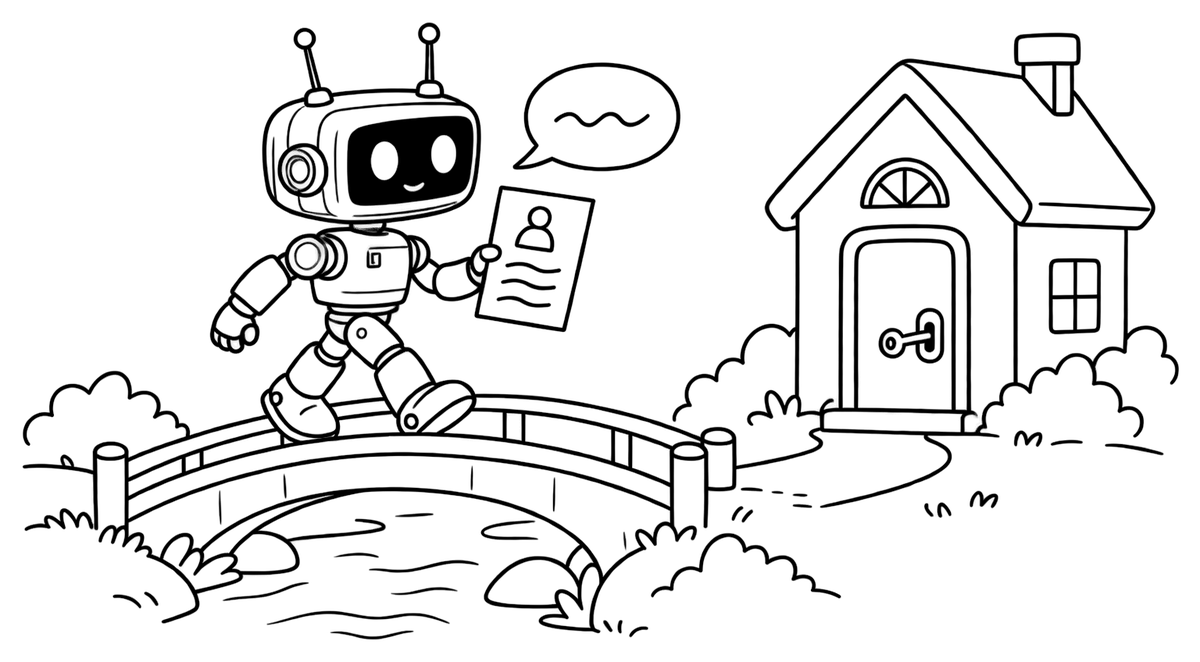
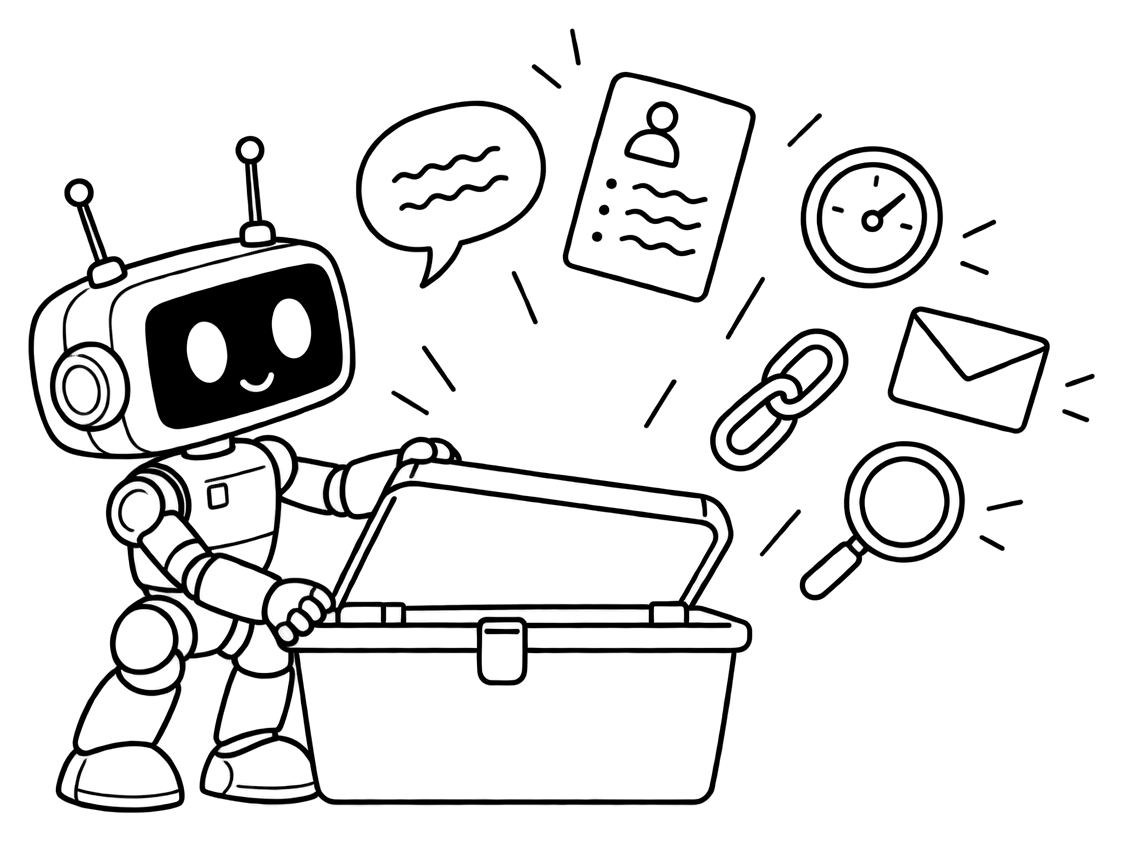
  1. The linked PDF. A normal CV whose project names, publications or certificates are live links to the evidence. Cheap to make and nearly free to maintain — the best starting point for almost everyone.
  2. The portfolio site. A personal website with a page per project: the problem, your part, the result, screenshots or samples. Ideal for designers, writers and developers, whose output can be shown. Also the most work to keep current.
  3. The video resume. A short clip in which you introduce yourself or walk through a piece of work. It shows how you communicate, but it is slow to skim and hard to update.
  4. The conversational resume. A page with a chat — sometimes called an AI resume chatbot — that answers a reader's questions from your CV. It suits people whose best material doesn't fit on two pages, and it changes whenever the CV does.

A quick way to choose: if your best work can be seen — designs, code, writing — lead with a portfolio. If it lives in judgment and context, the story behind decisions, a conversational layer shows it better. Short on time? Start with the linked PDF and add from there. You don't have to pick only one: a linked PDF that points to a portfolio or a chat page is a common and sensible combination.

Where a static page stops
The problem

Where a static page stops

A CV is written in advance for a reader you will probably never meet. You guess what they care about, cut everything else and send it. The reader then arrives with questions you could not see coming:

  • Which version of the tool, at what scale, for how long?
  • What did you do yourself, and what did the team do?
  • Is that two-year gap a problem or a story?
  • Would this experience carry over to our very different product?

On paper, each unanswered question turns into an assumption, and in a stack of applications the assumption is rarely generous. Adding all the answers to the CV doesn't solve it either: every line you add makes the important lines harder to find. That trade-off — depth against readability — is the problem interactive formats exist to solve. We look at it more closely in The CV That Talks Back.

How recruiters use them
In practice

How recruiters use them

Be realistic about the order of events. A recruiter screening for a role usually works from the CV first — often inside an applicant tracking system, where the file you uploaded is what gets searched and ranked. Few people click through an interactive layer before they've decided you're worth a closer look.

The interactive layer earns its keep after that first cut:

  • Before a phone screen, when the recruiter wants a few specifics to ask about.
  • When forwarding you to the hiring manager, who has deeper, more technical questions than the recruiter.
  • When comparing two close candidates, where real evidence of the work tips the balance.
  • Outside office hours, when a manager reads applications late and can't simply call you.

The questions at this stage are specific — “How big was the budget?”, “Was the migration finished?”, “Which parts did she build herself?” — exactly the detail a two-page document leaves out.

The practical rule follows: your CV must stand on its own, and the link should sit where those later readers will see it — beside your name on the CV, in your email signature, on your LinkedIn profile.

What makes one work
Principles

What makes one work

Whatever format you choose, the good ones share a few traits:

  • One link, near the top. A single address beside your contact details beats five links scattered through the page.
  • Zero friction. No login, no download, no app. It should open on a phone in a couple of seconds.
  • The same facts as the CV. Dates, titles and numbers must match exactly; a mismatch reads as carelessness, or worse.
  • Easy to keep current. If updating it is a chore, it will drift out of date. Formats that update from your CV age best.
  • Honest by design. More detail, never more claims. A reader who catches one inflated answer stops trusting the rest.
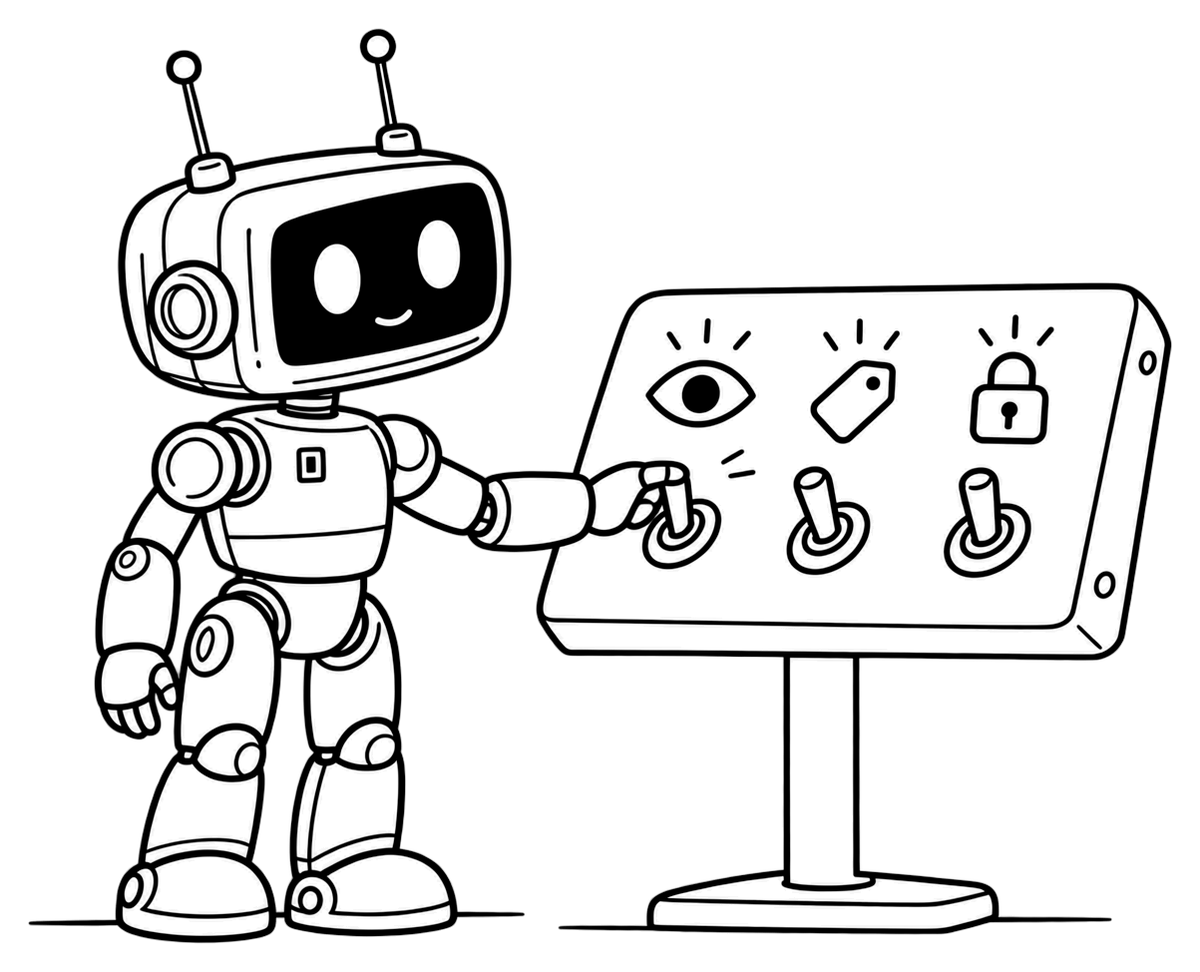
  • Under your control. You should be able to change it, pause it or take it down whenever you like.

A quick test before you share it: open the link on your phone, over mobile data, in a private window. If anything asks you to log in, takes more than a few seconds to load or contradicts your CV, fix that first.

A resume that answers back
Conversational

A resume that answers back

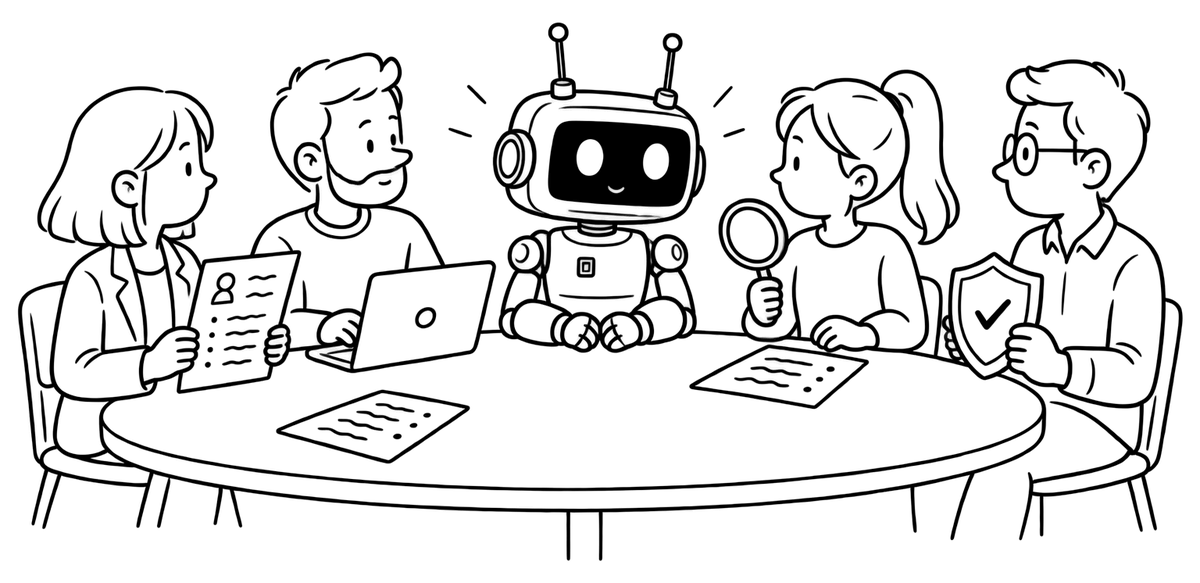
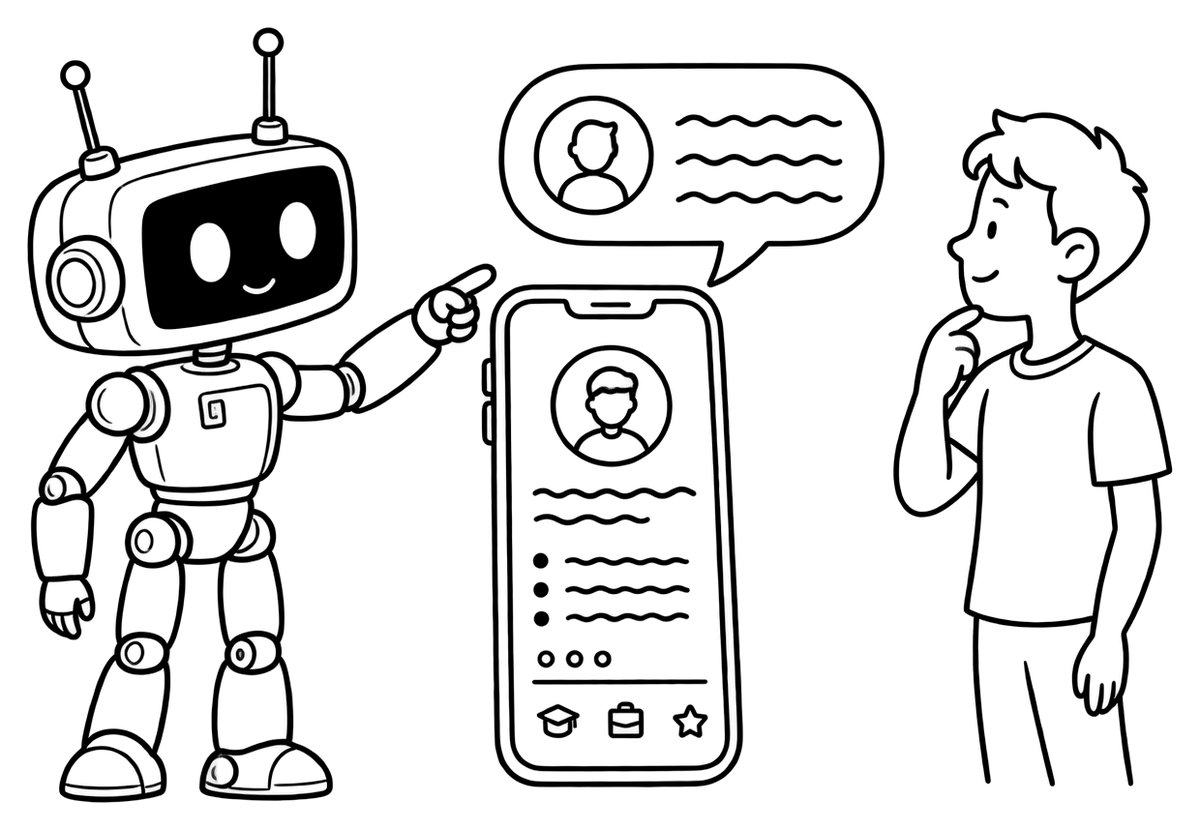
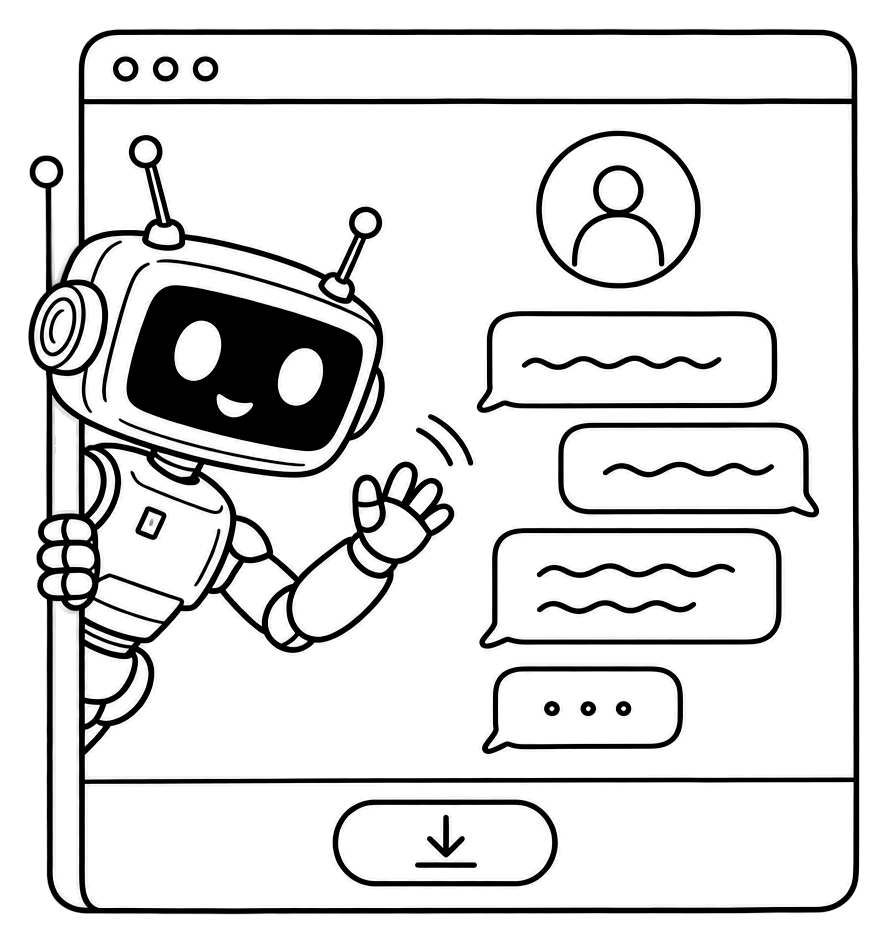
A conversational resume turns the reader's questions into the interface. Instead of guessing what to include, you let people ask. Twin CV builds this from the CV you already have: your AI twin lives on a public page, offers visitors a few suggested questions and answers in the third person, using only what your CV says. Ask it something your CV doesn't cover and it says it can't answer, rather than inventing a reply.

In practice, a hiring manager might ask “Has she managed people?” and get back what the CV actually says — say, that she led a team of four analysts in her last role and mentored two juniors — instead of a yes-or-no guess.

Visitors don't need an account; they just open your public link. When you download your CV as a PDF, an option prints that link on the CV itself, clickable, so the document and the conversation stay connected. On the Standard and Premium plans you can read what visitors asked — a useful signal of what your CV should say more clearly. The Free plan includes 5 visitor messages a month, and you can switch the page off at any time.

Mistakes that backfire
Avoid these

Mistakes that backfire

  • Making it the only version. If the posting asks for a file, send the file. The interactive layer is extra, never instead.
  • Letting it go stale. A portfolio that stops two jobs ago tells the reader you stopped too.
  • Hiding the basics. Contact details, current role and core skills should never sit behind a click.
  • Asking readers to sign up. Every extra step loses readers — and some company networks block unfamiliar downloads anyway.
  • Forgetting the phone. Many people open links from email on a phone first. A portfolio that only works on a wide screen loses them.
  • Turning a video into a speech. If you record one, keep it short and specific. Nobody needs your whole life story.
  • Claiming more than the CV. Interactive should mean deeper, not bigger. Anything you'd hesitate to defend in an interview doesn't belong there.
Start with a strong CV
Get started

Start with a strong CV

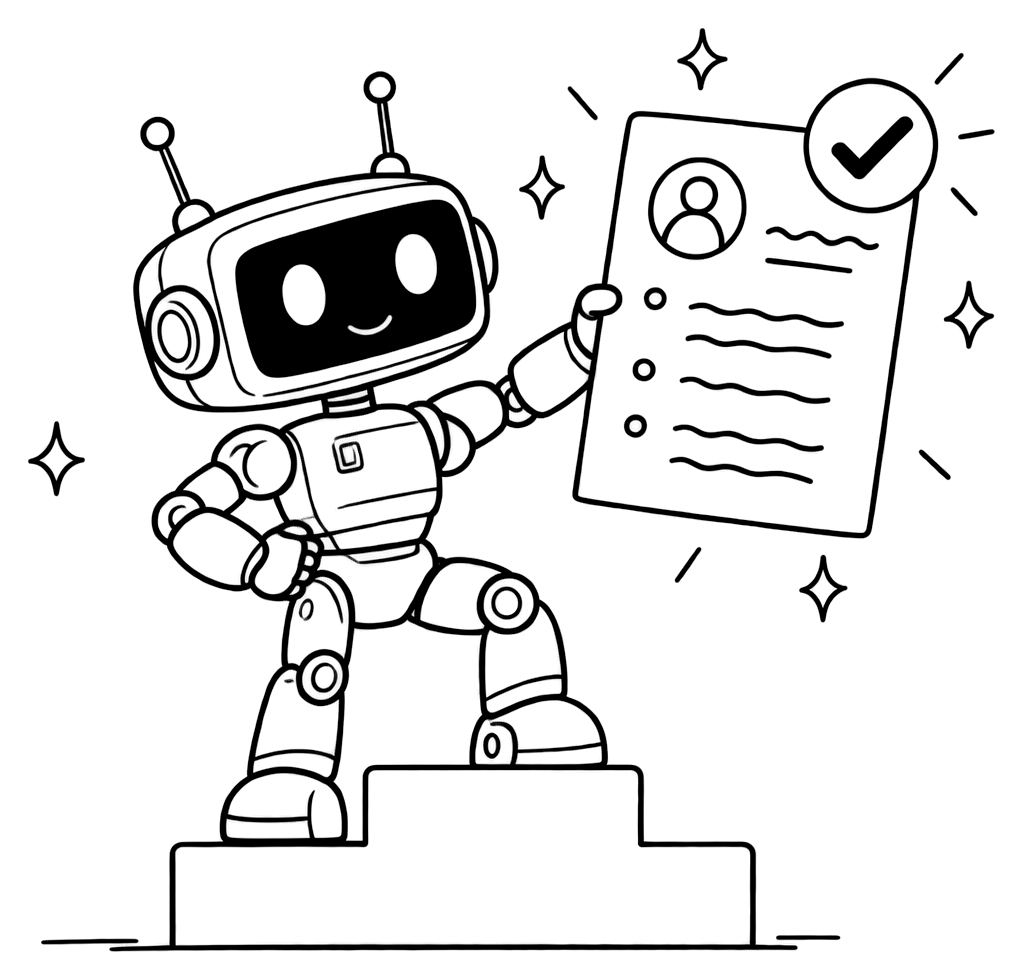
Every interactive layer inherits the quality of the CV underneath it, so start there. Our guide on how to write a CV covers the structure and the bullets, and tailoring it to each posting matters more than any format choice.

A sensible order of work:

  1. Fix the CV until it makes your case on its own.
  2. Turn the strongest claims into links: a project page, a publication, a demo.
  3. Add one place where readers can go deeper — a portfolio or a page that answers questions.
  4. Put that one link beside your name, and keep everything in sync whenever the CV changes.

To try the conversational version, give your CV a voice: in Quick CV you can build a CV by chatting — no account, email or card to start — and the same CV becomes a page that answers questions. If you sign up later, everything you made carries over.

FAQ

Interactive resume questions

A visitor asks a question at a help desk and the twin robot answers it
Is an interactive resume the same as an online resume?

Not quite. An online resume is your CV published as a web page. An interactive resume adds something for the reader to do — open evidence, watch a demo or ask questions. Many interactive resumes live online, but not every online resume is interactive.

Will an applicant tracking system read it?

An ATS reads the file you upload, not the website behind a link. Keep a text-based CV that works on its own and put your link inside it. Our ATS-friendly CV guide covers the file itself.

Do recruiters actually click resume links?

Some do, usually once a CV has made the shortlist — before a call, or when passing it to a hiring manager. Plan for both cases: the CV must make your case without the link, and the link should reward whoever does click.

Can an AI resume chatbot make things up?

A general-purpose chatbot can. One built for this job shouldn't: Twin CV's twin answers only from your CV and says so when a question goes beyond it. That is also why the CV underneath needs to be complete and accurate.

Related reads

Career Change CV: Reframe Your Experience
November 9, 2026

Career Change CV: Reframe Your Experience

CV vs Resume: The Difference by Country
November 8, 2026

CV vs Resume: The Difference by Country

How to Write a CV in 2026
November 8, 2026

How to Write a CV in 2026

Your twin is one conversation away.

Start free with Quick CV

Stay in the loop

Occasional product news and practical career tips — only when we have something worth your time.