
You open a CV template and the first big box asks for work experience. You have a degree in progress, a group project you're proud of and a summer job at a café — and no idea whether any of it counts. So the box stays empty, and so does the CV.
Your First CV, No Experience Needed
Talk about your studies, projects and side jobs — the assistant turns them into a real CV.
Try it now — no sign-up needed
The problem
Nothing to put under Experience?
The solution
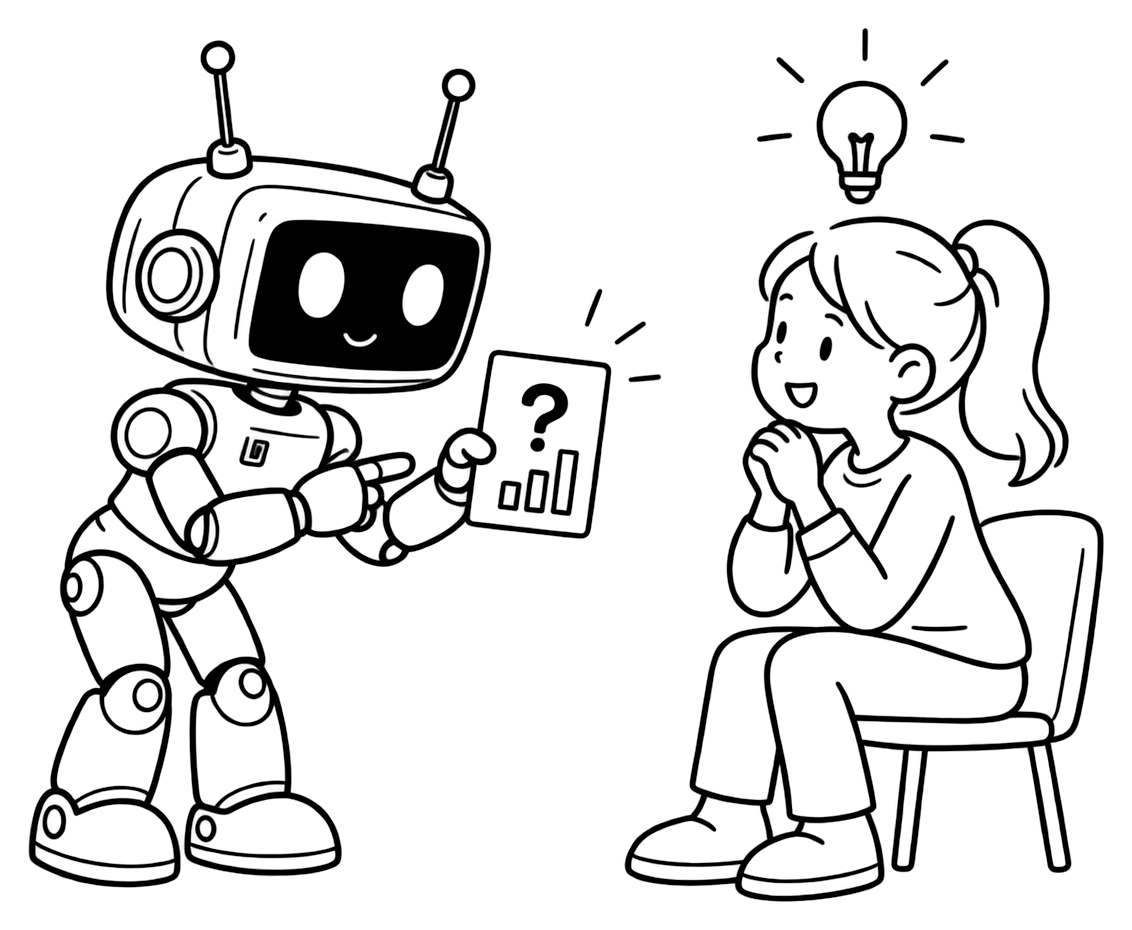
Questions that find your experience
Twin CV starts with a conversation instead of a form. Tell the assistant what you study and what you've done; it asks one thing at a time and writes each answer into the right section of your CV.
- A course project or your thesis can become a Projects entry, with a link if there's something to show.
- Tutoring, a student club or volunteering fits under Extras.
- A part-time or summer job is real Experience — say what you did there.
It never makes anything up: what you don't tell it doesn't appear. How building by chat works.
The problem
A list of courses says little
Many student CVs read like a transcript: course names, a grade average and “team player”. Someone skimming a stack of graduate CVs learns what you studied — not what you can do.
The solution
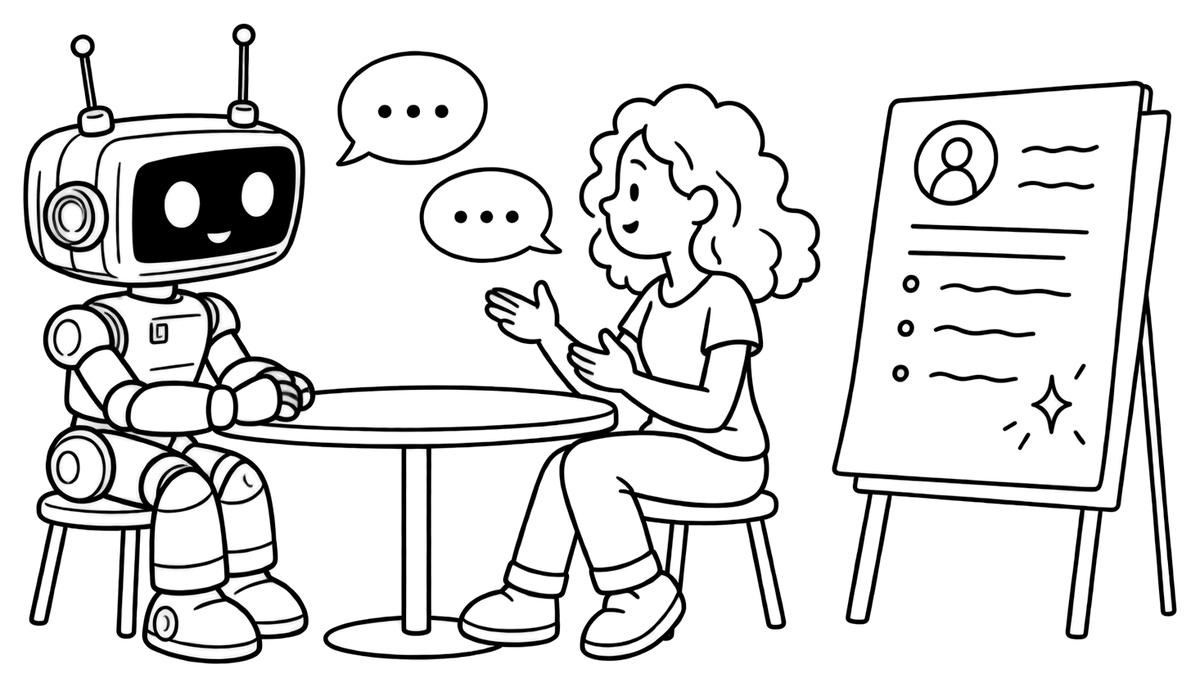
Turn what you did into proof
Where an entry would be stronger with one more detail — how big the team was, what you built, which tools you used, a level for a skill — the assistant asks for it once, and moves on if you don't know. Then it writes the line in clear CV language. A skill without a stated level stays without one, and a number you never gave never appears.
Already have a draft? Upload it as a PDF, a Word file or even a photo, and improve it together.
The problem
A first CV can't speak for you
A one-page PDF can't tell a recruiter what you actually did in that group project, or which part of your thesis was yours. They have questions — and nobody to ask.
The solution
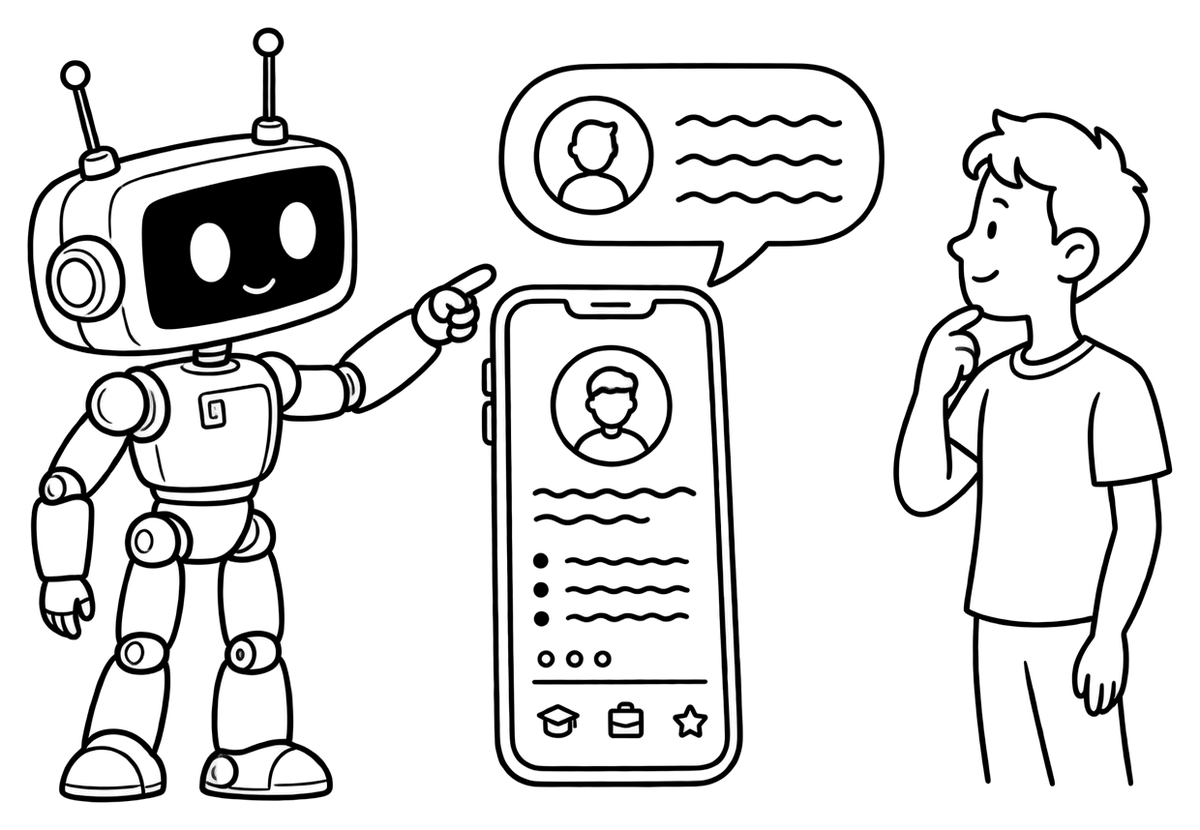
A twin that answers for you
Every Twin CV account comes with a public page and an AI twin that answers visitors' questions about you — only from your CV, never invented. Put the link in your applications and on your LinkedIn: a recruiter can ask about your projects without waiting for a call. The page is part of the Free plan, with 5 visitor messages a month; extra messages come in packs of 100 for $1.
Three steps
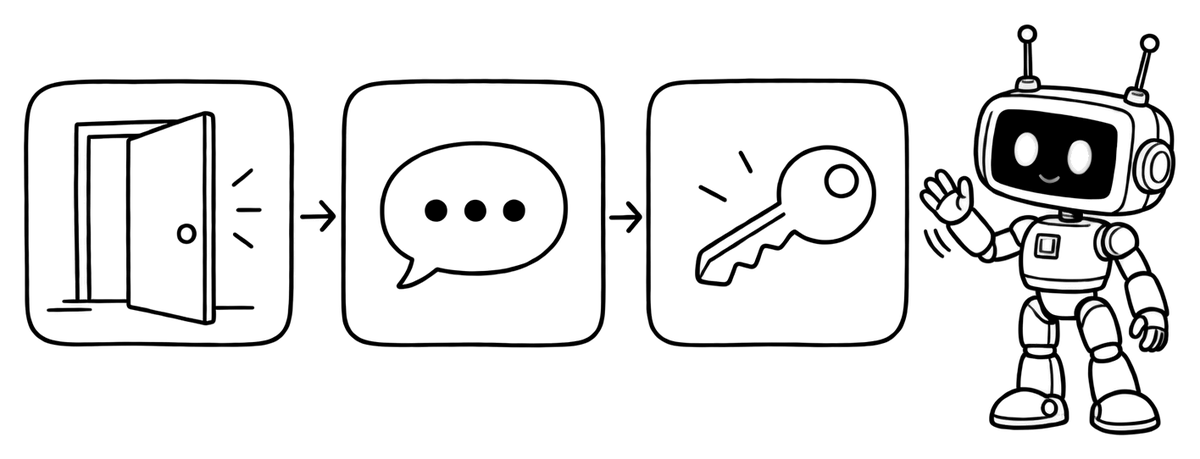
How to start
- Open Quick CV — no account, email or card needed to start.
- Tell the assistant about your studies, projects, jobs and activities, one question at a time.
- Create your free account to keep your CV, then share your link or try the designs.
Building your CV, importing a draft and your twin page are free. The designed PDF download starts with Standard ($5.90 a month) — see pricing. Applying through online portals? Read our ATS-friendly CV guide.
FAQ
Questions about a first CV

Is Twin CV free for students?
The Free plan is the same for everyone and has no time limit: build your CV by chat, import a draft and publish your twin page with 5 visitor messages a month. Downloading the designed PDF starts with Standard at $5.90 a month — see pricing.
What if I have no work experience at all?
Leave Experience empty and fill the sections that show what you can do: education, projects, skills, languages, certificates and extras such as volunteering, clubs or awards. The assistant asks about each of them, so nothing useful gets forgotten.
Can I put education above experience?
Yes. In the CV designs' Options you can set your own section order for each CV — for example education and projects first. Each design keeps its own layout, so a section that sits in a side column stays there.
Can I make an English CV if English isn't my first language?
Yes. Write to the assistant in the language you're comfortable with — it replies in that language — and ask it to write your CV entries in English or to translate what's already there. Read the result through before you send it.