
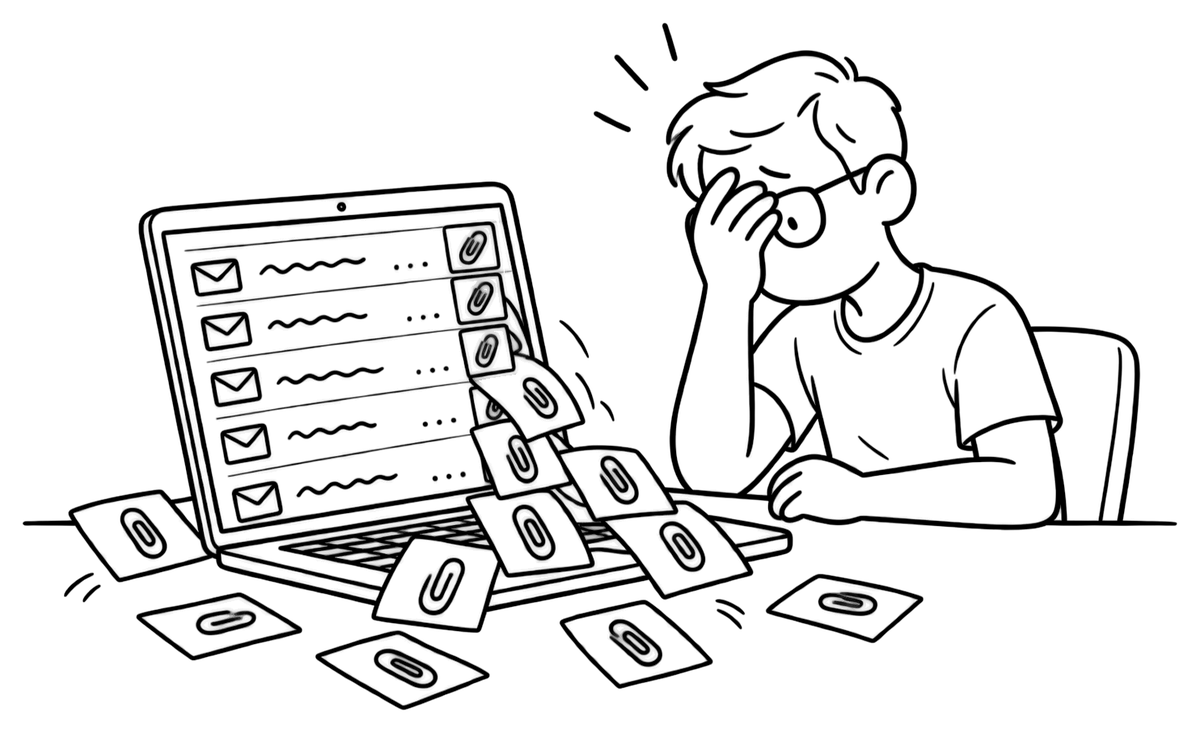
Every proposal goes out with a portfolio PDF. You finish a project, update the file, export it again — and lose track of which version went to which client. The one they forward to their team is already out of date.
A Freelance CV Clients Can Question
Your projects and skills at one link — with an AI twin that answers prospective clients.
Try it now — no sign-up needed
The problem
A new PDF for every pitch
The solution
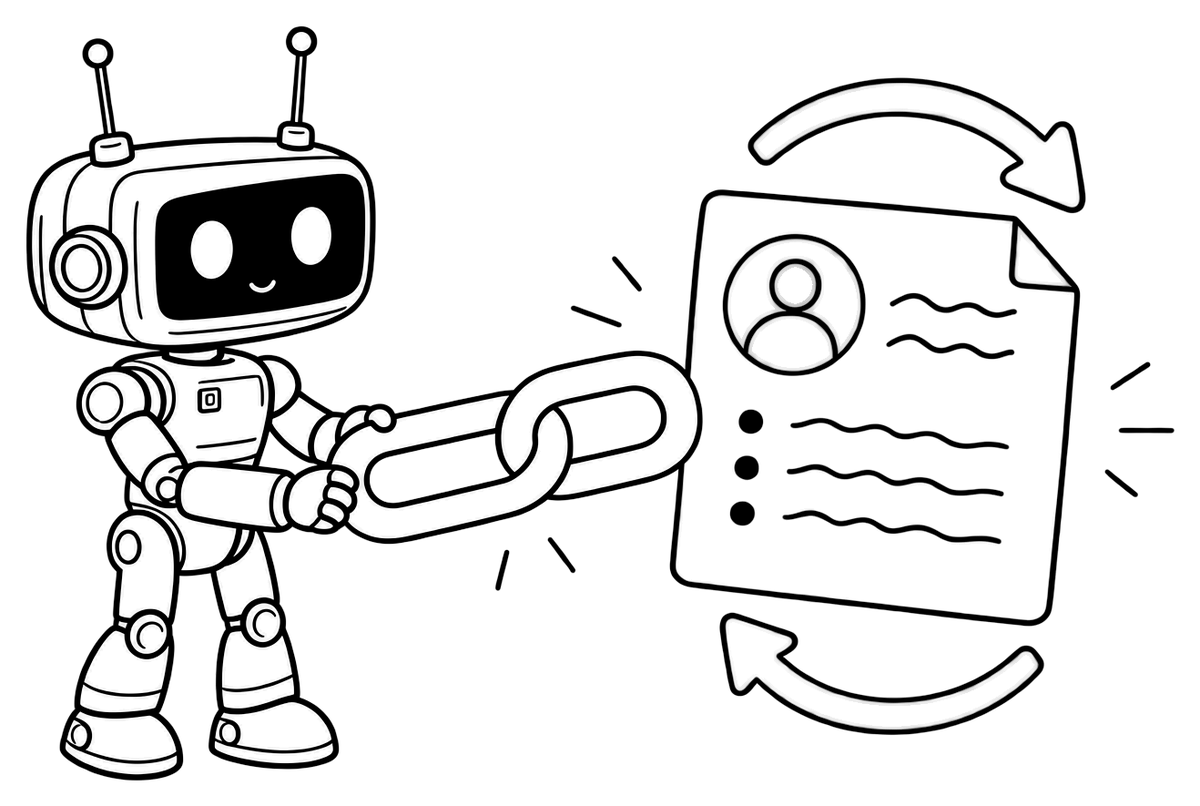
One link, always your latest work
Every Twin CV account comes with a public page at its own address, like twincv.com/your-name. Tell the assistant about a project you just delivered and it's in your CV — and in your twin's answers — right away. The link you sent last month answers from today's version.
- Each project can carry a link to the live work or the repository.
- On Standard and Premium, choose your own address instead of the assigned one.
The problem
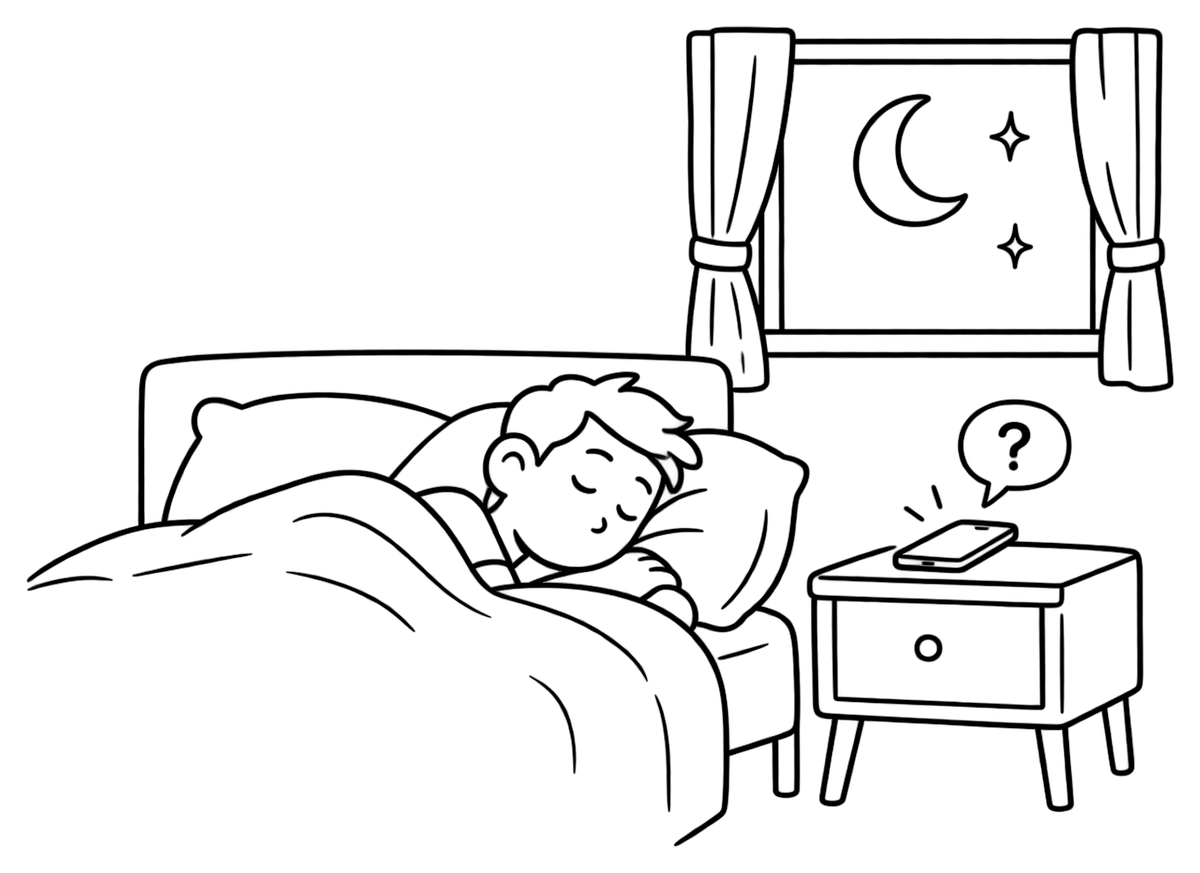
Client questions arrive while you sleep
A prospect in another time zone reads your profile at night and wonders: has this person built a store like ours before? Which tools do they work with? By the time you reply, they may have hired whoever answered first.
The solution
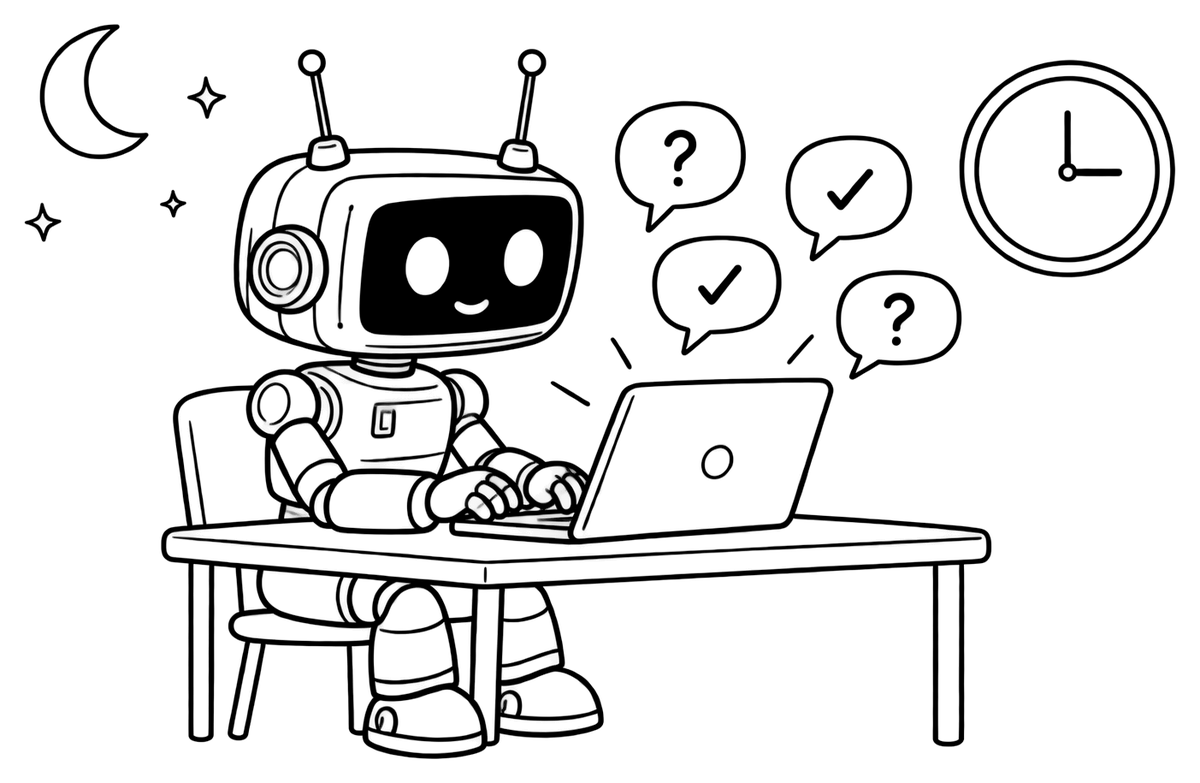
Your twin answers in between
Your AI twin answers visitors' questions about your skills, past projects and tools at any time of day. It talks about you in the third person and only from your CV: when something isn't there, it says so and suggests contacting you directly. Clients don't need an account — they open the link and ask.
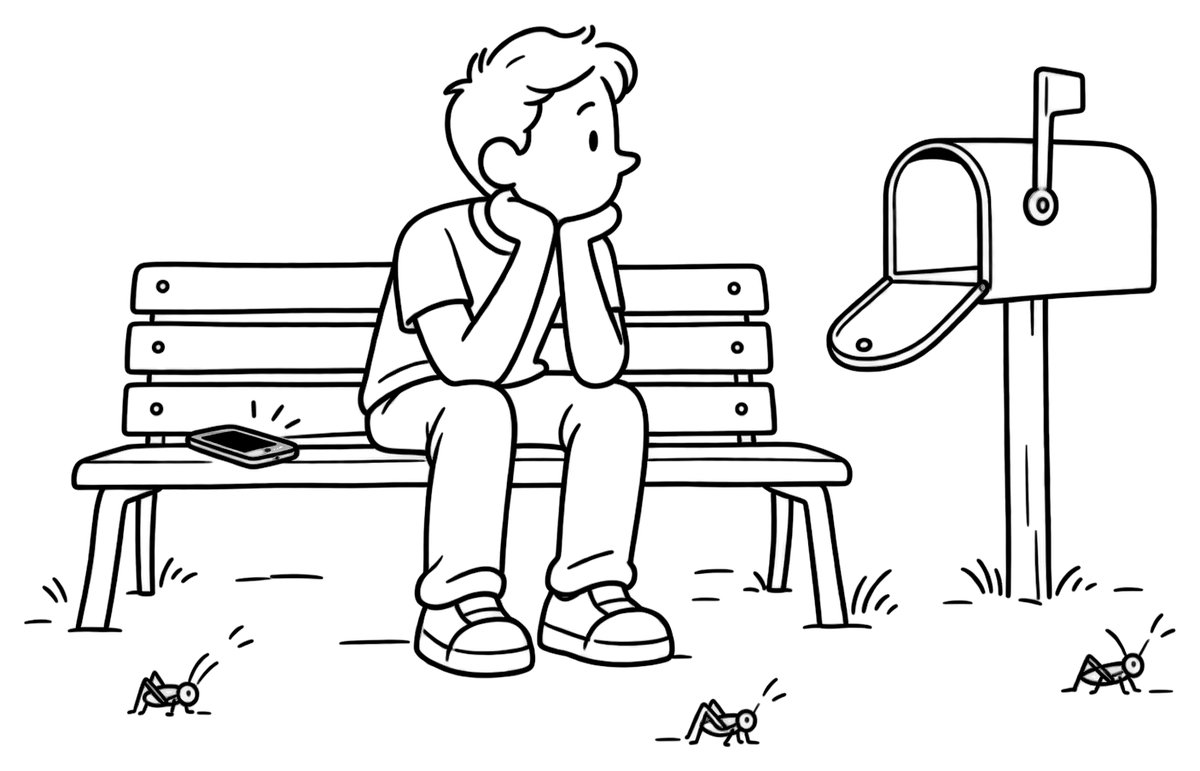
The problem
Lost leads leave no trace
Someone opened your portfolio and left. Were they looking for a skill you have but never listed? With a PDF or a static page, you never find out.
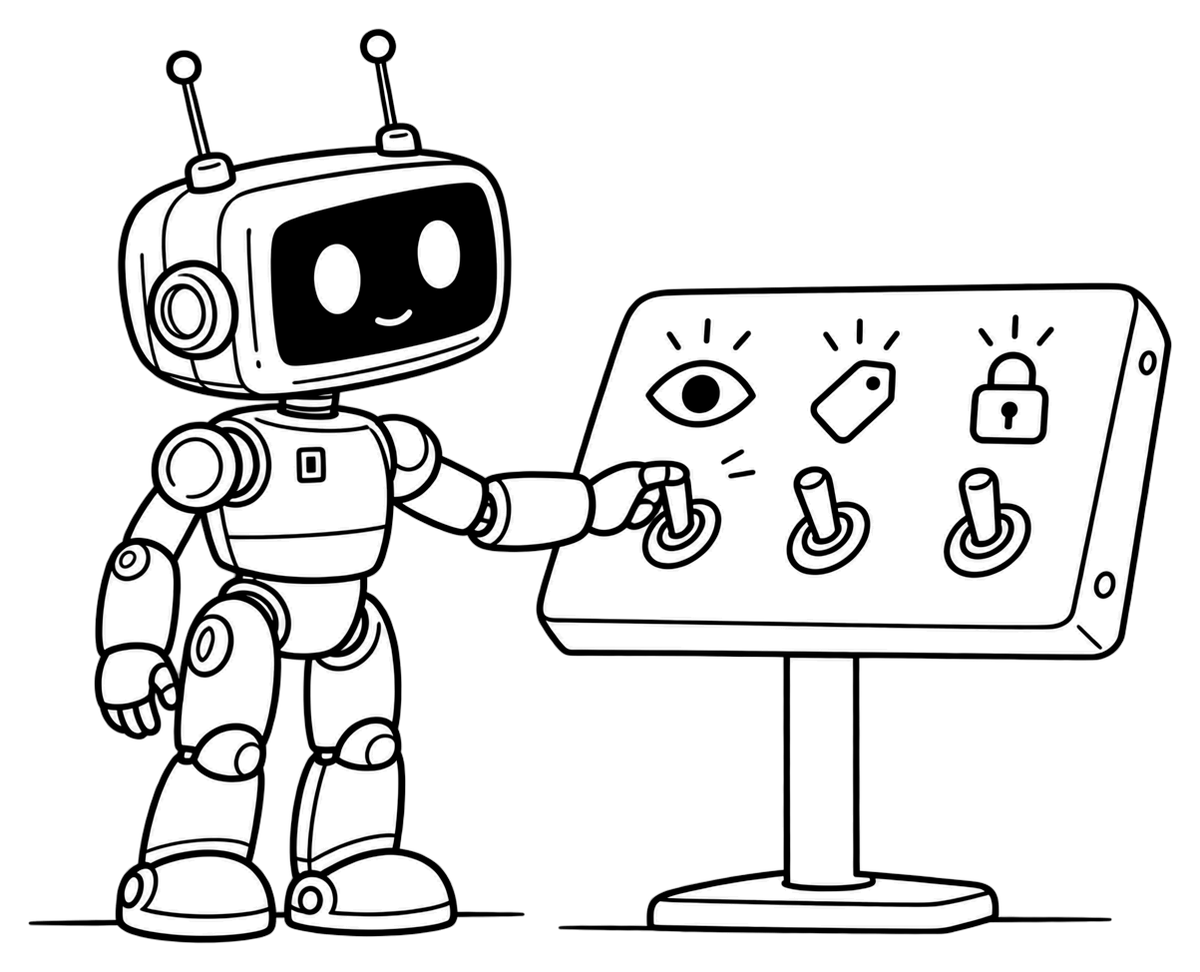
The solution
See what prospects ask
On Standard and Premium, your visitor chat history shows every conversation your twin had. If prospects keep asking about something your CV doesn't cover, add it. Offer more than one service? Keep a separate CV for each — up to 3 on Standard, 10 on Premium — and each gets its own twin page. Between contracts, switch a page off and back on whenever you like.
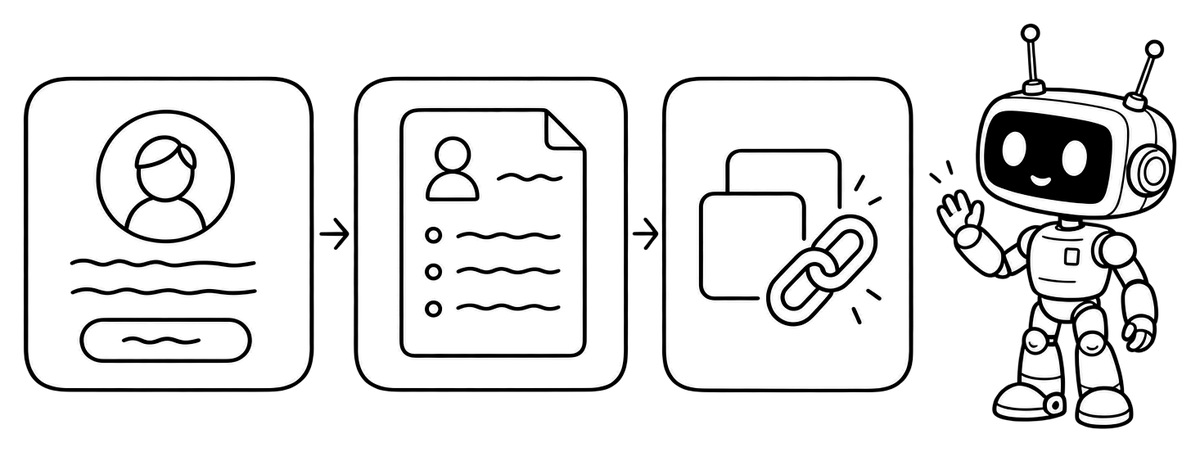
Three steps
How to set yours up
- Start in Quick CV or upload the CV you already have.
- Tell the assistant about each project: the client's field, what you delivered, the tools you used and a link to the result.
- Create your free account and put your link in proposals, profiles and your email signature.
Your twin page is part of every plan. Free includes 5 visitor messages a month; Standard raises that to 500 and adds a custom link and visitor chat history — see pricing.
FAQ
Freelancing with Twin CV

Does the page show my portfolio pieces?
The page is a conversation, not a gallery: visitors see your name, your photo and your twin. Ask the twin about a project and it answers from your CV, including the links you added to your projects. When your plan includes PDF download, a Download CV button appears too.
Will my twin quote my rates?
Only if your CV states them. Your twin answers from your CV alone, so rates, availability or anything else you leave out gets an honest “the CV doesn't say” and a suggestion to contact you. Keep in mind that whatever you add to your CV also appears in its PDF.
How many client questions does my plan cover?
Each question a visitor asks counts as one message: 5 a month on Free, 500 on Standard and 1,000 on Premium, shared by all the CVs in your account. Need more? Packs of 100 messages cost $1 and never expire.
Can I have a CV for each service I offer?
Yes, on Standard (up to 3 CVs) and Premium (up to 10). Start a new CV blank or copy the sections you want from another one; each has its own content, chat and twin page, so every pitch can link to the right one.