
Developer CVs often open with a wall of technologies: Go, Rust, Kubernetes, AWS, React. A reader can't tell whether “Go” means three production services or one weekend tutorial — so the first screening call is spent finding out.
A Developer CV That Answers Back
Your stack, projects and links in one CV — with a twin that answers the technical questions.
Try it now — no sign-up needed

The problem
Twenty logos, zero context
The solution
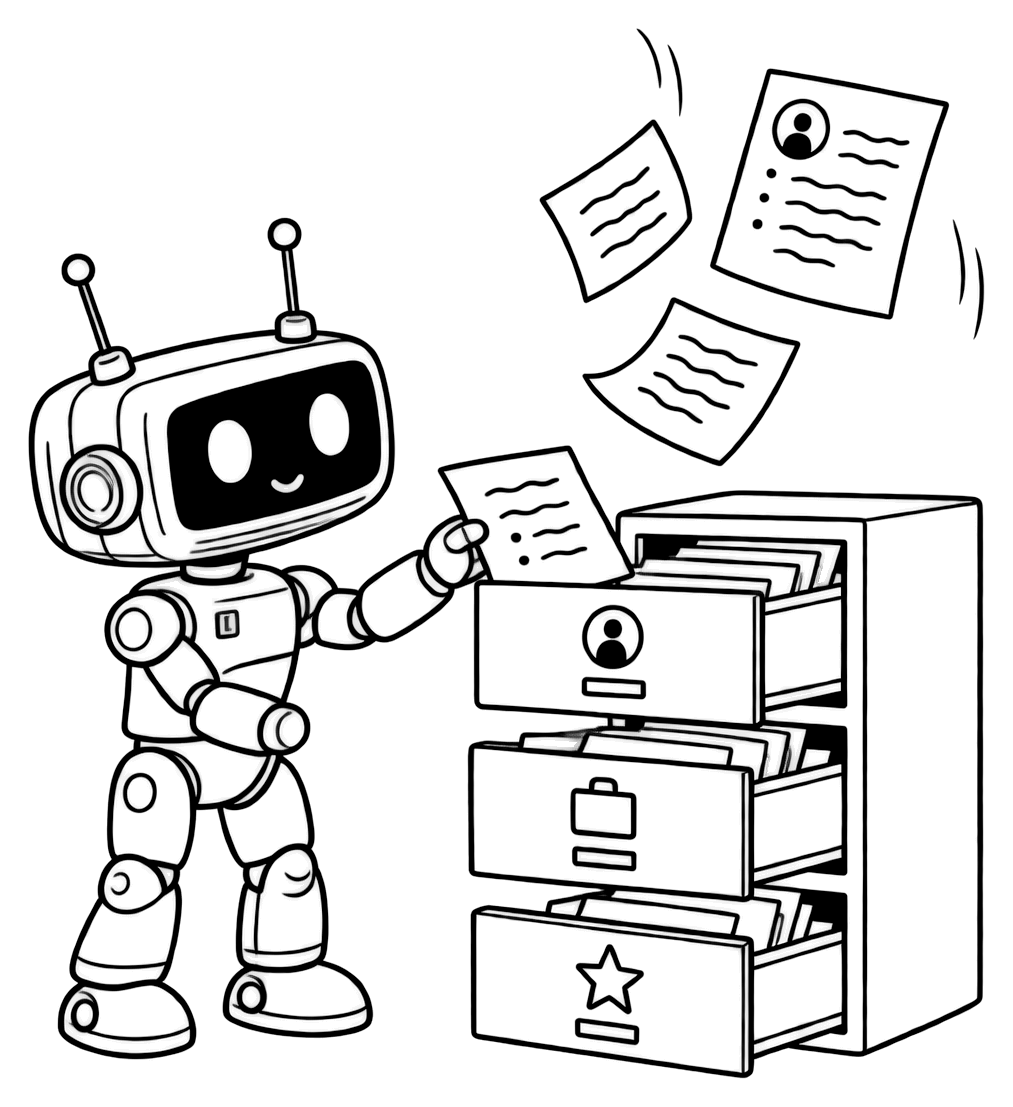
Every skill tied to real work
Tell the assistant what you built and with which stack, role by role. It files each part where it belongs — experience, skills, projects — and asks once for a level on a skill if you haven't given one. It never invents a level: “Go — advanced” appears only if you said it.
- Each project can carry a link to its repository or live demo.
- Your GitHub and LinkedIn go into your profile links.
- Have a CV already? Import it and refine it by chat.
The problem
The recruiter has one question
“How much Go has she actually written?” A recruiter reading your PDF can't ask, so they guess from the keyword list — or move on to a CV that makes it obvious.
The solution
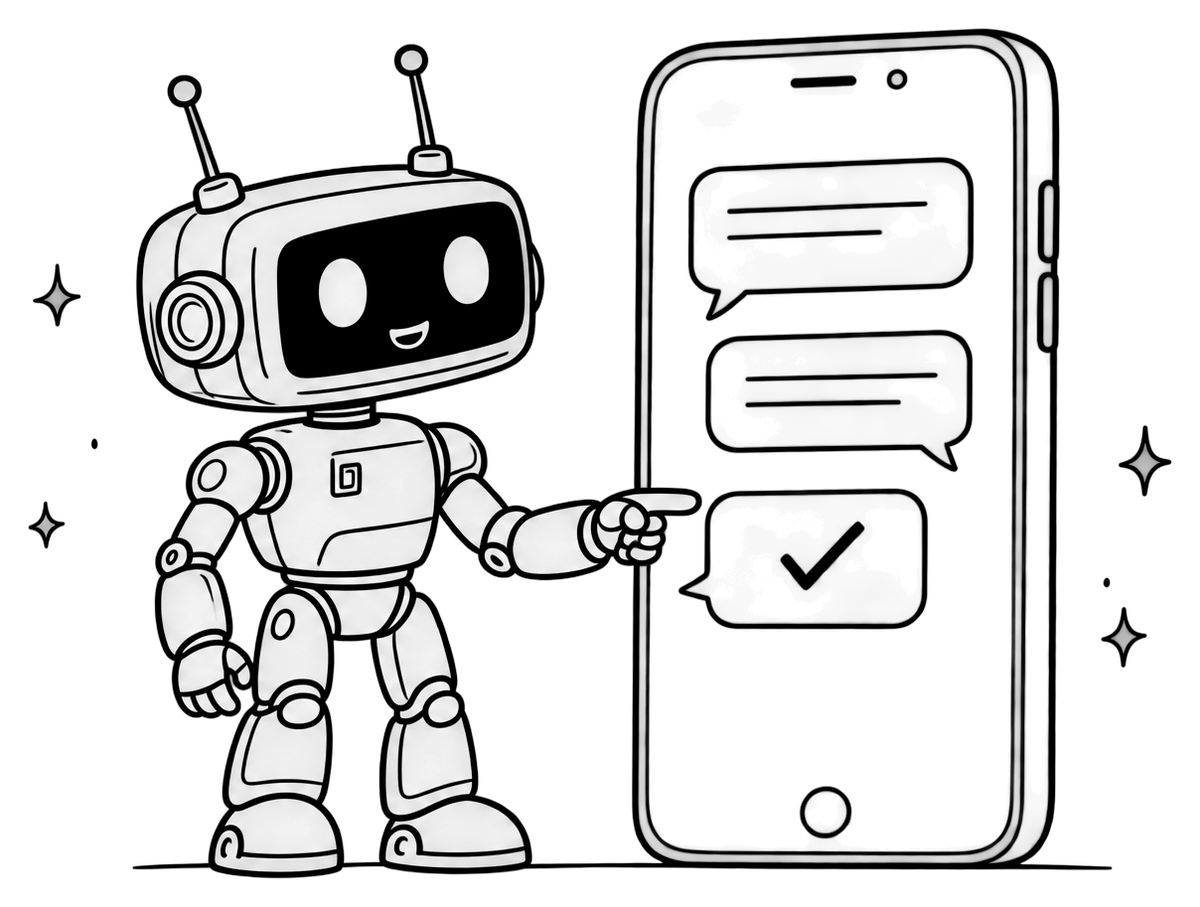
Ask the twin: how much Go?
Your AI twin answers that question from your CV. It names the roles, years and projects where your CV mentions Go and the level you gave it, in the third person — for example: “Deniz has used Go since 2021 at a logistics startup, where she built the payment service, and lists it as advanced.” It doesn't open your GitHub or count commits: when your CV doesn't say, it says so and suggests asking you directly.

The problem
Fancy layouts confuse the portal
Large employers' application portals read your CV into fields. Sidebars, icons and skill bars can come out garbled — and the parsed version is the one that gets searched.
The solution
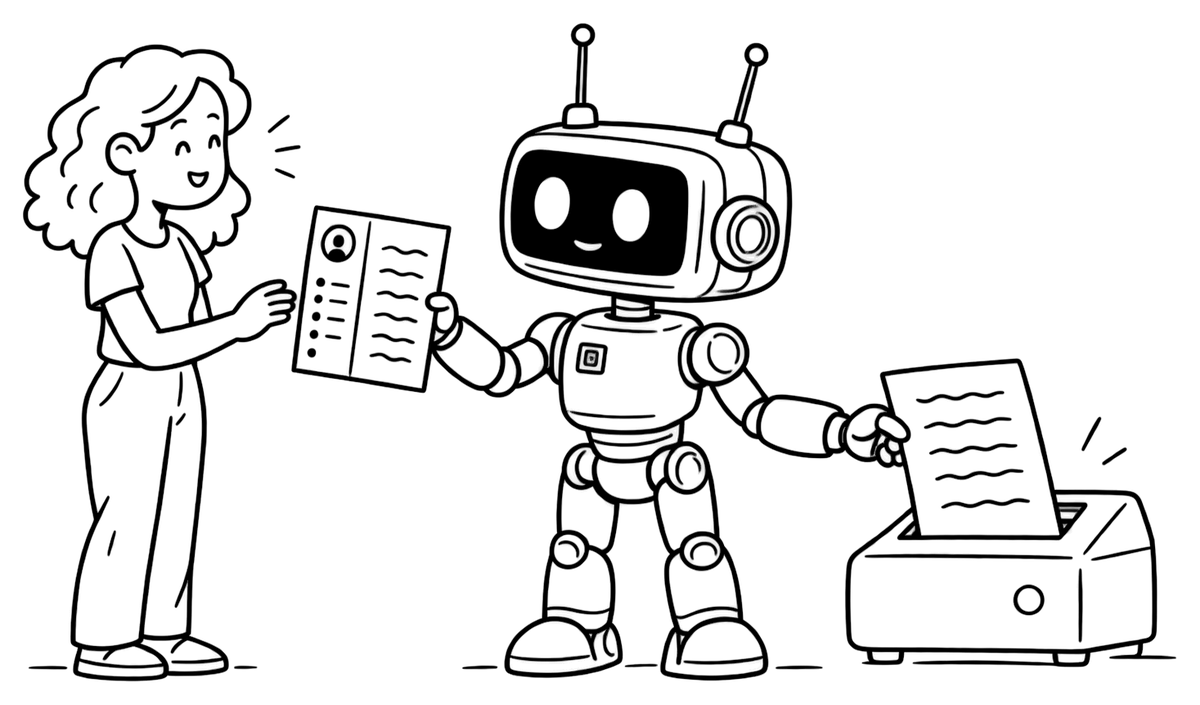
Plain for portals, designed for people
Your content is separate from its design. Download the same CV in Plain ATS — one column of real text — for strict portals, and in one of the 19 designs when a person reads first. In each CV's Options you can hide skill levels, set your own section order (projects first, if they're your strongest card) and add a clickable link to your AI twin.
The PDF download comes with Standard and Premium; the ATS score (Premium) checks the content itself.
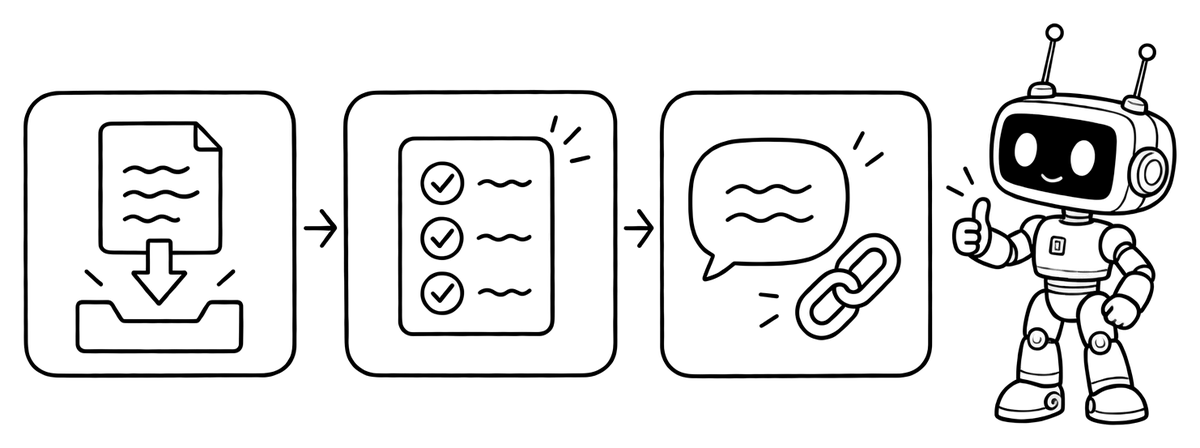
Three steps
How to build yours
- Upload your current CV — PDF, DOCX, TXT or a photo, up to 10 MB — or start from scratch in Quick CV.
- Walk the assistant through each role and project: what you built, the stack, the result, the link.
- Turn on the twin link in your CV's Options, then send the PDF or the link itself.
Building, importing and your twin page are free; the PDF download starts with Standard — see pricing.
FAQ
Questions about developer CVs

Does the twin read my GitHub?
No. It answers only from your CV. Add the repository or demo link to each project and your GitHub to your profile links — the twin can share those links with visitors, but it doesn't open them, so describe in the CV what each project does.
Can I hide skill levels on the PDF?
Yes. Levels are short labels you choose, like “advanced” or “5 years”. Show or hide them for each CV in the designs' Options; your twin still answers from the levels you stated.
Can I keep a backend CV and a platform CV?
Yes: up to 3 CVs on Standard and 10 on Premium. Copy the sections you want into a new CV, reshape it for the role, and each version gets its own twin page. On Premium, the JD matcher shows how each one fits a specific posting.
Can recruiters click through to my twin from the PDF?
Yes. Turn on “Show my AI twin link” in your CV's Options and the PDF carries a clickable link to your twin page. It works while your public page is switched on.