
Eight years as a teacher, now applying for training and onboarding roles in tech — and the CV still reads like a teaching CV. Every line is true, but the reader has to translate it into the new field. Most won't.
A Career-Change CV That Makes Sense
Re-frame what you've already done for the job you want — without inventing a thing.
Try it now — no sign-up needed

The problem
Your CV still tells the old story
The solution
Re-tell it for the new role
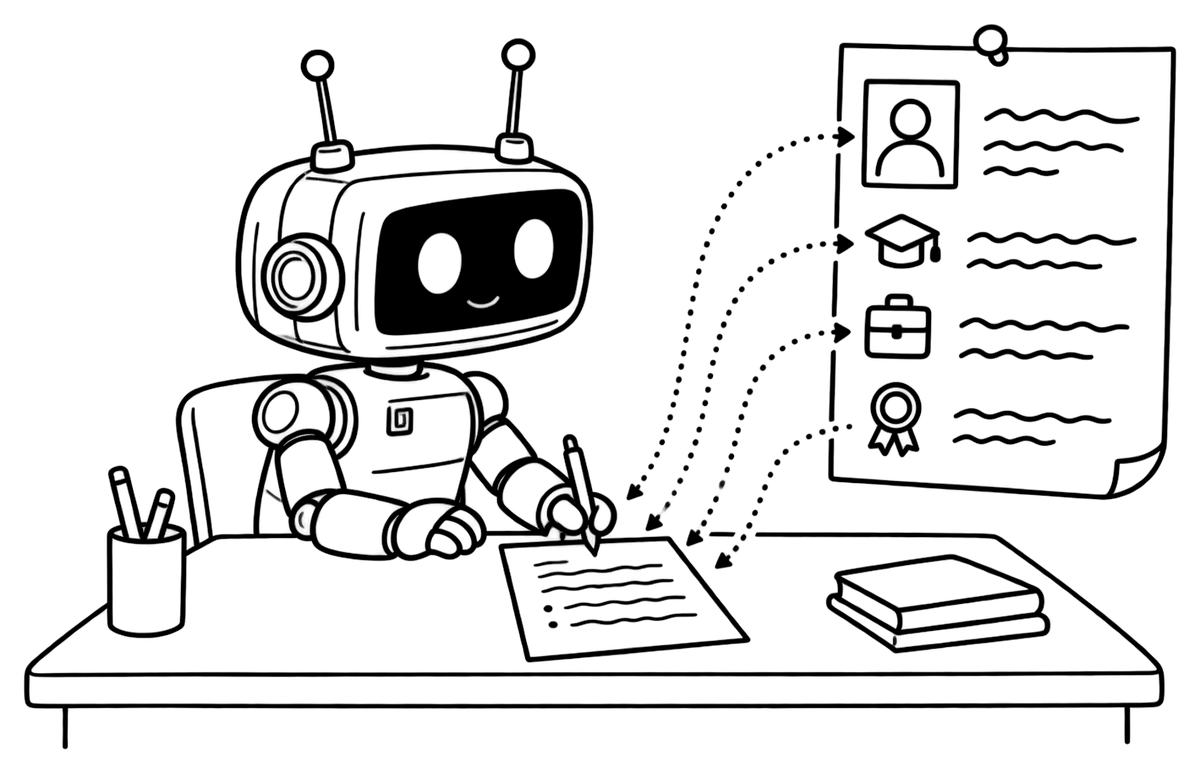
Tell the assistant which role you're aiming for, then ask it to rework your experience lines for that direction. It keeps your facts and changes the framing: planning lessons for 120 students can become designing and running a training programme — but only from what you've told it. Changed your mind? Choose Edit and roll back changes on an earlier message in the chat, and the CV goes back to how it was. How the assistant works.

The problem
Which of your skills count?
“Highlight your transferable skills,” every guide says. But which ones does this employer care about — and how do you put them into words without claiming experience you don't have?
The solution
Check against a real job ad
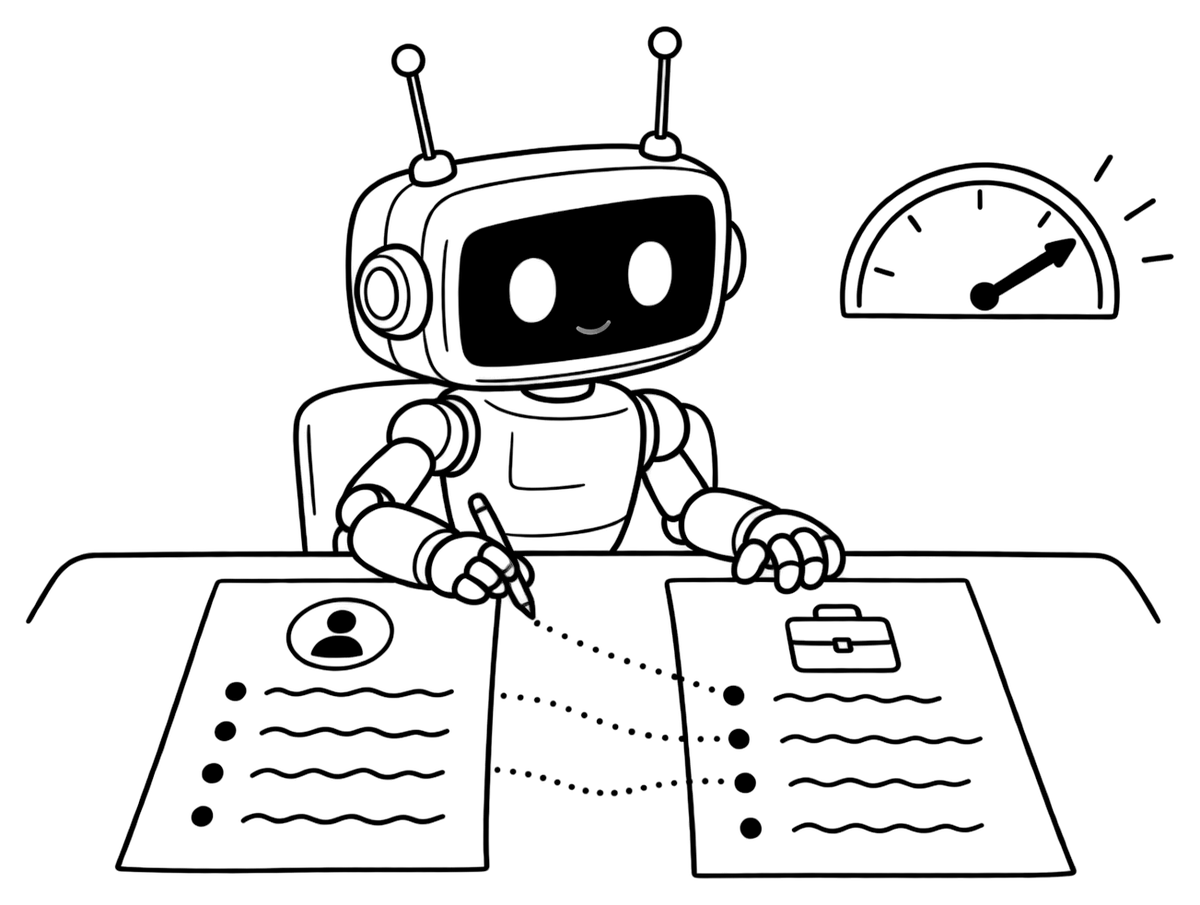
On Premium, paste a job description into the JD matcher. It shows a match score from 0 to 100, the strengths your CV already proves, the gaps, the missing keywords and 2–5 rewrites of your own lines in the posting's language. It never fabricates: missing experience is listed as a gap, not slipped into a rewrite. Nothing changes until you apply a suggestion yourself.
The problem
One CV can't face two ways
While you change direction, you may still apply for jobs in your current field. Bend your only CV toward the new one and it stops working for the old — and files named CV_new_final_v3 are how the wrong one gets sent.
The solution
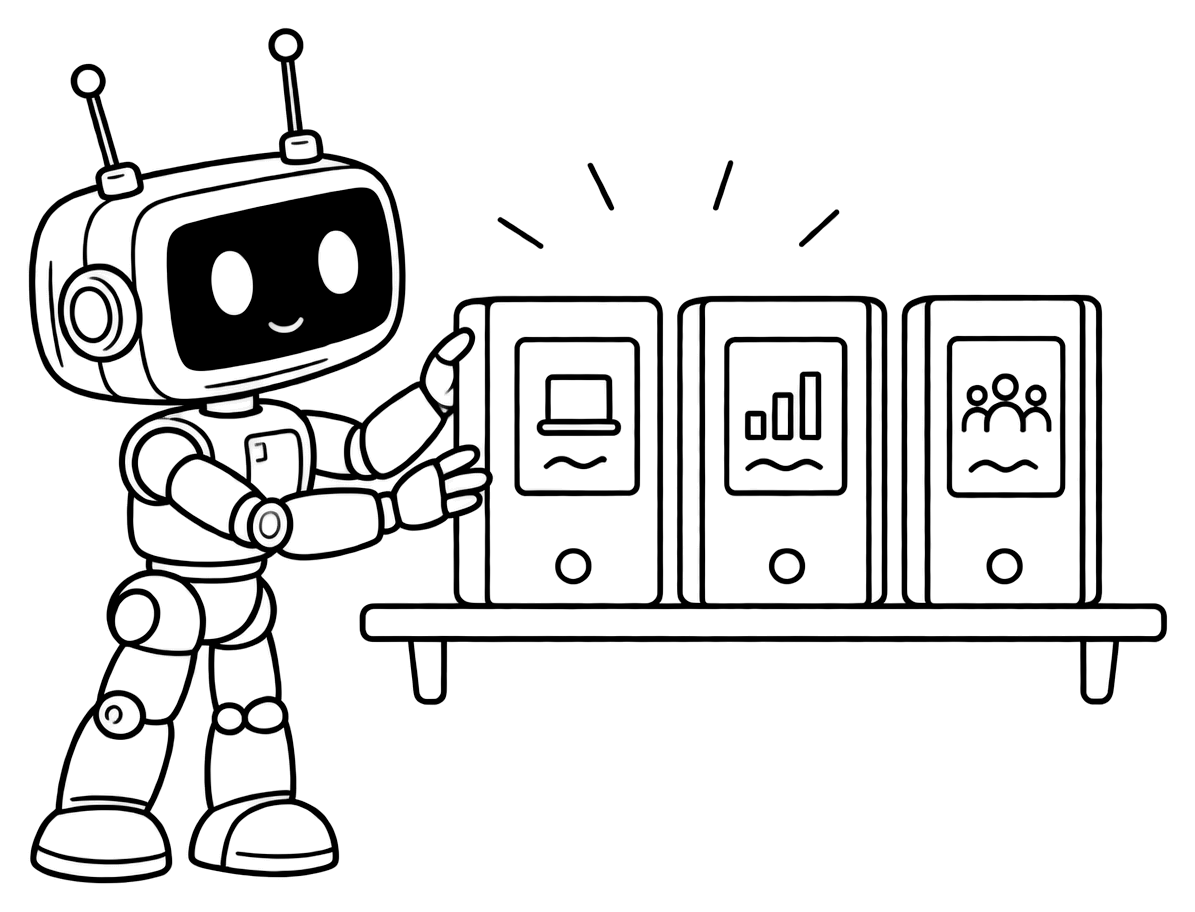
One CV for each direction
Keep separate CVs in one account — up to 3 on Standard, 10 on Premium. Start a new one by copying the sections you want from your current CV; each has its own content, chat, AI-tool history and twin page, so every application links to the right story. For the letter that explains the move, Premium's cover letter tool writes from your CV for one specific job ad.
Three steps
How to start your switch
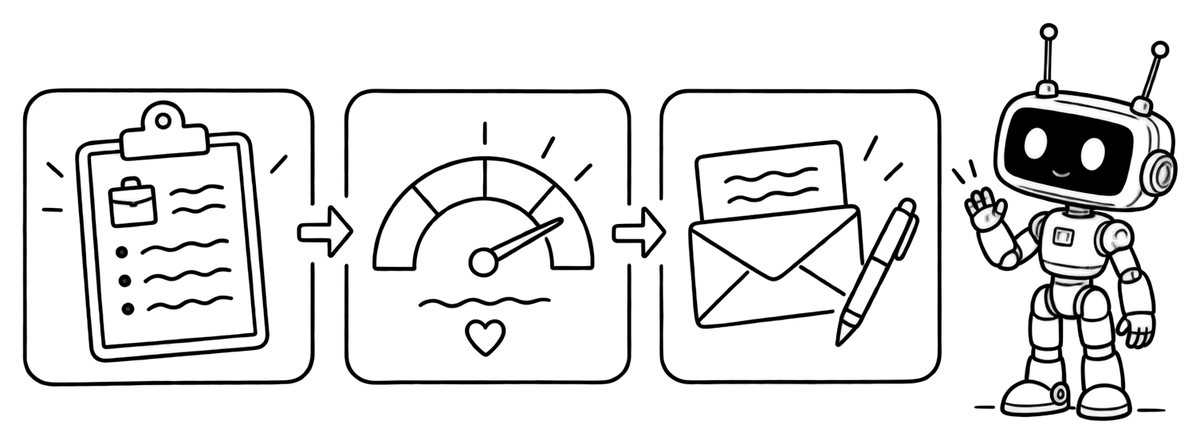
- Import your current CV or start in Quick CV.
- Create a second CV for the new direction, copying the sections you need, and rework it with the assistant.
- Paste a target job ad into the matcher, apply the rewrites you agree with, then write the cover letter for the same posting.
Building and importing are free; extra CVs start with Standard, and the matcher, the ATS score and cover letters come with Premium — see pricing.
FAQ
Questions about changing careers

Can the AI stretch my experience to fit?
No. It re-frames what you really did — different words, a different emphasis — but never adds experience, skills or numbers you didn't give it. If a job asks for something your CV doesn't show, the matcher lists it as a gap, and you decide how to address it.
Which plan do I need?
Re-telling your experience by chat works on every plan, including Free. Keeping a separate CV per direction starts with Standard (3 CVs). The JD matcher, ATS score and cover letters are part of Premium, which also allows 10 CVs — see pricing.
Can my twin explain why I'm switching?
Yes, if your CV says it. Add a line to your About me text — what you're moving toward and why — and your twin answers from it when a recruiter asks. Without it, the twin only knows your past roles, and says so.
Can I lead with skills instead of job history?
Yes. In each CV's design Options you can set your own section order — for example skills and projects before experience. Each design keeps its own layout, so a section that sits in a side column stays there.